

 0
0
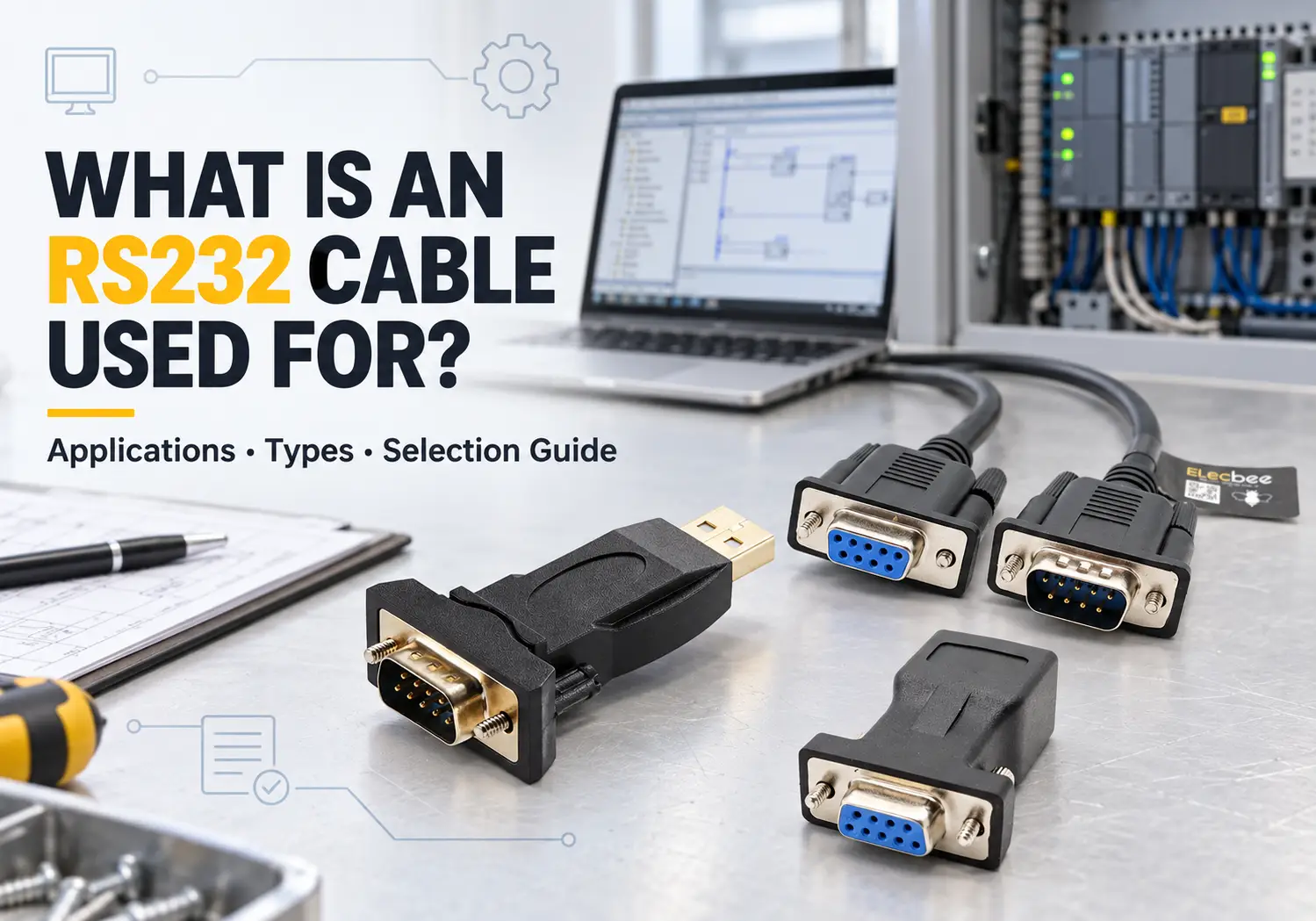
An RS232 cable is used for point-to-point serial communication between two devices. Common examples include connecting a computer to a PLC, CNC machine, motor drive, laboratory instrument, barcode scanner, POS terminal, UPS or network equipment console port.
Although RS232 disappeared from most consumer laptops, it remains common in industrial maintenance, equipment configuration and legacy-system integration. The difficult part is usually not finding a cable that physically fits. It is confirming the signal standard, connector, pinout, wiring method, communication settings and driver support.
This guide explains what an RS232 cable is used for, the most common cable types and the checks you should make before connecting modern computers to serial equipment.
1. What Is an RS232 Cable?
RS232 is an electrical interface standard for serial communication between two devices. It defines signal voltage levels, signal functions and the behavior of data and control lines. It does not define one universal connector, device command set or software protocol.
A typical RS232 link connects data terminal equipment, known as DTE, to data communication equipment, known as DCE. Traditional examples include a computer and modem. Modern applications include a service laptop connected to an industrial controller or a computer connected to a measuring instrument.
RS232 defines signaling, not one connector
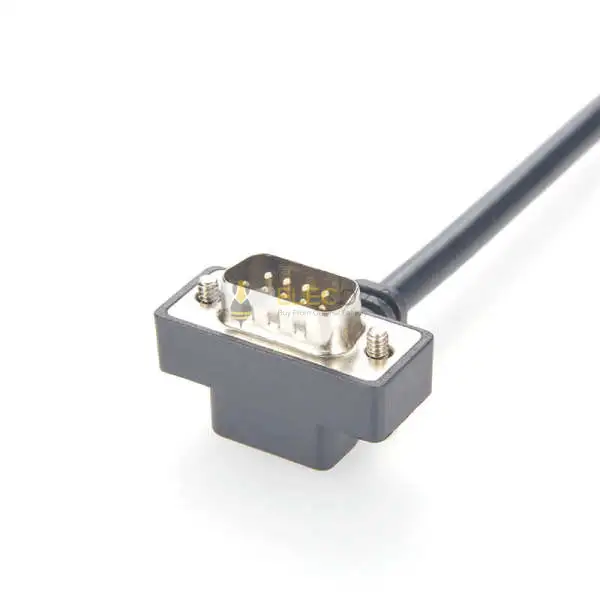
The 9-pin D-sub connector commonly called DB9 is strongly associated with RS232, but the connector and communication standard are not the same thing. Strictly speaking, the 9-pin connector is a DE-9, although DB9 is the more familiar commercial name.
RS232 may be carried through DB9, DB25, RJ45, RJ11, RJ12, Mini-DIN, audio-style connectors, terminal blocks or proprietary connectors. A DB9 connector may also carry RS422, RS485, CAN or a manufacturer-specific signal.
Never identify the communication standard from the connector shape alone. Check the equipment manual, port label and pinout before connecting a cable.
How point-to-point serial communication works
A basic RS232 connection commonly uses three conductors:
- TxD: Transmitted data
- RxD: Received data
- GND: Signal ground
Some equipment also requires RTS, CTS, DTR, DSR or other hardware flow-control lines. This is one reason two cables with the same connectors may behave differently.
RS232 provides the physical communication interface. Settings such as baud rate, data bits, parity, stop bits and flow control must also match at both ends. The equipment may run a manufacturer-specific command format or an application protocol over the RS232 link.
2. What Is an RS232 Cable Used For?
RS232 cables are primarily used to configure, monitor, program or exchange low-rate data with equipment that has a serial interface. They are especially valuable when the connected device is expected to remain installed for many years.
| Application | Typical equipment | Purpose | Common cable |
|---|---|---|---|
| Industrial automation | PLC, HMI, VFD, servo drive, CNC controller | Programming, configuration and diagnostics | DB9, Mini-DIN or device-specific programming cable |
| Network maintenance | Router, switch, firewall and server | Console access and recovery | DB9 or RJ45 console cable |
| Test and measurement | Meter, balance, data logger and analyzer | Data collection and remote control | DB9 or USB to RS232 cable |
| Retail and POS | Barcode scanner, receipt printer, scale and display | Transaction and device data transfer | DB9, RJ11 or RJ12 serial cable |
| Power systems | UPS, power controller and battery monitor | Status monitoring and configuration | DB9 or proprietary serial cable |
| Embedded equipment | Controller, development system and specialized device | Debugging, firmware updates and maintenance | USB converter or custom cable |
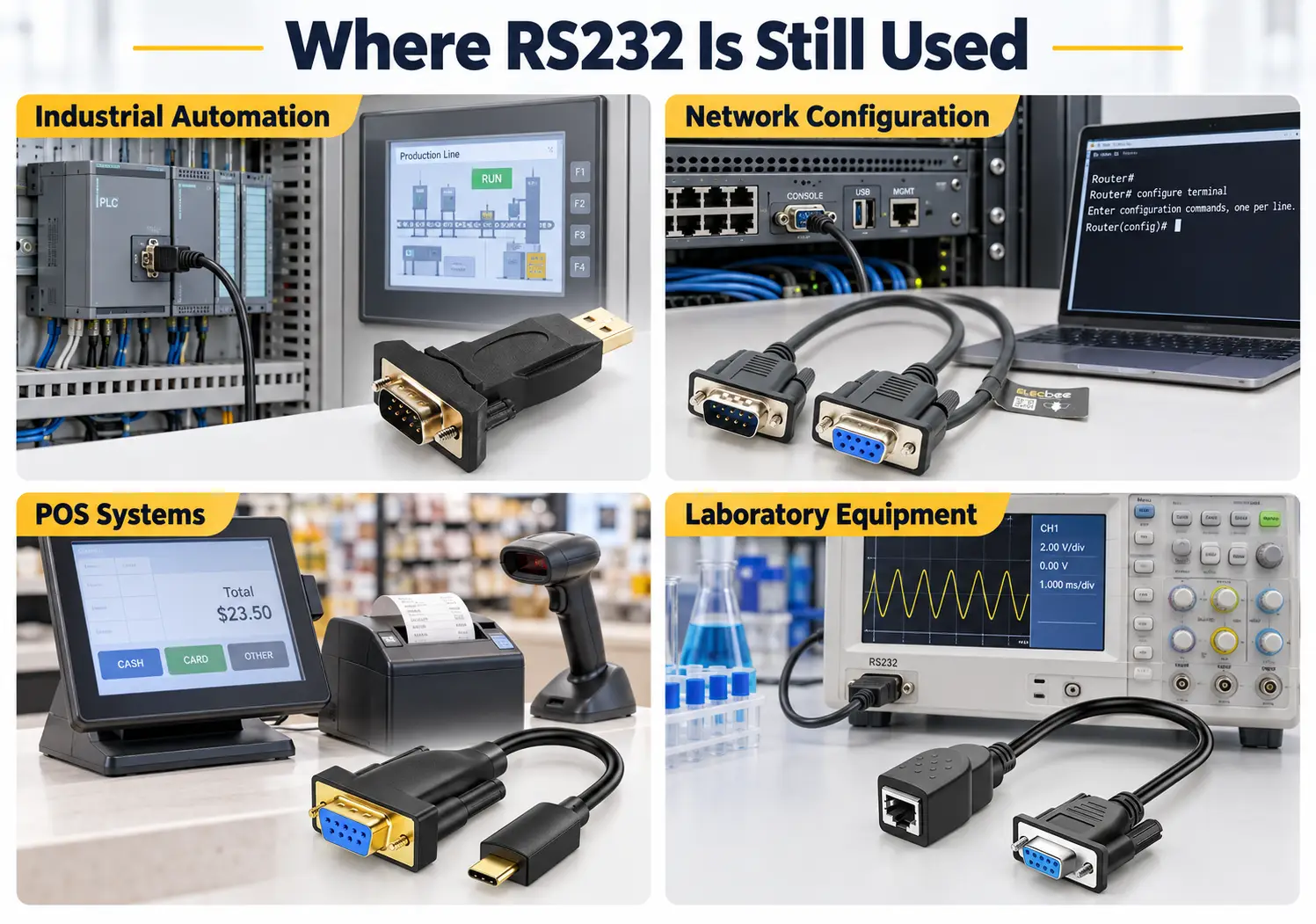
Industrial automation and machine programming
Many PLCs, HMIs, motor drives, CNC controllers and older automation systems use RS232 as a local programming or maintenance interface. A technician may connect a laptop to upload a program, change parameters, retrieve logs or diagnose a machine that cannot communicate through its main network.
A physical DB9 connector does not guarantee a standard PC-style pinout. Mitsubishi, Omron, Schneider and other equipment families may use different connectors, handshaking arrangements or manufacturer-specific wiring. The cable should therefore be selected by both interface type and equipment model.
Network equipment configuration
Routers, switches, firewalls and servers often provide a serial console for initial setup or emergency recovery. This remains useful when the network is unavailable because console access does not depend on the normal Ethernet configuration.
Modern service laptops rarely include a native serial port, so engineers often carry a USB to RS232 adapter, a DB9-to-RJ45 console cable, gender changers and null modem adapters. Drivers should be downloaded and tested before the kit is needed at a remote site.
An RJ45 console connection is not automatically Ethernet. RJ45 describes the connector, while the signals and pin assignment depend on the equipment.
Laboratory, POS and specialized equipment
RS232 remains useful for instruments that exchange small, predictable amounts of data. Examples include balances, multimeters, data loggers, barcode scanners, receipt printers, label printers, customer displays and access-control equipment.
These devices often remain in service much longer than consumer computers. A USB to RS232 adapter allows a newer computer to continue communicating with equipment that was designed around a physical COM port.
Embedded systems and maintenance interfaces
RS232 is also used for diagnostics, firmware updates and maintenance access in specialized equipment. However, embedded boards commonly expose TTL-level UART rather than true RS232 signaling. Although both interfaces may use Tx, Rx and GND, their electrical voltage levels are different.
Connecting an RS232 output directly to a TTL UART input may prevent communication and can damage equipment. Confirm whether the port is RS232, TTL UART, RS422 or RS485 before selecting an adapter.
3. Common RS232 Cable and Adapter Types
| Cable or adapter | Typical purpose | Check before ordering |
|---|---|---|
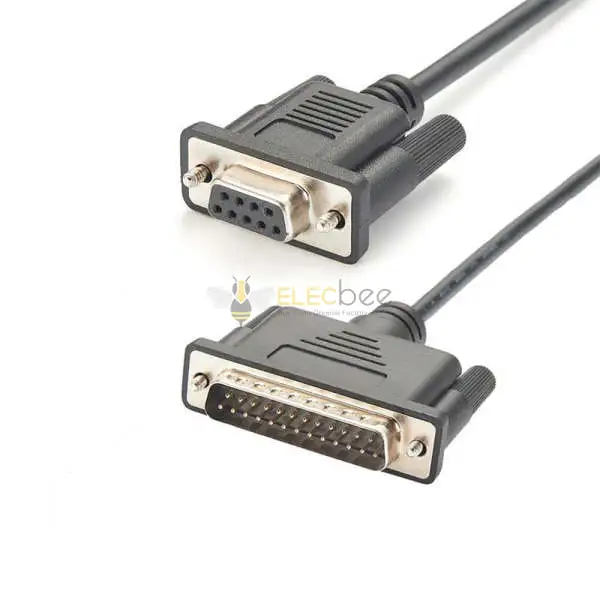
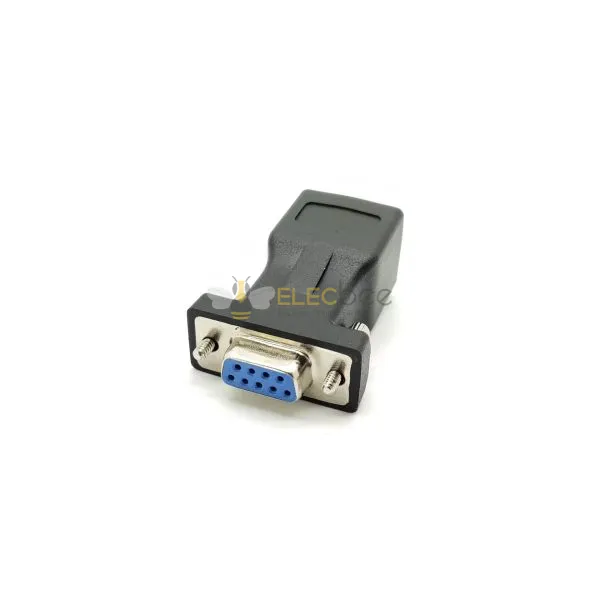
| DB9-to-DB9 cable | Connect or extend serial equipment | Gender, straight-through/null modem wiring and pinout |
| DB9-to-DB25 cable | Connect equipment using different D-sub formats | Serial pin mapping, not connector size alone |
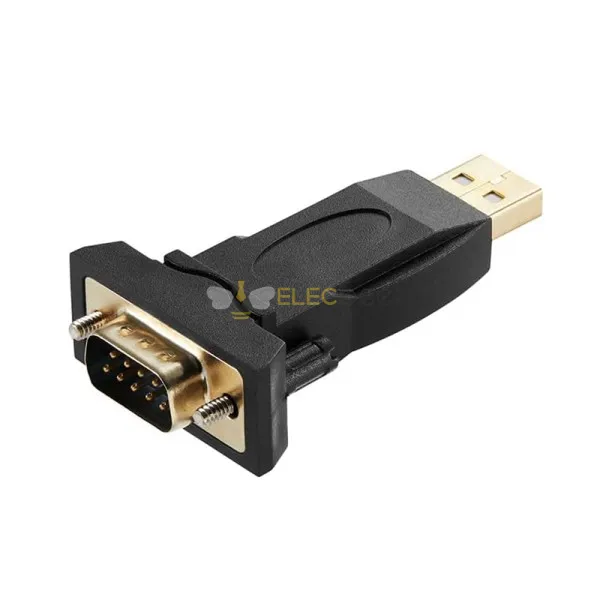
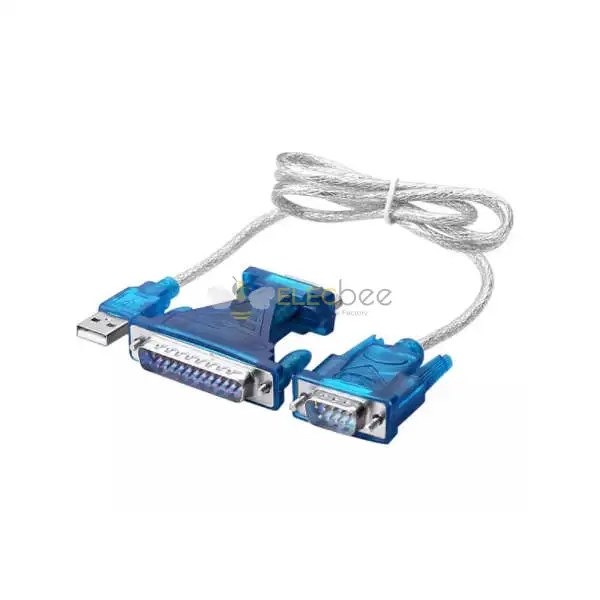
| USB-to-RS232 adapter | Add a serial COM port to a modern computer | Chipset, driver, OS, connector gender and control lines |
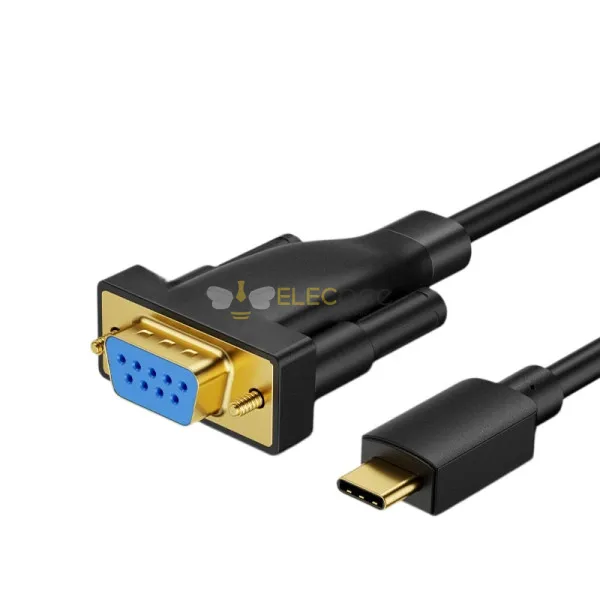
| USB-C-to-RS232 adapter | Connect newer USB-C laptops to serial devices | Native USB-C support and driver compatibility |
| RS232-to-RJ45 adapter | Console access or serial transmission over modular cabling | Device-specific RJ45 pinout; it is not an Ethernet converter |
| Mini USB-to-RS232 cable | Connect equipment using Mini USB-style ports | Port wiring and whether conversion electronics are included |
| Device-specific programming cable | Program a particular PLC, radio, drive or controller | Exact manufacturer, model and software compatibility |
DB9 and DB25 serial cables
DB9 is the most recognizable RS232 connector, while DB25 appears on older computers, modems and specialized equipment. A DB25 connector is not necessarily a parallel port, just as a DB9 connector is not necessarily RS232. Check the device documentation before connecting either format.
For an extension cable, confirm whether every required conductor is wired straight through. A three-wire application may work with TxD, RxD and GND, while another device may require hardware flow-control signals.
USB and USB-C to RS232 adapters
A USB to RS232 cable is an active converter, not a passive connector adapter. USB and RS232 use different electrical signaling, so the cable contains electronics that create a virtual serial port on the computer.
Reddit users repeatedly reported that adapter reliability depends on more than the plug. Common concerns included driver availability, operating-system compatibility, stable operation at higher baud rates, support for older software and the quality of the converter chipset.
FTDI-based adapters were frequently recommended in the supplied discussions, but chipset branding alone does not guarantee suitability. Buyers should verify that the device is genuine, supported by the required operating system and able to provide the signals their equipment needs.
Mini USB, RJ45, RJ11 and Mini-DIN cables
GSC data shows existing visibility for searches such as “mini USB to RS232,” “RS232 to RJ45,” “RS232 to Cat5,” “RS232 DIN” and “RJ12 RS232.” These connectors often appear on industrial controllers, network equipment, retail hardware and programming cables.
They require particular caution because their pin assignments are not universally defined for RS232. Two cables with identical external connectors can use different internal wiring.
Device-specific programming cables
A device-specific cable may combine a USB serial converter with a proprietary connector and pinout. It may also include additional components required by the target device.
Select these cables using the full equipment manufacturer and model number. “USB to RS232” alone is not enough to confirm compatibility with a PLC, drive, radio or robot controller.
4. How to Choose the Right RS232 Cable
- Identify the signal standard. Confirm that the equipment uses true RS232 rather than TTL UART, RS422, RS485, CAN or another interface.
- Check both connectors. Record the connector family, pin count and male or female contact type at each end.
- Find the device pinout. Use the equipment manual to identify TxD, RxD, signal ground and any required control lines.
- Identify DTE and DCE roles. Determine whether the connection needs straight-through or crossed wiring.
- Check communication parameters. Confirm baud rate, data bits, parity, stop bits and flow control.
- Verify adapter compatibility. For USB adapters, check the chipset, operating system, driver and virtual COM-port requirements.
- Review the environment. Consider cable length, shielding, mechanical strain, tight installation space and electromagnetic noise.
- Test before deployment. Install the driver, connect the actual equipment and test every required baud rate and software function.
If a cable is being prepared for emergency recovery, store a tested spare and an offline copy of the correct driver. A converter that works during a basic 9600baud console session may still fail during a higher-rate firmware transfer or with software expecting particular serial-port behavior.
5. Straight-Through vs Null Modem RS232 Cables
Connector gender does not tell you whether an RS232 cable is straight-through or null modem. The difference is the internal signal routing.
| Cable type | Signal routing | Typical connection |
|---|---|---|
| Straight-through | Pins generally connect to the corresponding pins | DTE to DCE or serial extension, subject to device pinout |
| Null modem | Transmit and receive signals are crossed; control lines may also be crossed | DTE to DTE, such as two computers or certain controllers |
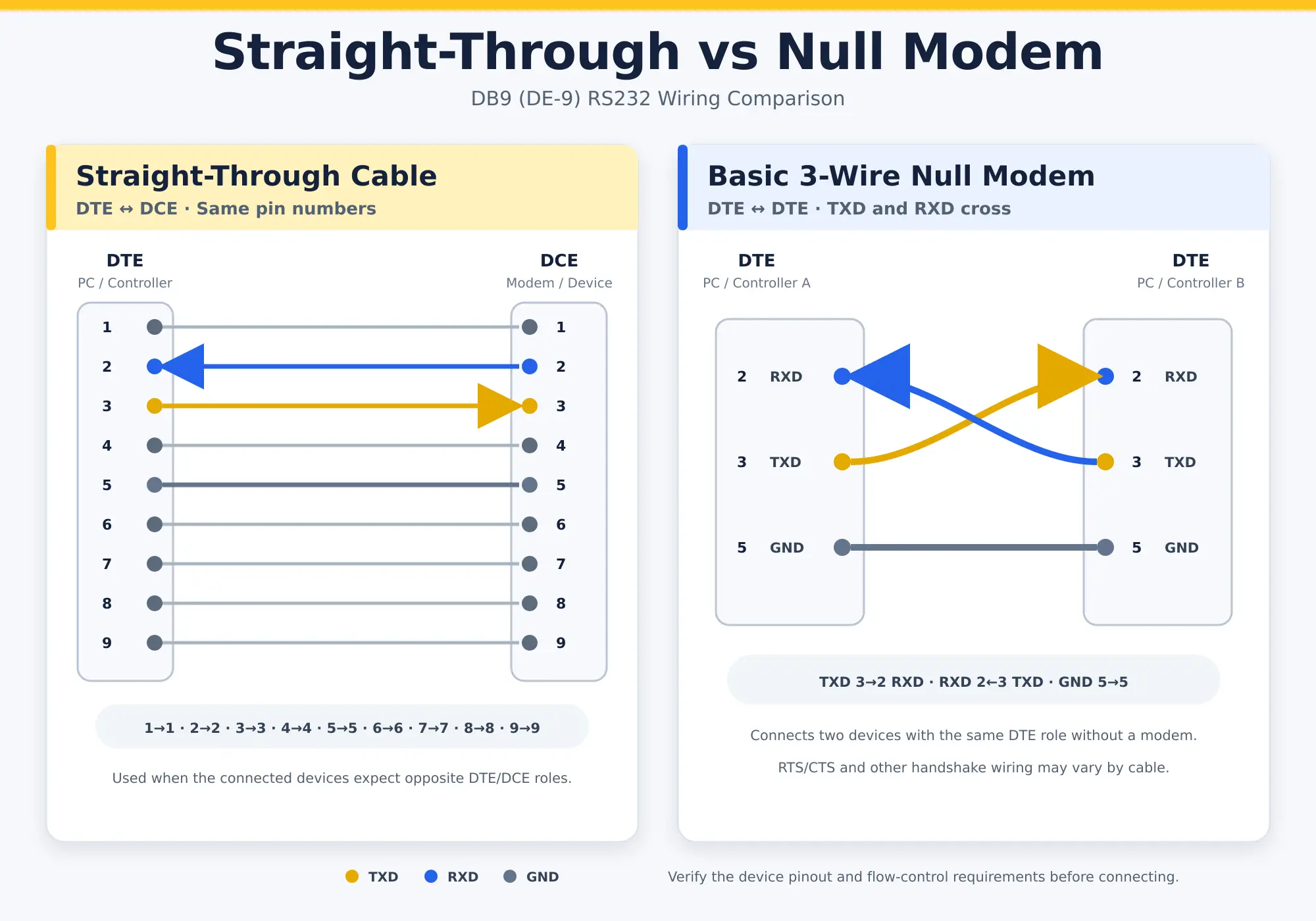
DTE and DCE connections
In a traditional DTE-to-DCE connection, the device roles arrange the transmit and receive signals so that a straight-through cable can connect them correctly. When two devices have the same role, a null modem cable may be required.
Modern industrial products do not always follow traditional connector-gender conventions. The manual and pinout should take priority over assumptions based on male or female connectors.
When TxD and RxD must be crossed
If both devices transmit on the same corresponding conductor and listen on another, they cannot exchange data until TxD from one side reaches RxD on the other. A null modem cable performs this crossover.
Do not blindly swap wires while equipment is powered. First identify the electrical standard and signal assignment. If hardware flow control is enabled, crossing only TxD and RxD may still be insufficient.
6. Common RS232 Connection Problems
| Symptom | Likely cause | What to check |
|---|---|---|
| No data in either direction | Wrong interface, pinout or cable type | RS232/TTL/RS422/RS485, TxD, RxD, GND and null modem requirement |
| Unreadable characters | Communication-setting mismatch | Baud rate, data bits, parity and stop bits |
| Works briefly, then stops | Driver, adapter stability or flow control | Driver version, power management, RTS/CTS and sustained transfer |
| Works at 9600 but fails at 115200 | Converter quality, timing or signal integrity | Rated baud rate, actual hardware test and cable length |
| COM port does not appear | Missing or incompatible USB driver | Chipset, operating system, device manager and cable authenticity |
| Communication works with one cable only | Different internal wiring or supported signals | Continuity map, handshaking lines and manufacturer pinout |
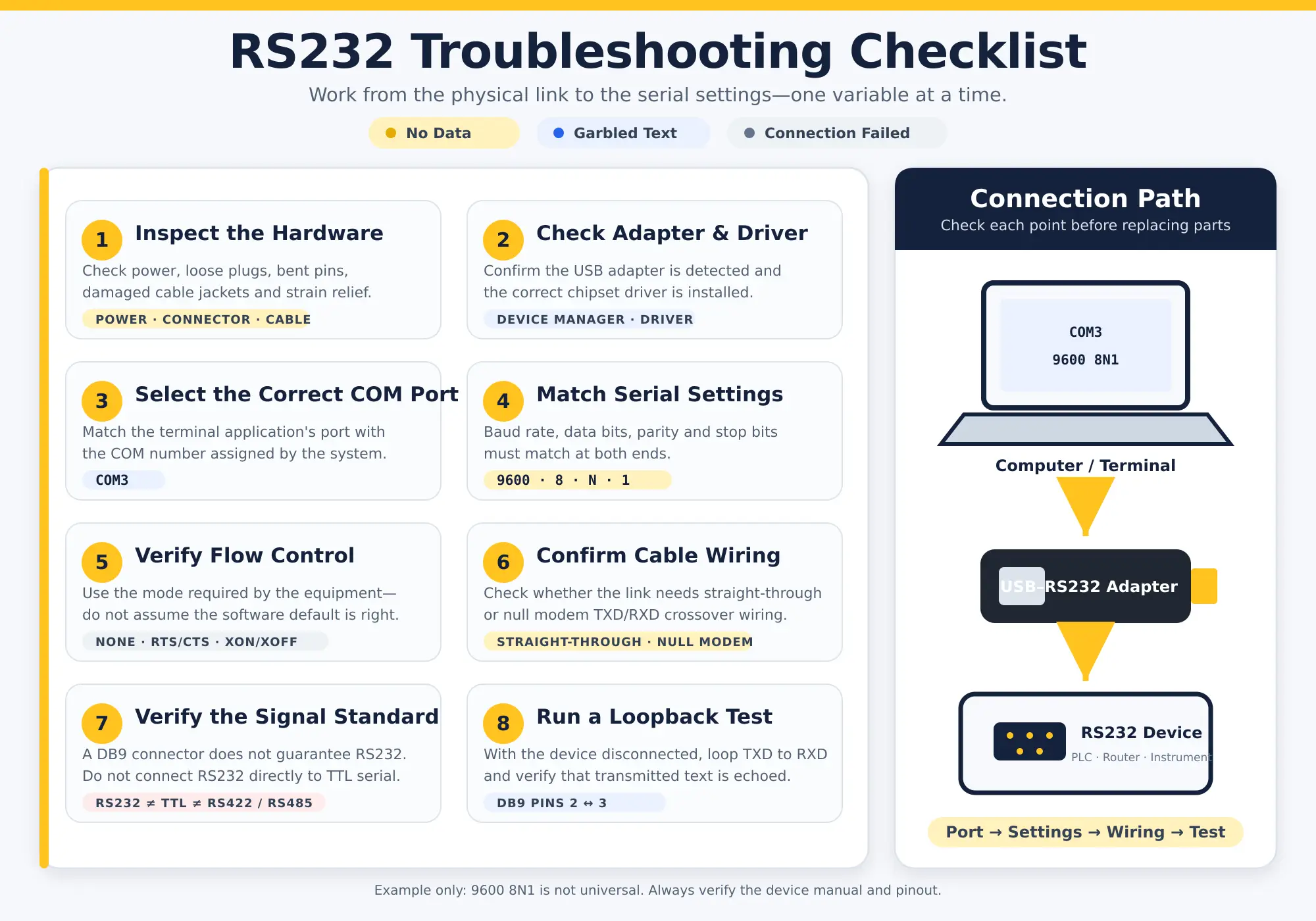
RS232 confused with TTL, RS422 or RS485
One of the most important lessons from real user discussions is that “serial” does not identify the electrical interface. USB-to-TTL and USB-to-RS232 cables may look similar but produce different signal levels. RS422 and RS485 use differential signaling, while RS232 uses single-ended signaling.
An adapter should explicitly state the output interface. Do not choose it only because it has USB on one end and Tx/Rx wires or a D-sub connector on the other.
Wrong pinout, baud rate or flow control
RS232 does not automatically negotiate communication settings. If a device is actively transmitting, an oscilloscope or logic analyzer may help estimate its baud rate and signal behavior. If the device waits silently for a command, the manual or manufacturer documentation is usually the safest source.
Both devices must agree on settings such as 9600-8-N-1, which represents 9600baud, 8data bits, no parity and 1stop bit. The correct settings vary by equipment.
Shield termination can also depend on the equipment design and site grounding system. Conflicting general advice should not override the manufacturer’s wiring diagram.
USB adapter and driver failures
A USB serial adapter may fail because of an unsupported chipset, missing driver, counterfeit component, power-management behavior or incompatibility with older software. Some legacy applications expect behavior associated with a physical UART and may not work correctly with every virtual COM port.
For field service or firmware updates, test the complete combination of computer, operating system, driver, adapter, cable, software and target equipment before deployment.
7. RS232 Cable FAQs
Is RS232 still used today?
Yes. RS232 remains common in industrial automation, machine maintenance, laboratory instruments, POS equipment, network consoles, UPS systems and specialized devices. Its continued use is largely driven by installed equipment that remains functional for many years.
Is DB9 always RS232?
No. DB9 describes a connector format, not the electrical signal or protocol. A DB9 port may carry RS232, RS422, RS485, CAN or a proprietary interface. Always verify the port label and equipment manual.
Can RS232 connect directly to USB?
No passive wire connection can convert standard USB signaling into RS232. A USB to RS232 adapter contains conversion electronics and normally creates a virtual COM port through a driver.
Is a USB-to-TTL cable the same as a USB-to-RS232 cable?
No. TTL UART and RS232 use different electrical levels. A USB-to-TTL cable should not be substituted for a USB-to-RS232 adapter unless the target equipment specifically requires TTL UART.
How long can an RS232 cable be?
Reliable length depends on baud rate, cable capacitance, electrical noise, driver performance and receiver characteristics. The traditional conservative recommendation is approximately 15m at standard operating conditions, but shorter runs are preferable in noisy environments or at higher baud rates. Test the complete installation instead of assuming one maximum distance applies to every system.
Does an RS232-to-RJ45 adapter convert serial data to Ethernet?
Not necessarily. Many DB9-to-RJ45 adapters only map serial conductors to an RJ45 connector or twisted-pair cable. They do not convert RS232 into Ethernet or TCP/IP. A true serial device server contains active electronics and network configuration.
Why does my RS232 cable fit but not communicate?
The connector may fit even when the electrical standard, pinout, wiring direction or communication parameters are wrong. Check the signal type, TxD/RxD/GND assignment, straight-through or null modem requirement, baud rate, parity, stop bits and flow control.
Related Guides
- RS232 vs RS485 vs RS422: Key Differences in Distance, Speed and Wiring
- RS232 DB9 Male to RJ45 Female Adapter: Expert Review and Recommendation