

 0
0
USB Type-C connectors have become the new standard for modern electronic devices. From smartphones and laptops to industrial and medical equipment, USB-C is widely adopted thanks to its compact design, high data transfer speed, and powerful charging capability.
However, many users still assume that all USB Type-C connectors are the same—which is one of the most common and costly mistakes. In this guide, we explain the key differences, safety considerations, and how to choose the right USB Type-C connector for your application.
1.What Is a USB Type-C Connector?
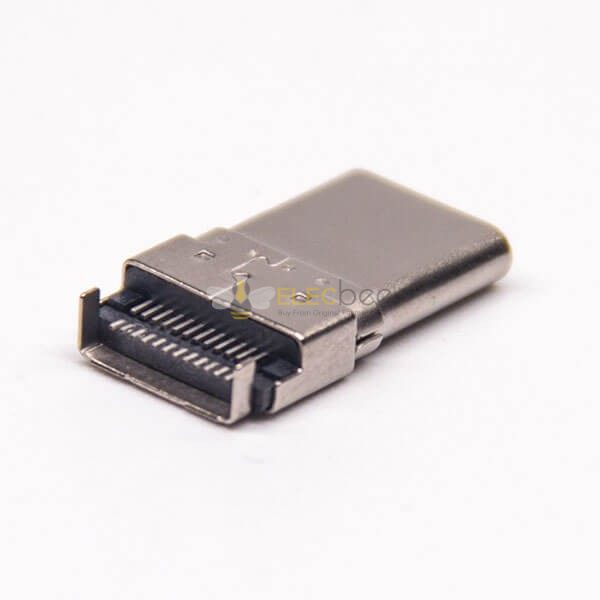
A USB Type-C connector is a 24-pin, reversible connector standard defined by USB-IF. Unlike older USB-A or USB-B connectors, USB-C supports multiple protocols through a single interface, including:
• USB 2.0 / 3.2 / USB4 data transfer
• Power Delivery (PD) charging
• DisplayPort / HDMI Alt Mode
• Thunderbolt (on compatible devices)
The connector itself looks the same, but its internal wiring and supported functions may vary significantly.
2.Are All USB Type-C Connectors the Same?
No. This is the most important point to understand.
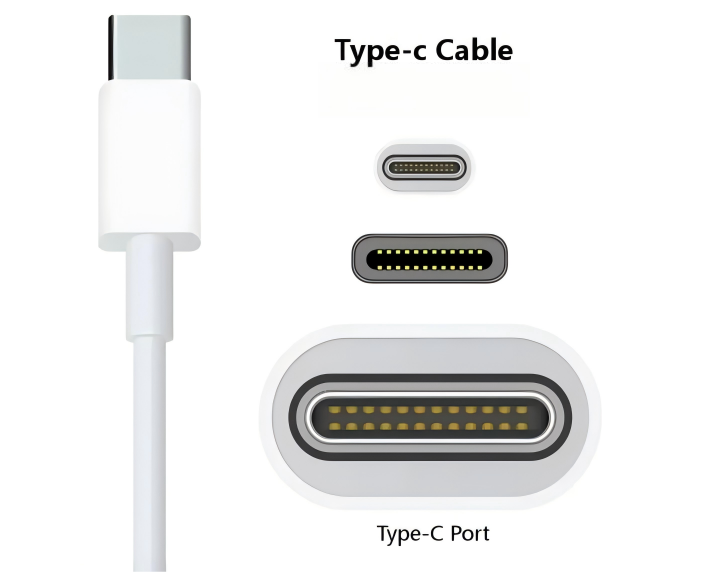
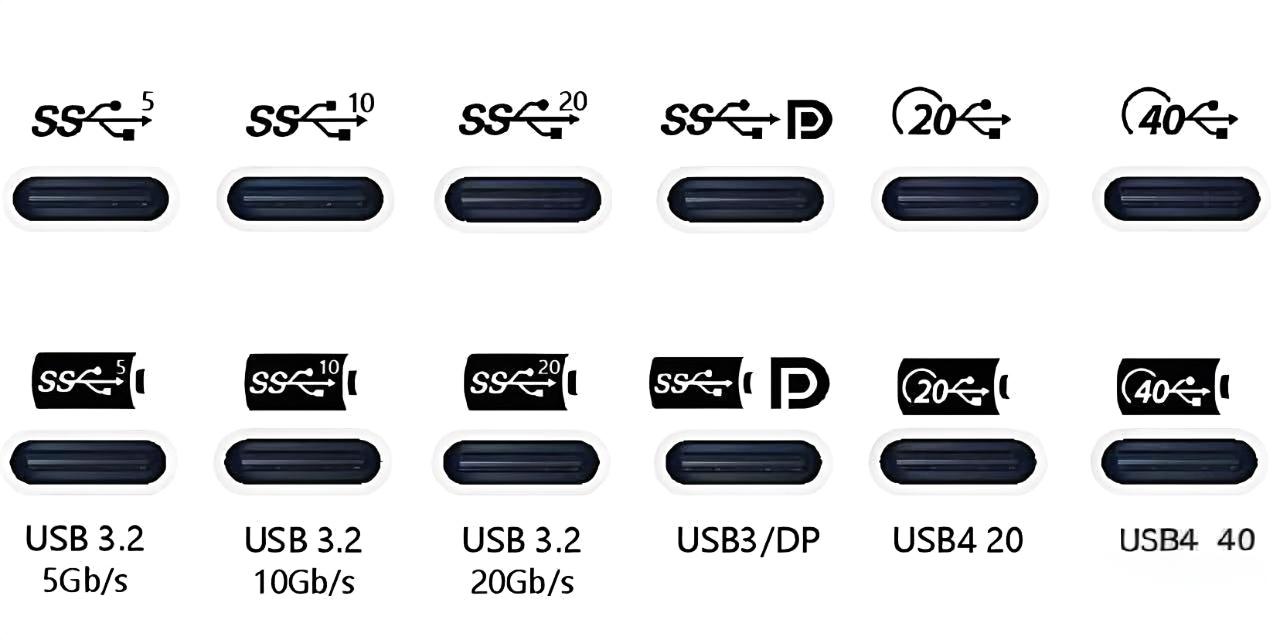
Two USB-C connectors may look identical but differ in:
• Supported data speed
• Power delivery capability
• Video output support
• Internal pin configuration
Many USB-C connectors on the market are designed only for charging or USB 2.0 data, which is sufficient for basic use but unsuitable for high-speed data or video transmission.
3.USB Type-C Power Delivery and Safety Risks
USB Type-C supports USB Power Delivery (PD), allowing devices to negotiate voltage and current levels dynamically—up to 100W or even 240W (PD 3.1).
However, improper cables or connectors can cause serious problems:
• Overcurrent damage
• Port failure
• Device overheating
High-quality USB-C connectors include proper pull-up / pull-down resistors and comply with USB-IF electrical specifications. Low-cost, non-compliant products may lack these protections.
👉 Always choose USB-C connectors and cables from reliable manufacturers with clear specifications.
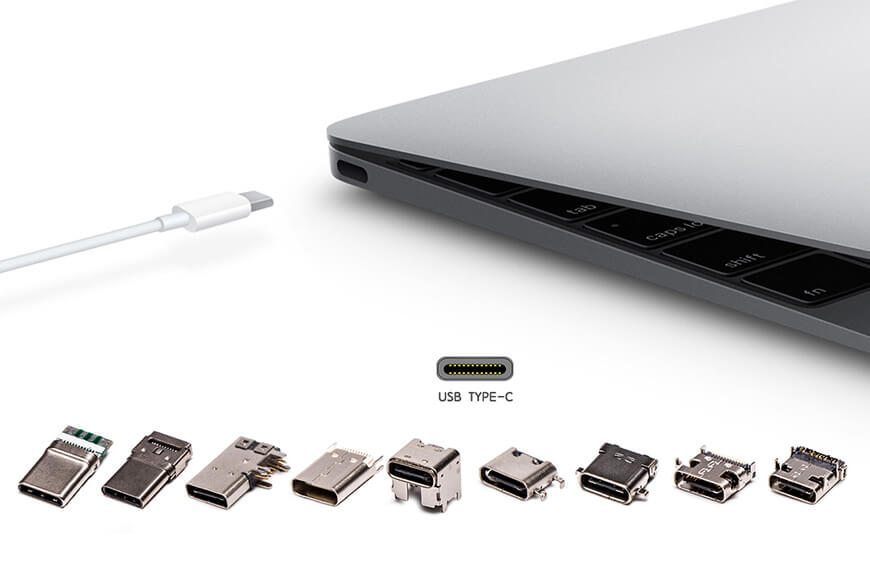
4.USB-C Connector vs USB-C Cable: What’s the Difference?
This is another common source of confusion.
|
Component |
Function |
|
USB-C Connector |
The physical interface (male or female) |
|
USB-C Cable |
Determines power, data, and video capability |
|
USB-C Port |
Defines what the device actually supports |
5.Common Compatibility Problems with USB Type-C
• Device supports video, but connector or cable does not
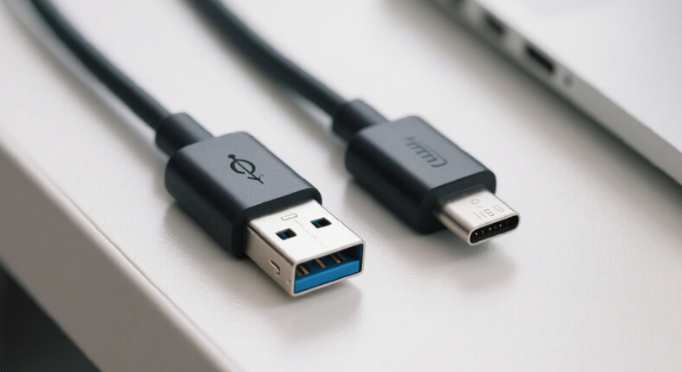
• USB-C to USB-A cables causing power negotiation issues
• Dongles required for Ethernet, HDMI, or legacy USB devices
These issues are common in laptops with only USB-C ports, such as modern ultrabooks.
6.How to Choose the Right USB Type-C Connector
• Required power rating (e.g. 60W, 100W)
• Data speed requirement (USB 2.0 vs USB 3.x)
• Video or Alt Mode support
• Mounting type (DIP, SMT, through-hole)
• Application environment (consumer, industrial, medical)
For OEM or industrial projects, custom USB Type-C connectors may be the best solution to ensure performance and reliability.

7.FAQ About USB Type-C Connectors
8.Final Thoughts
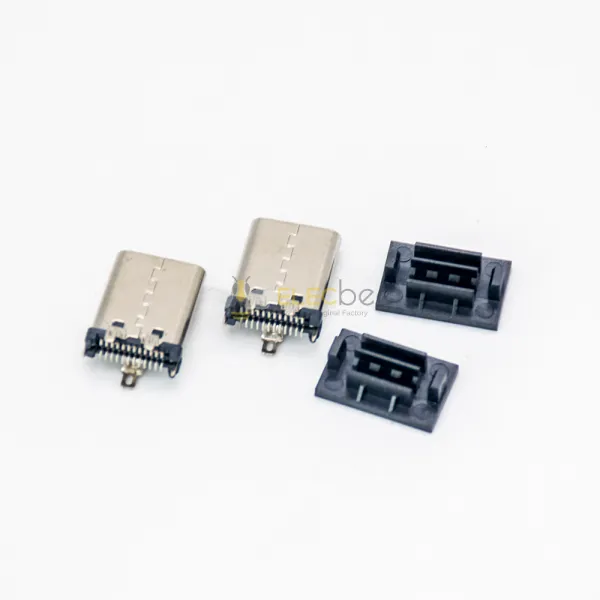
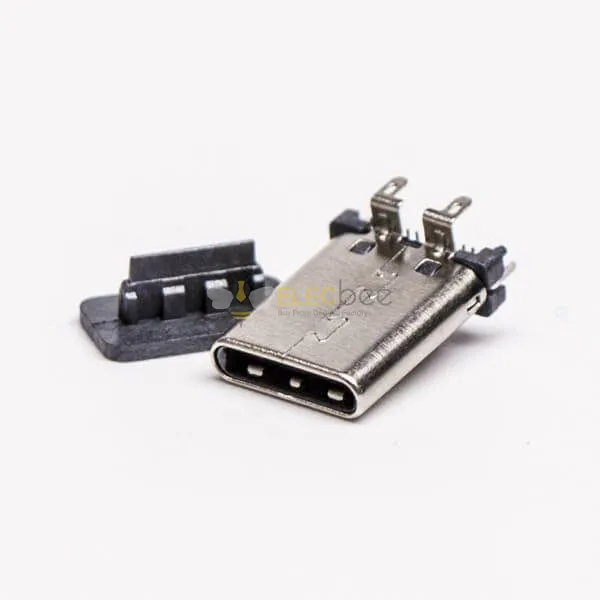
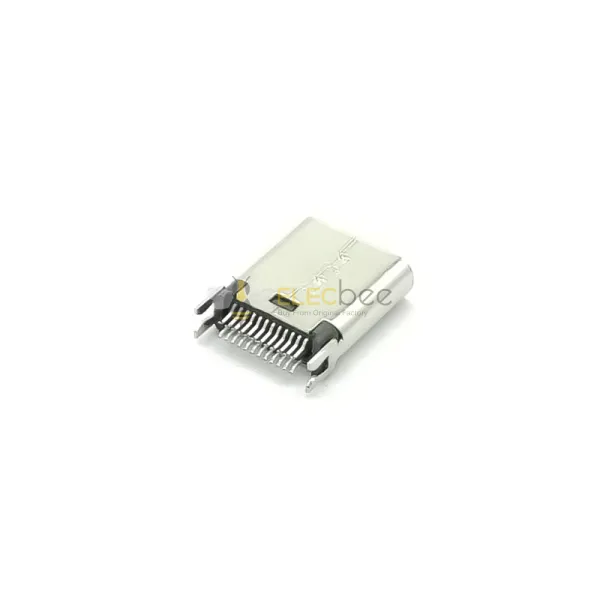
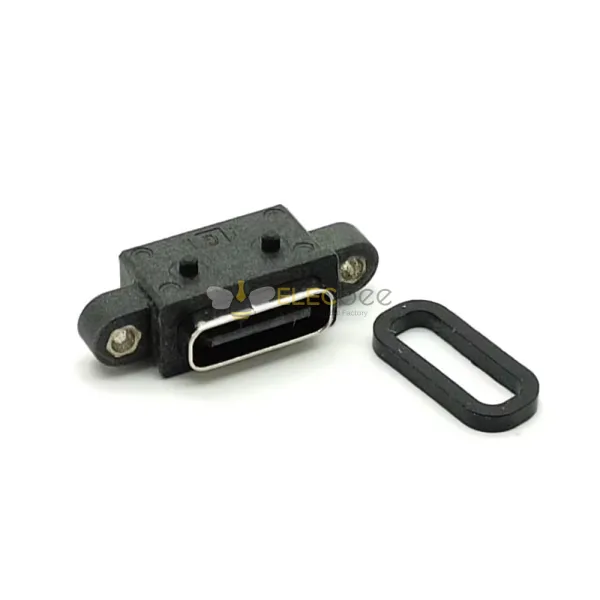
At Elecbee, we offer a wide range of USB Type-C connectors, including male and female types, DIP and through-hole designs, as well as customized solutions with strict quality control.
If you have questions about selecting the right USB-C connector, feel free to contact us.