

 0
0
If you’ve spent any time in hacking, maker or cyber-security circles, you’ve probably seen a deauther watch: a chunky, retro-looking “smartwatch” that promises to kick devices off WiFi networks and scan the air for signals.
But what is a deauther watch really good for? Is it just a toy for script-kiddies, or can it be a useful WiFi security testing tool? And how does it compare to alternatives like an ESP8266 development board or a multi-tool such as the Flipper Zero with a WiFi add-on?
This guide breaks down what a deauther watch actually is, what real users say after building and using them, the technical and legal limitations, and how to choose the right hardware if you want to test your own WiFi network safely.
1. What Is a Deauther Watch?
1.1 ESP8266 Deauther Watch in Plain English
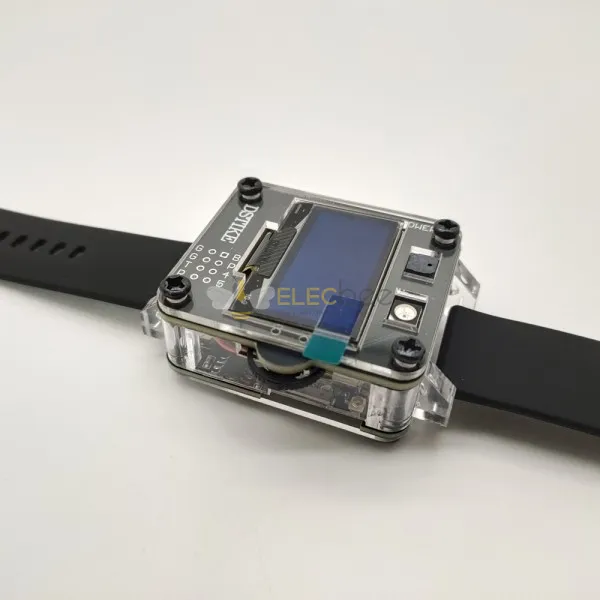
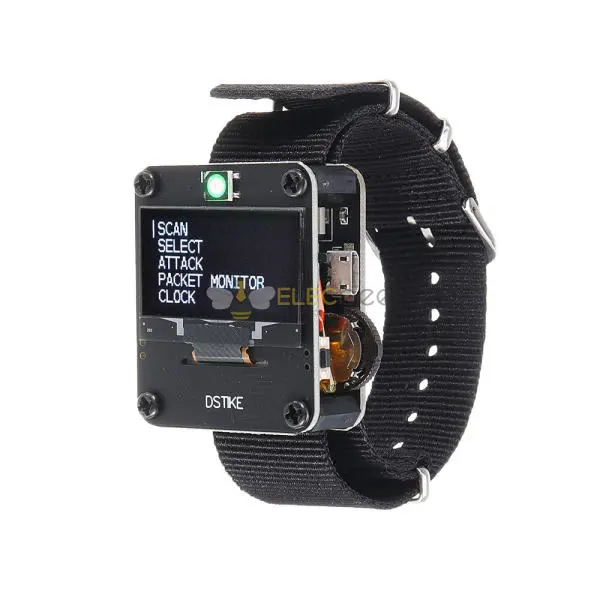
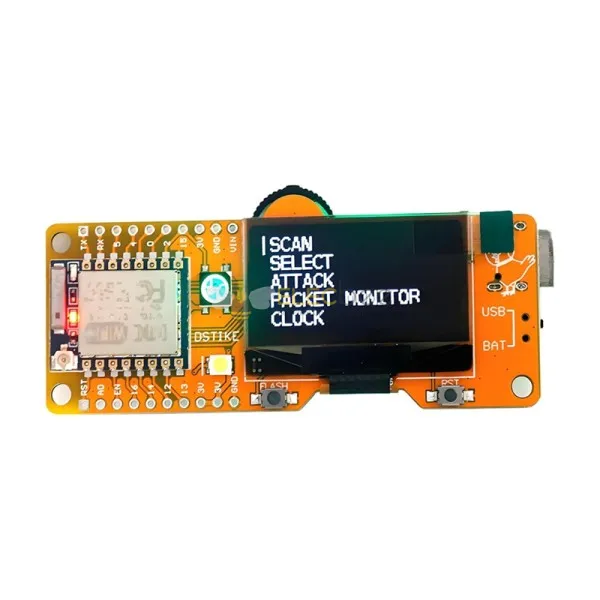
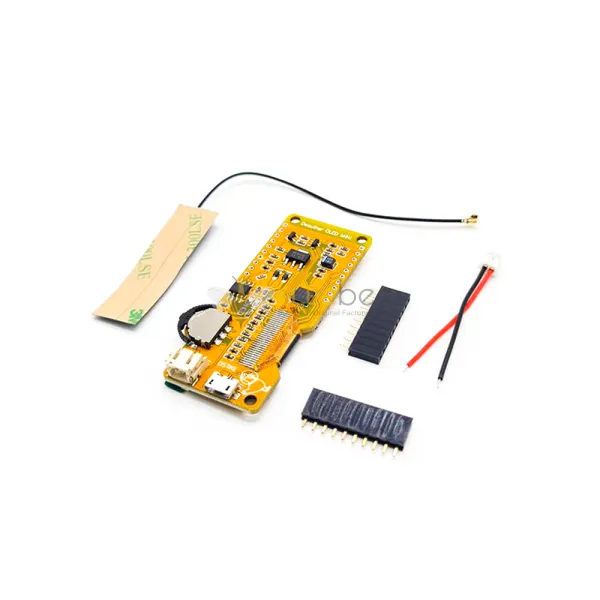
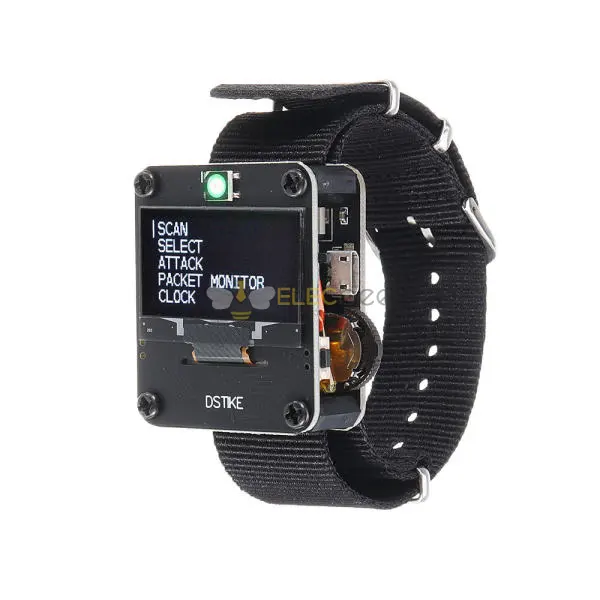
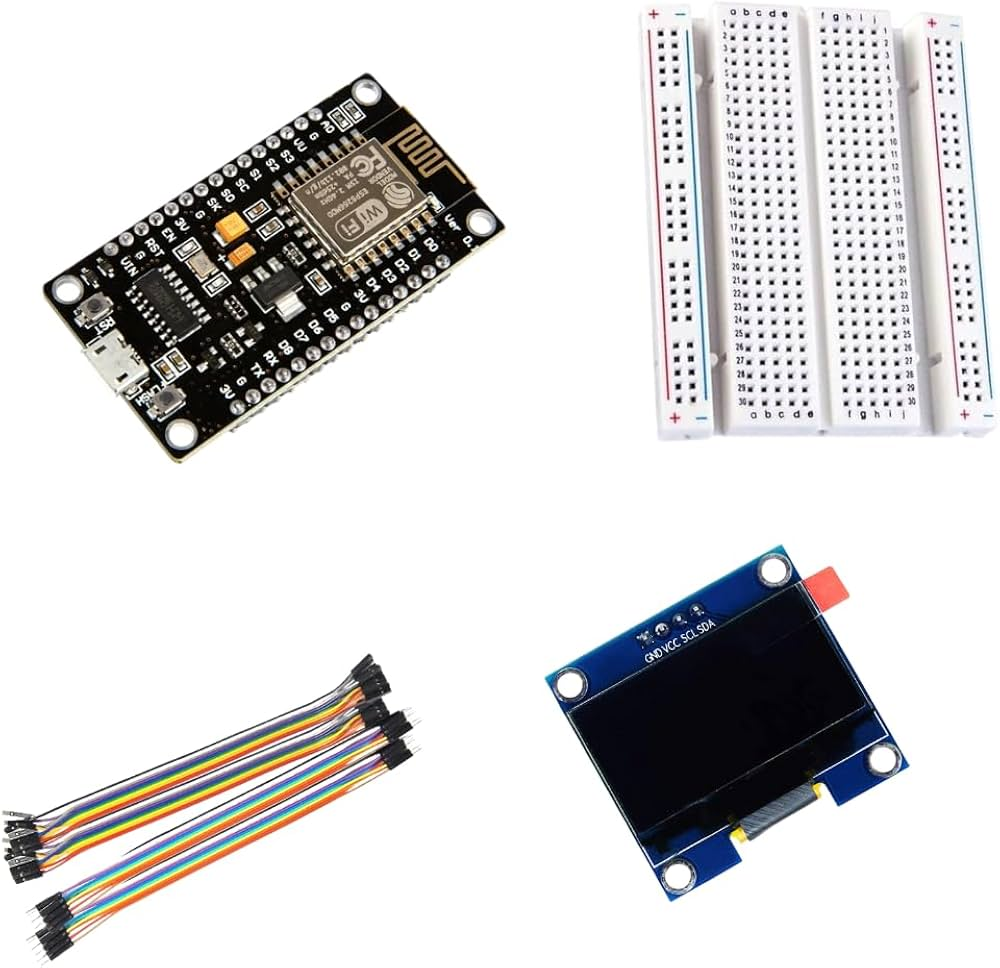
A deauther watch is essentially an ESP8266-based development board packaged into a wearable form factor. Inside the bulky watch case you usually find:
• An ESP8266 WiFi microcontroller
• A small OLED display
• A battery and charging circuit
• Simple buttons to navigate menus
• Sometimes extras like RGB LEDs, buzzers or a laser pointer
Most popular models come pre-flashed with ESP8266 deauther firmware. This type of firmware sends special WiFi management frames on the 2.4GHz band to disconnect devices from a network and perform other WiFi tests.
In short:
A deauther watch is not a typical smartwatch. It’s a wearable WiFi testing board.
You can’t install apps, use notifications or track your fitness. You’re wearing a tiny WiFi lab on your wrist.
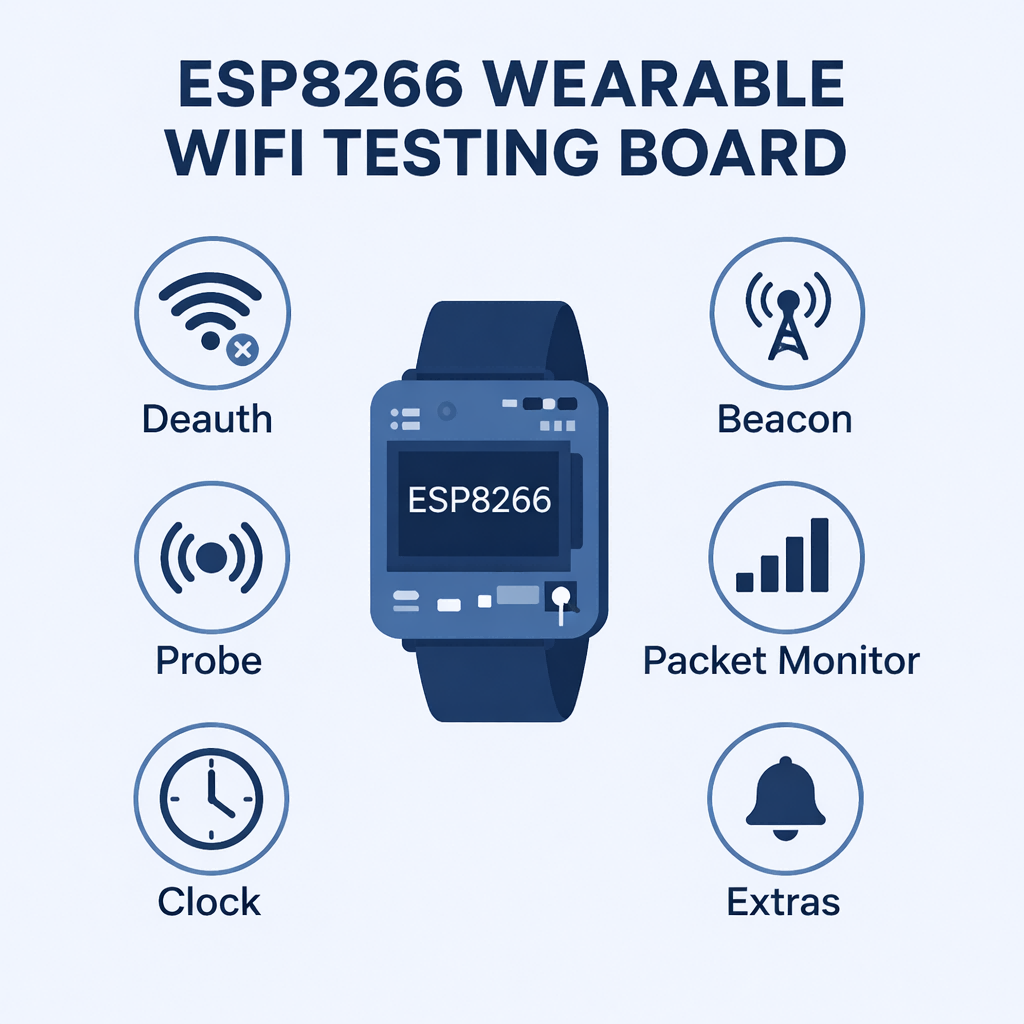
1.2 Typical Features: Deauth, Beacon, Probe, Packet Monitor and Clock
From product manuals and community reports, most deauther watches offer a similar feature set:
• Deauth attack – send deauthentication frames to clients on a 2.4GHz WiFi network
• Beacon spam – create fake SSIDs to demonstrate how easy it is to spoof networks
• Probe attack – confuse WiFi trackers by sending many probe requests or spoofed names
• Packet monitor – show nearby access points and clients, often with signal strength
• Clock – a simple real-time clock, sometimes resetting when the device is powered off
• Extras on some models: buzzer, RGB LED, laser pointer, better antenna, RTC that survives power-off
One owner summed it up as: disconnect 2.4GHz WiFi, create fake networks, confuse WiFi trackers, display traffic, act as a clock, and power a surprisingly strong laser. For many buyers, this mix of “tool plus toy” is the main appeal.
1.3 Deauther Watch vs Regular Smartwatch or Dev Board
Compared with a regular smartwatch, users frequently point out some obvious drawbacks:
• It’s bulky and sits high on your wrist
• The strap quality is often basic and feels cheap
• The clock can reset when powered off
• There are no fitness, notification or app ecosystems
Compared with a bare ESP8266 dev board, a deauther watch offers:
• A ready-to-use case and display
• Battery, charging and buttons already wired
• Preinstalled deauther firmware in many cases
Experienced hobbyists often remind newcomers that the brains of the watch is just an ESP8266. You’re mostly paying for assembly, design and convenience, not for some mysterious new chip.
2. How a Deauther Watch Actually Works (Without Getting Too Technical)
2.1 The Idea Behind WiFi Deauthentication on 2.4GHz
WiFi networks rely on management frames to handle events like joining, leaving and roaming between access points. A deauthentication frame tells a client:
“You are no longer authenticated to this access point.”
Traditional WiFi standards did not cryptographically protect these frames. This allowed attackers with a simple 2.4GHz radio to send forged deauth frames and temporarily knock devices off a network – a denial-of-service style attack.
Modern standards like WPA3 and Protected Management Frames (PMF) make this attack much harder or impossible when properly enabled, but many older routers and IoT devices still lack protection.
A deauther watch uses the ESP8266’s 2.4GHz capabilities to:
• Scan for access points and clients
• Send crafted management frames to simulate deauthentication
• Show you which networks and devices are nearby
It is important to understand: this attack does not give you passwords by itself. It’s often used in combination with other tools and is mostly useful as a testing and demonstration mechanism.
2.2 Why ESP8266 Is Commonly Used for Deauther Watches
Users who build their own devices often highlight three reasons they love the ESP8266:
• Very low cost – in many regions it can cost just a few euros or dollars
• Good enough performance – it easily detects nearby 2.4GHz networks and clients
• Huge ecosystem – many tutorials, open-source projects and dev boards exist
A typical DIY story looks like this:
• The device doesn’t work at first – deauth attacks are completely ineffective
• One firmware shows only random symbols on the screen
• After flashing multiple firmware versions and checking every solder joint, it finally works
The main advice from people who have gone through this:
• Don’t panic if the first firmware doesn’t work
• Try different firmware releases compatible with your board
• Test on a breadboard before committing to soldering
For beginners, the takeaway is simple: expect some trial and error. Firmware versions, wiring and board types matter.
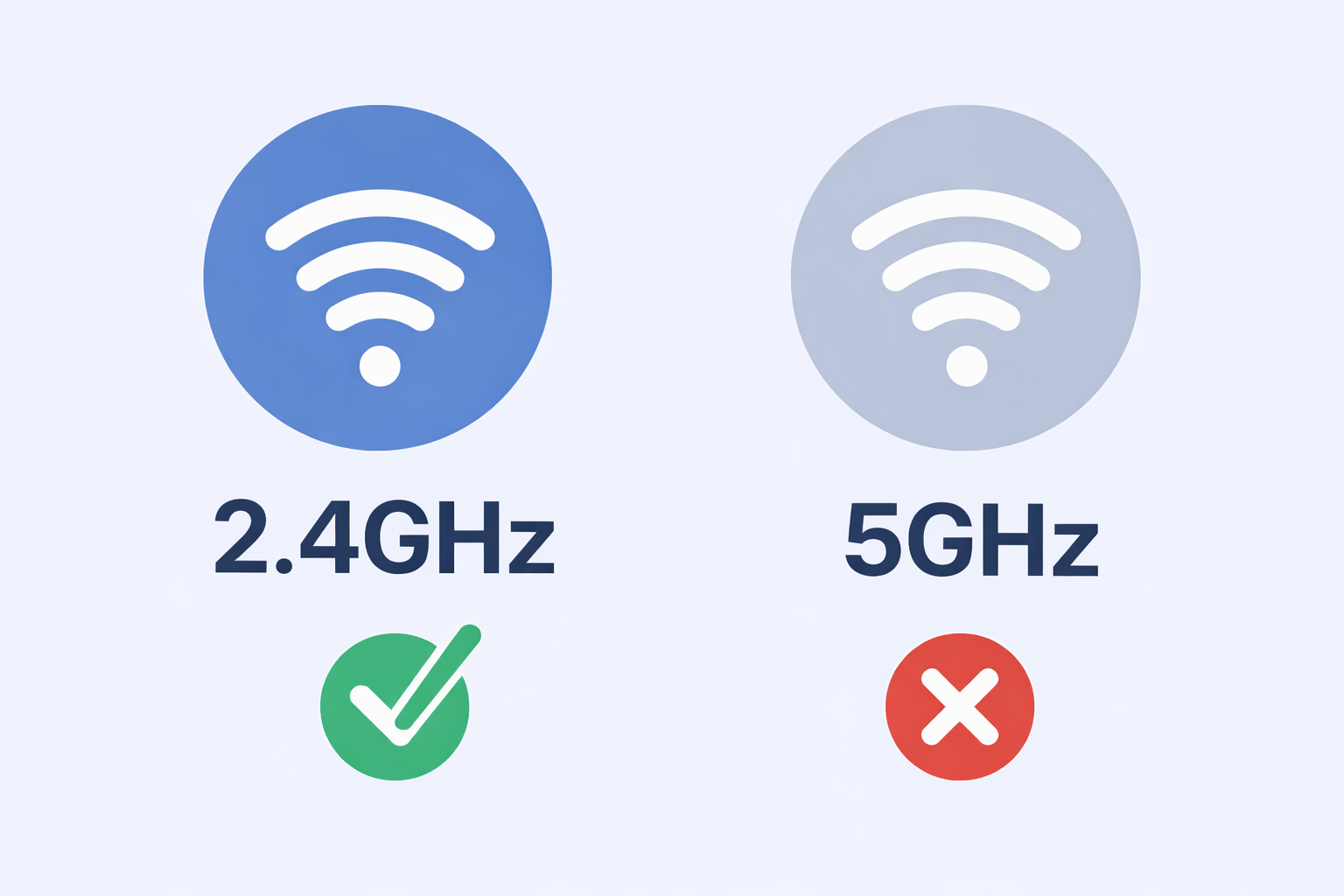
2.3 2.4GHz Only: What It Means in Practice
Deauther-oriented firmware for ESP8266 only supports 2.4GHz. There is no 5GHz, and no dual-band radio inside the chip.
That means:
• Deauther watches can only see and affect 2.4GHz networks
• Any 5GHz-only network is completely invisible to them
• On dual-band routers, only the 2.4GHz portion is relevant
In environments where most devices prefer 5GHz, a deauther watch may appear to “do nothing.” On the other hand, in dense urban or IoT-heavy environments, 2.4GHz is still everywhere, so the watch remains a useful demonstration device.
3. DIY ESP8266 Deauther vs Ready-Made Deauther Watches
3.1 What Builders Learn from Flashing Multiple Firmwares
People who share their build logs often describe the same pattern:
• They wire an ESP8266 dev board according to an online schematic
• The first firmware doesn’t work properly or shows garbled characters
• After trying three or four firmware versions, deauth finally works as expected
Their main message to others:
• Don’t be afraid to experiment with different firmware versions
• Double-check every connection before soldering
• Build on a breadboard first if you can
This is a perfect snapshot of the DIY experience: rewarding, but rarely plug-and-play.
3.2 Wiring, Schematics and Common Beginner Mistakes
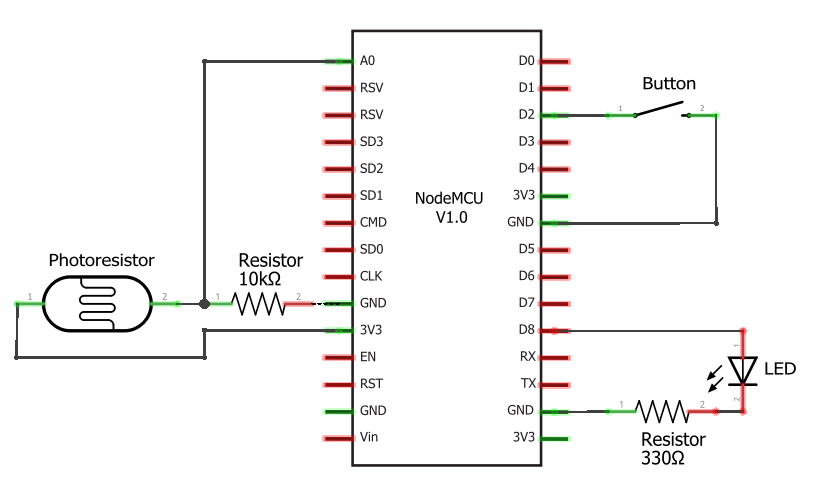
Many schematics online are drawn for specific boards such as a Wemos D1 mini, while builders might use a NodeMCU or other variants instead. That leads to common pitfalls:
• Misreading pin labels between ESP8266 board variants
• Forgetting shared grounds or power rails
• Using firmware built for a different hardware configuration
One frequent source of confusion is the 5V pin: on one board it might be labeled 5V, on another VIN. If you’re not comfortable reading schematics and datasheets, a pre-built deauther watch can save you hours of debugging.
3.3 When a Deauther Watch Is Just an ESP8266 Dev Board with a Case
From a hardware perspective, a deauther watch is just:
• An ESP8266
• A display
• Buttons, power circuit and battery
• All packed into a wearable case
In other words, it’s an ESP8266 development board with nicer packaging. If you’re comfortable wiring your own display and battery to an ESP8266, you can recreate the same functionality in a different form factor – a handheld device, a small box, or even a custom 3D-printed enclosure.
3.4 Cost, Time and Learning Curve Compared to Buying a Prebuilt Watch
Rough comparison:
• DIY ESP8266 deauther
○ Pros: lowest cost, maximum control, great learning experience
○ Cons: time-consuming, multiple firmware flashes, potential wiring frustration
• Ready-made deauther watch
○ Pros: mostly ready to go out of the box, attractive for Cyberpunk-style aesthetics
○ Cons: more expensive, bulky, clock quirks, strap quality varies
Some buyers openly admit they mainly want the watch because “it looks cool”, even if a simple ESP8266 board does the same job.
4. Real User Opinions: Cool Gadget or Pointless Toy?
4.1 “It Only Does 2.4GHz” – Practical Limitations and Workarounds
The biggest technical limitation is simple:
• No 5GHz support
• Deauth only affects 2.4GHz clients
In many modern home networks, laptops and phones prefer 5GHz, so you may see fewer visible effects. On the other hand, IoT devices, cheap routers and older hardware often still live on 2.4GHz, so demonstrations in a lab or home environment can still be very effective.
Security professionals also point out that deauth is less useful as more networks adopt WPA3 and Protected Management Frames, which protect management traffic from spoofing. In those environments, a deauther watch becomes more of an educational artifact than a powerful attack tool.

4.2 Is the Cool Factor Worth It? Bulky Case, Straps and Everyday Wearability
A recurring theme from owners:
• The watches are big and chunky
• Strap quality is “okay at best”
• Yes, people do notice them on your wrist
Many users say they would not actually wear it as a daily watch. It’s more of a gadget you bring out to demonstrate in a lab, a meetup, a class, or in a photo next to an 80s digital dashboard.
4.3 Common Use Cases: Lab Testing, Drone Interference and Conversation Piece
Legitimate use cases often include:
• Testing a personal router or lab environment to see if devices are vulnerable
• Demonstrating the impact of unprotected management frames during security workshops
• Temporarily clearing 2.4GHz interference near FPV drone receivers (on the user’s own equipment)
• Acting as a Cyberpunk-style prop in photos or videos
The key principle is always the same: your own equipment, controlled environment, explicit permission.
4.4 Why Some Users Prefer an ESP Board or Raspberry Pi Instead
More experienced practitioners often say they:
• Prefer a Raspberry Pi Zero with custom tools
• Use a simple ESP8266 development board plus a self-designed case
• Find many deauther watches poorly built, with inconsistent quality between batches
For them, the deauther watch is more of a novelty. If you’re serious about WiFi security research, you may quickly outgrow it.
5. Deauther Watch vs Flipper Zero and Other Alternatives
5.1 Why a Multi-Tool Like Flipper Zero Cannot Replace a Deauther Watch Out of the Box
A common question in communities is:
“Can a Flipper-style multi-tool do what a deauther watch can?”
The short answer:
• Such devices typically do not have WiFi built in
• Their antennas and radio chain are designed for sub-GHz protocols, not 2.4GHz WiFi
• You cannot just load deauther firmware on the stock device and start sending WiFi frames
So by default, they cannot fully replace a deauther watch for WiFi deauthentication tasks.
5.2 Adding an ESP8266 WiFi Dev Board vs Wearing a Deauther Watch
However, there is some overlap:
• With a compatible WiFi dev board added via GPIO
• And with suitable firmware on that board
• Plus a companion app on the host device
You can build a setup that behaves similarly to an ESP8266 deauther. Enthusiasts have wired ESP8266 boards to their favorite multi-tool and run deauther-style firmware that way.
The trade-off:
• Multi-tool + ESP8266 dev board: more flexible, more cables, more DIY
• Deauther watch: all-in-one wearable, but limited feature set and bulky
5.3 When a Simple ESP8266 Dev Board Is Enough for WiFi Testing
If you’re mostly interested in:
• Learning about 802.11 management frames
• Testing your own access point in a lab
• Experimenting with open-source deauther firmware
Then a plain ESP8266 development board or a small deauther kit may be enough. You can still add an OLED display, battery, and buttons, but you’re not forced into the watch form factor.

6. Legal and Ethical Considerations: When a Deauther Watch Becomes a Problem
6.1 Testing Your Own Network vs Attacking Someone Else’s
Responsible developers and project maintainers include the same warning:
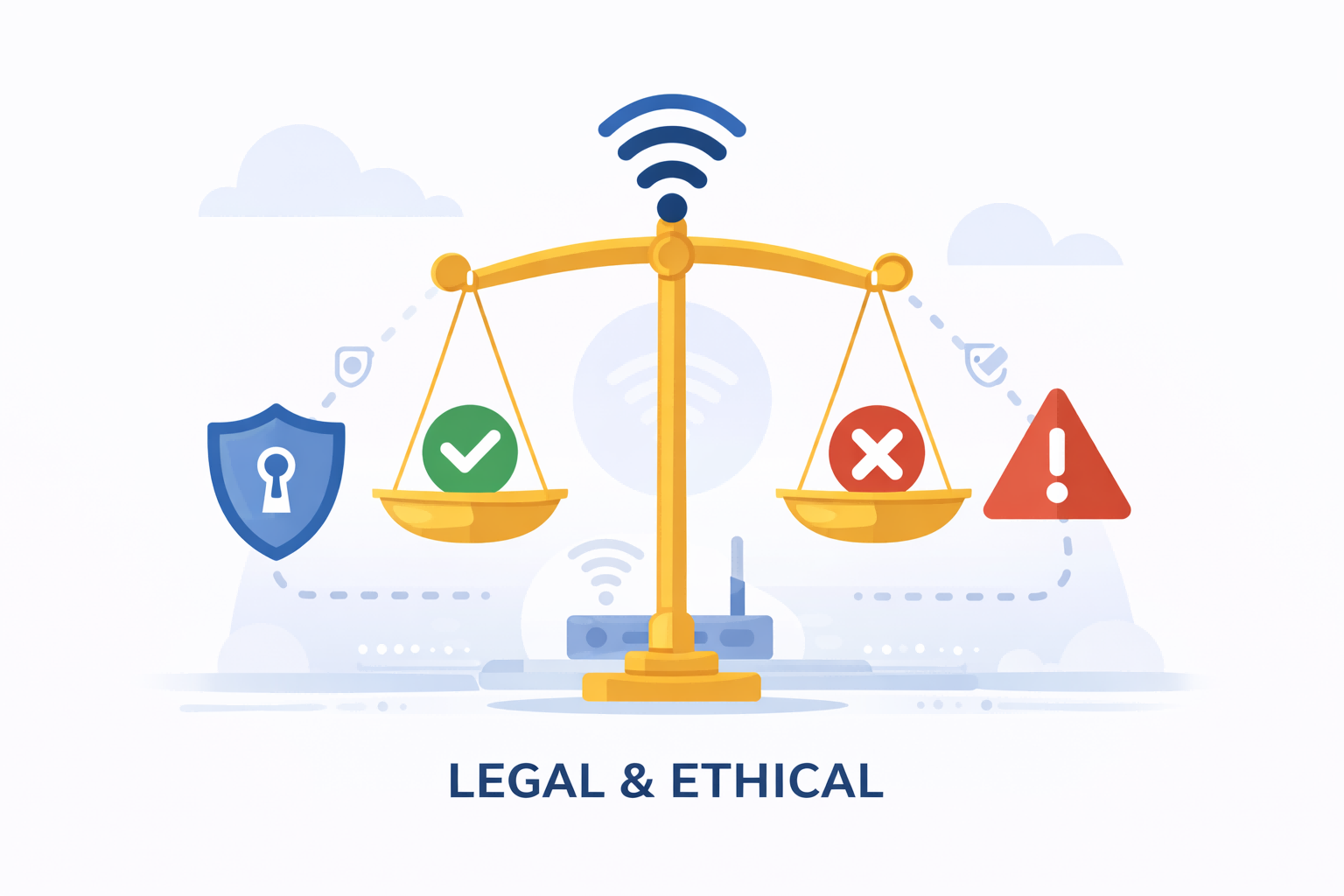
These devices are meant for testing and educational purposes on your own networks and devices only. Using them on unauthorized networks is illegal and unethical.
Important distinctions:
• OK: Testing your own home router and devices in a lab or home environment
• OK: Using it as part of a formally authorized penetration test under contract
• Not OK: Using it on public WiFi, school networks, office networks, or a neighbor’s router without written permission
Deauth attacks can disrupt legitimate work, cause service outages and fall under computer misuse, unauthorized access, or radio interference laws, depending on your jurisdiction.
6.2 Deauthers, Unauthorized Access and Computer Misuse Laws
While laws vary by country, deauthers can be problematic because:
• They send deliberate interference to disrupt network connections
• Some places treat any active attack traffic against others’ networks as a crime
• “I was just testing” is rarely a valid defense without explicit authorization
Security professionals frequently remind newcomers to:
• Learn local laws
• Use isolated lab setups or your own equipment
• Avoid showing off in schools, offices or cafes
6.3 WPA3, Protected Management Frames and Why Deauther Tools Are Less Effective Over Time
From an educational perspective, deauther watches also illustrate a broader trend:
• Legacy WiFi left management frames unprotected
• Attacks like deauth demonstrated how that could be abused
• Newer standards such as WPA3 and Protected Management Frames (PMF) aim to fix this by authenticating or encrypting management traffic
As more routers and clients support these features, many networks will simply ignore spoofed deauth frames.
That means the long-term role of a deauther watch is likely as a teaching tool, showing why we needed better standards in the first place.
7. How to Choose a Deauther Watch or Board for Legitimate WiFi Testing
7.1 Key Specs to Look For: Battery, Display, Antenna and Firmware Support
If you decide a deauther watch or board fits your lab setup, pay attention to:
• ESP8266 inside – standard, well-supported chip
• Battery capacity – for longer testing sessions
• OLED display size & brightness – affects usability outdoors
• Antenna type – integrated vs external, directional vs omni
• Firmware support & documentation – active projects with clear usage and legal warnings
Some watches and kits explicitly advertise themselves as ESP8266 development boards you can wear, not just hacking toys. This is a good sign: it means they are built with experimentation and learning in mind.
7.2 ESP8266 Deauther Watch vs Deauther Mini/Power Bank/Dev Board Kits
Beyond watches, there are many ESP8266 deauther-based form factors:
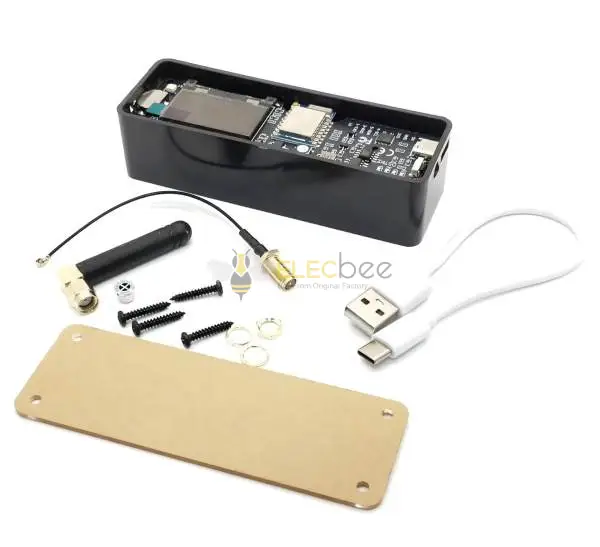
• Mini boards with SMA antennas
• Power bank-style deauther tools with integrated 18650 batteries
• Plain dev boards for build-your-own projects
Choosing between them is mostly about:
• How portable you want your tester to be
• Whether you need a display or will control it from a phone/laptop
• How often you plan to use it outside a lab environment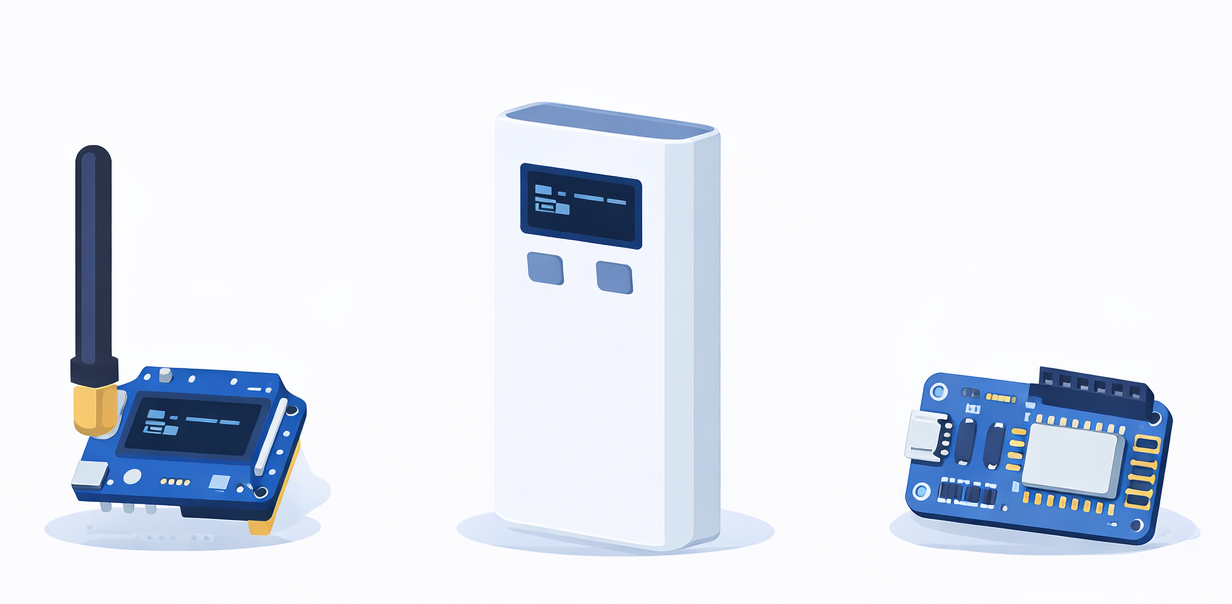
7.3 Questions to Ask Yourself Before Buying: Learning, Testing and Risk
Before hitting “buy now”:
• Do I understand the legal limits in my country?
• Am I buying this to learn and test my own gear, or just to impress friends?
• Would a cheaper ESP8266 dev board plus some reading give me more value?
• Do I have a safe lab environment to experiment in?
If your main motivation is “it looks cool on social media,” it’s worth slowing down and looking at safer, more educational starting points in WiFi security.
8. FAQ: Quick Answers About Deauther Watches
8.1 Is a Deauther Watch Legal to Own?
In many countries, simply owning an ESP8266-based device is not illegal. However, using a deauther watch against networks you don’t own or administer can be illegal and may violate computer misuse and radio interference laws. Always check local regulations and stick to authorized testing only.
8.2 Does a Deauther Watch Work on 5GHz WiFi?
No. Deauther watches based on ESP8266 only support 2.4GHz. They cannot see or attack 5GHz-only networks.
8.3 Can I Use a Deauther Watch as a Normal Smartwatch?
Not really. Most deauther watches have:
• Bulky cases and basic straps
• Very simple clock functions, sometimes resetting when powered off
• No notifications, apps, fitness tracking or phone integration
Think of it as a WiFi tool you can wear, not a smartwatch replacement.
8.4 What Are Safer Alternatives for Learning WiFi Security?
Good starting points include:
• Reading up on WiFi standards and security basics
• Setting up a test lab with your own router and a few devices
• Using well-documented tools in a controlled environment
• Following tutorials that emphasize legal and ethical practice
If you do choose to experiment with a deauther watch or ESP8266 deauther board, make sure your first tests are always against your own equipment in a closed lab.