

 0
0
Automotive coax connectors are easy to underestimate. Two housings may share a color and locking style yet belong to different interface families. That mistake can turn a simple antenna, camera or infotainment repair into poor reception or an expensive harness replacement.
This guide compares Mini FAKRA vs FAKRA by size, electrical architecture, coding, applications and compatibility. It also separates both systems from FAKRA HSD so you can confirm the interface before ordering.
1. What Are FAKRA and Mini FAKRA Connectors?
Standard FAKRA in one minute
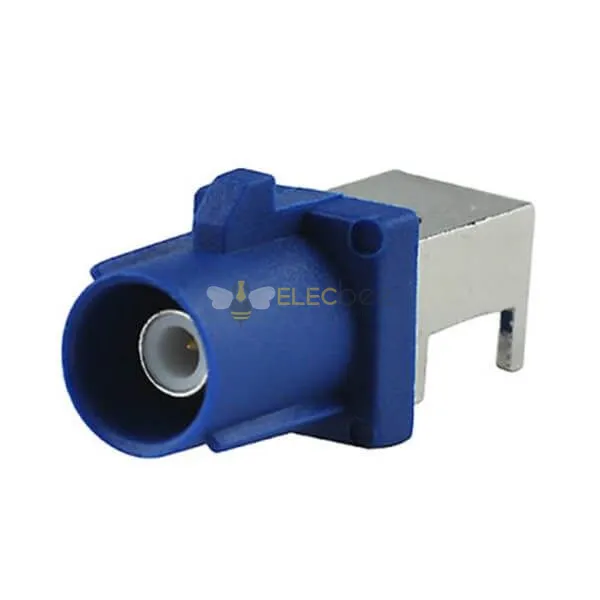
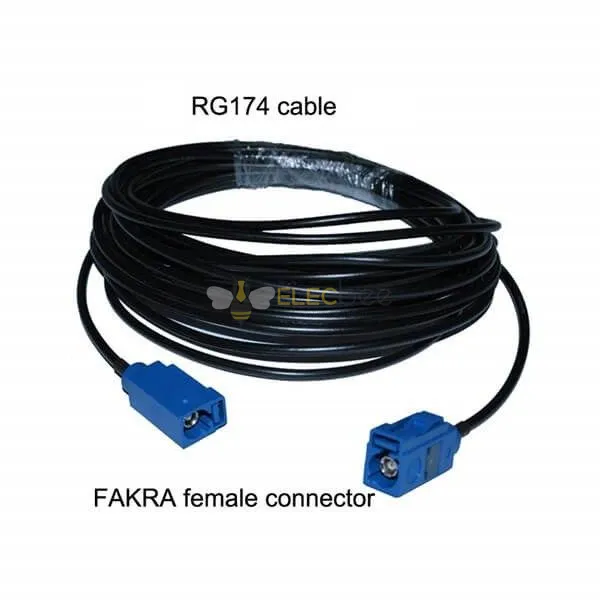
FAKRA is a 50-ohm automotive coaxial connector system built around a single RF contact inside a keyed plastic housing. The housing adds positive locking, color identification and protection suited to vehicle assembly. Standard FAKRA connectors commonly support frequencies up to 6 GHz and are offered in straight, right-angle, sealed, unsealed, cable-mount and PCB-mount versions.
Typical uses include radio, GPS/GNSS, cellular and Wi-Fi antennas, telematics, keyless entry and some coaxial camera links. It is robust and available in many cable and board configurations.
What does Mini FAKRA mean?
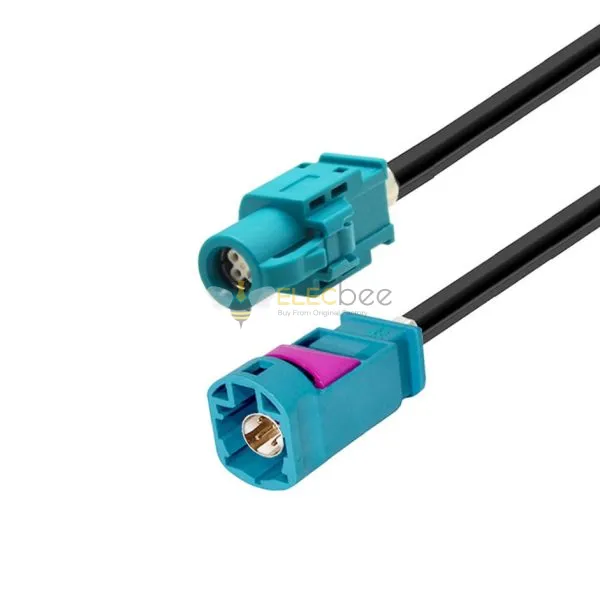
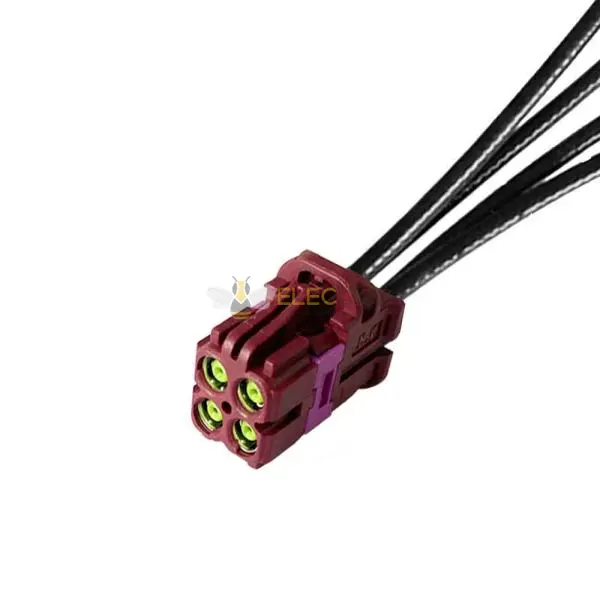
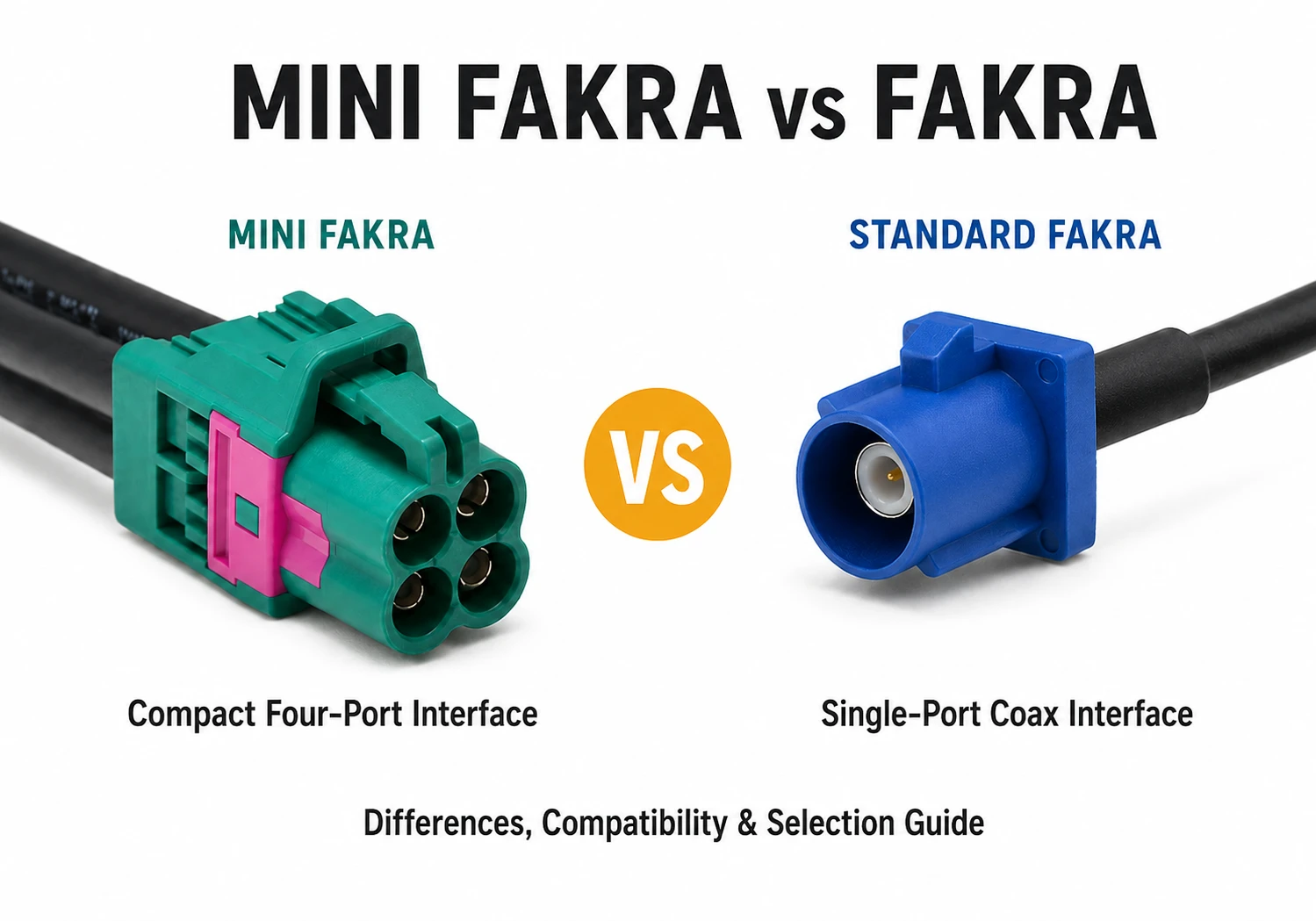
Mini FAKRA describes a smaller automotive coax interface intended to increase port density and reduce connector footprint. It remains a 50-ohm coaxial concept, but its contact geometry, housing and latch are different from conventional FAKRA. Single, dual and quad arrangements can place several coax channels in a compact module, which is valuable for surround-view cameras, ADAS sensors and high-density electronic control units.
Do not treat “Mini FAKRA” as one universal performance standard. Specifications vary by product series and manufacturer. Depending on the design, Mini FAKRA systems can support high-frequency, high-data-rate automotive links while requiring less installation space than conventional FAKRA. Always confirm the exact frequency range, data rate, cable type and mating interface in the product datasheet.
Why FAKRA HSD is a separate interface
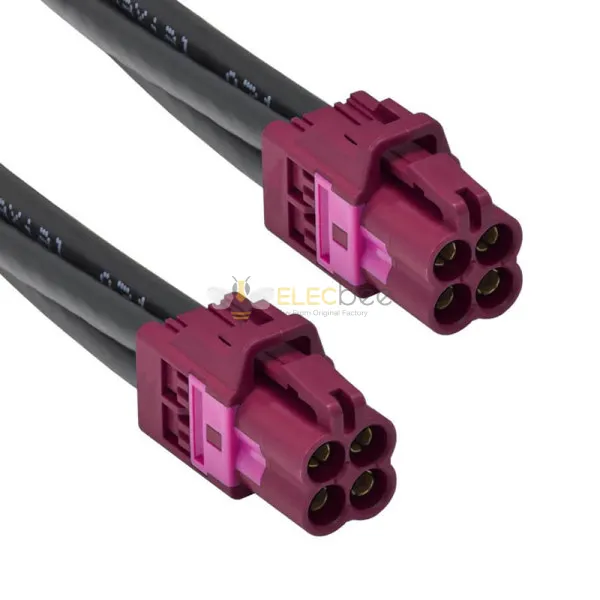
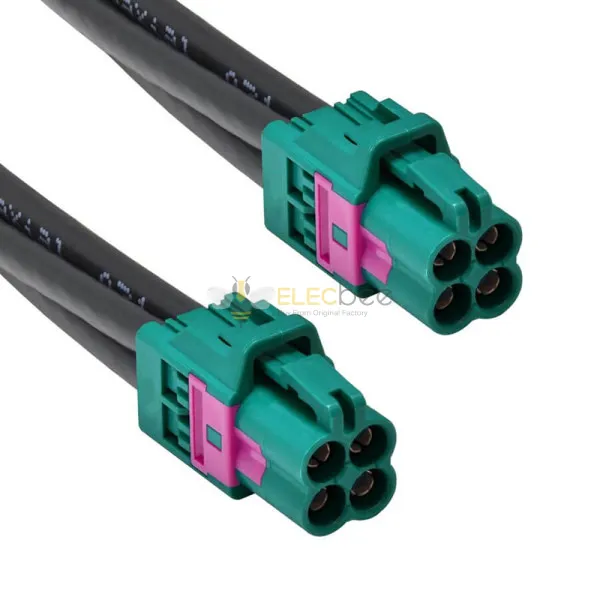
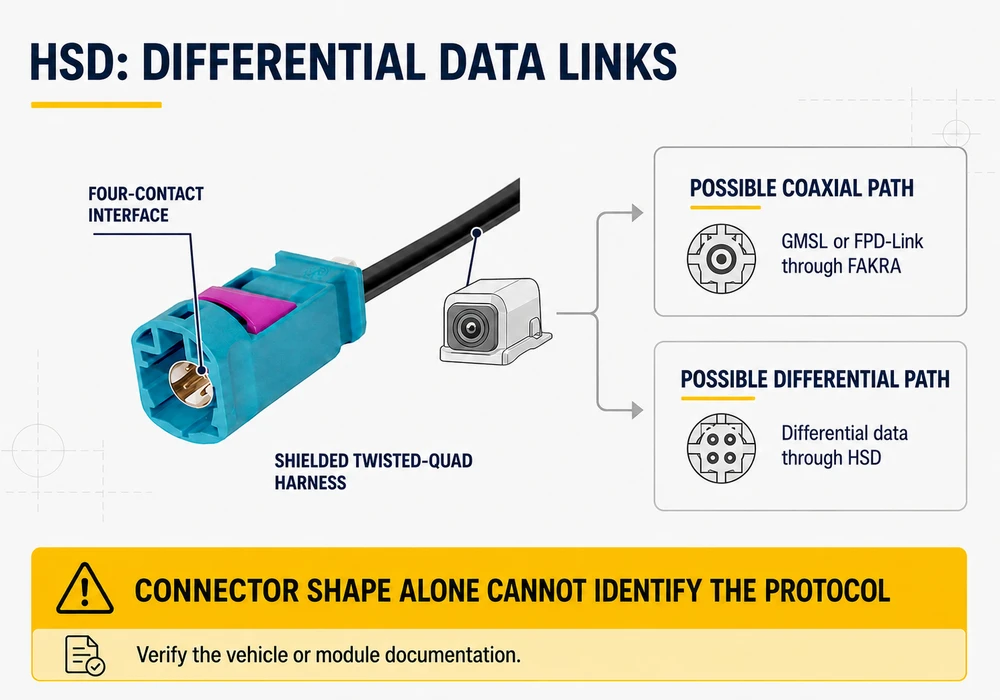
HSD is sometimes labeled “FAKRA HSD” because it also uses a shielded, latched and color-coded housing. Electrically, it is neither standard nor Mini FAKRA. HSD is normally a 100-ohm differential system with four signal contacts and shielded twisted-quad cable, used for LVDS cameras, displays, USB and other data links.
If the connector face has four small contacts rather than one coaxial center contact, stop comparing colors and verify HSD first. For a deeper explanation, see our FAKRA HSD and LVDS cable guide.
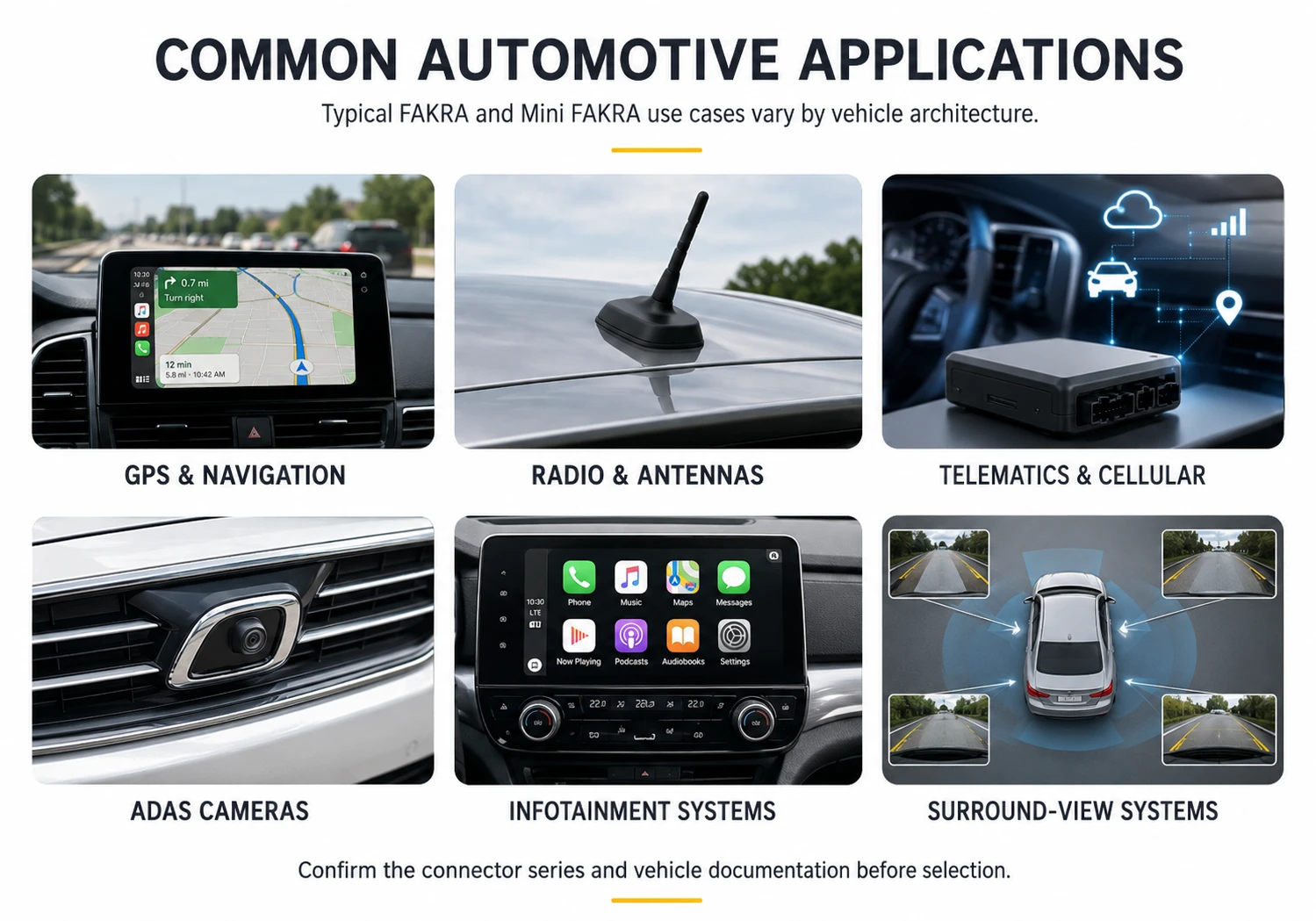
2. Mini FAKRA vs FAKRA: Key Differences at a Glance
Direct comparison table
| Selection factor | Standard FAKRA | Mini FAKRA | FAKRA HSD |
|---|---|---|---|
| Signal structure | Single-ended coax | Single-ended coax, often multi-port | Differential data |
| Nominal impedance | 50 ohms | 50 ohms | 100 ohms |
| Visible contacts | One coax center contact | One per coax port | Usually four signal contacts |
| Packaging | Larger, proven housing | Smaller, higher port density | Compact keyed data housing |
| Common uses | Antennas, telematics, GPS, radio, cameras | ADAS cameras, sensors, dense ECUs | LVDS, displays, USB, infotainment data |
| Intermateable? | Only with matching FAKRA interface and code | No direct mating with standard FAKRA | No |
Size and density are the biggest practical difference
For an existing single antenna connection, standard FAKRA may do everything required. Mini FAKRA becomes attractive when several coax links must fit along one PCB edge. A quad miniature housing can replace four separate connectors and reduce assembly space.
Higher potential performance is not automatic compatibility
A higher frequency rating does not make Mini FAKRA a drop-in upgrade. The channel includes the connector, cable, termination, PCB launch and protocol. A poorly terminated high-spec connector can perform worse than a correctly assembled conventional one. Select to the channel requirement.
3. How to Identify the Connector You Have
Start with the connector face, not the housing color
Look into the mating interface. One round coax center contact inside a larger shell suggests conventional FAKRA. Smaller coax interfaces in a compact single, dual or quad housing suggest Mini FAKRA. Four signal contacts in a shielded rectangular insert suggest HSD. Photograph the face, latch, cable exit and markings.
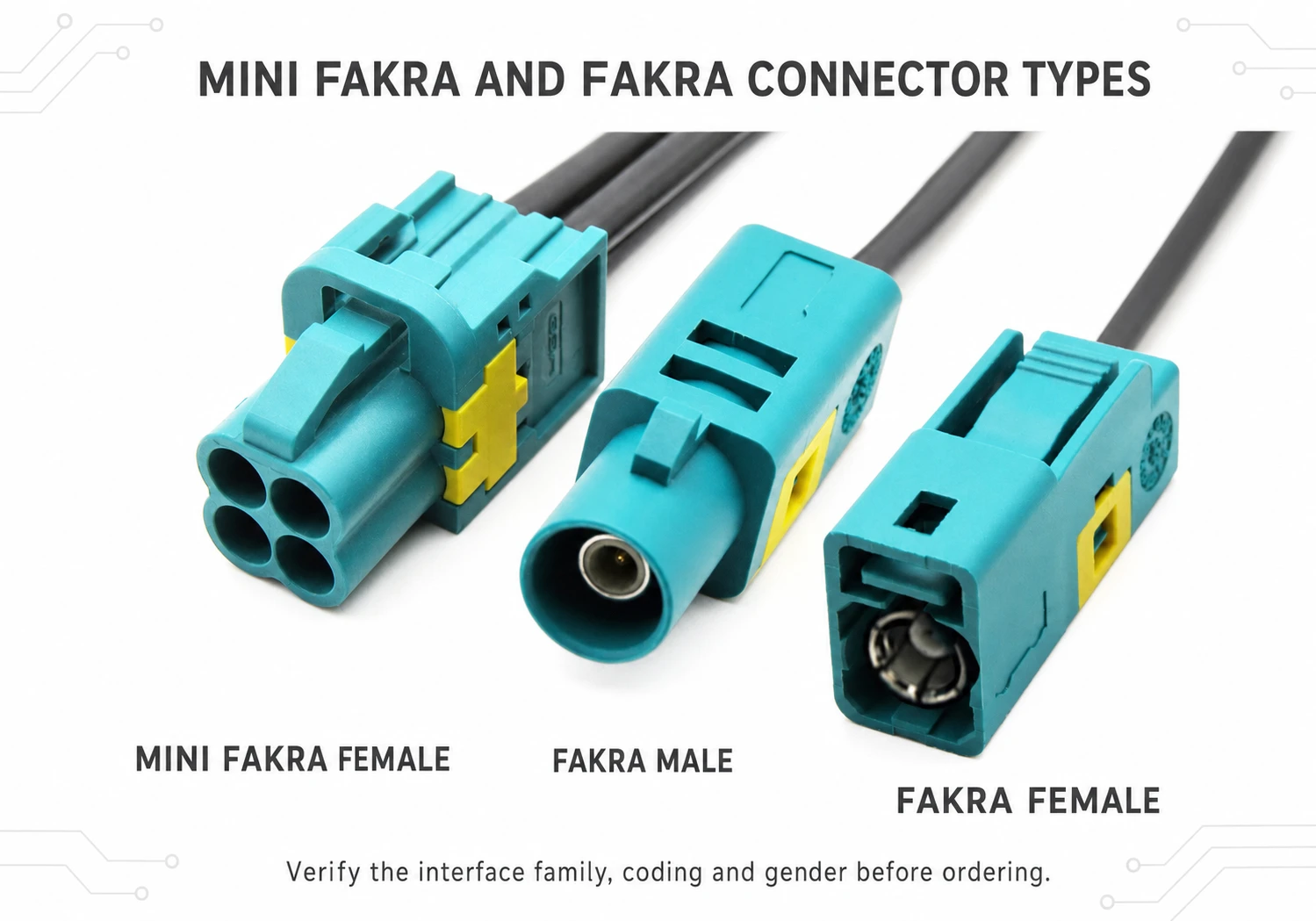
Use color as a coding clue, not proof of application
FAKRA housings are mechanically keyed, and color normally corresponds to the code. Examples include C blue, E green, F brown and L carmine red; Z is commonly water blue and neutral-coded. Color does not prove the signal is GPS, radio, camera or MOST because manufacturers may assign functions differently.
This explains a common repair failure: a buyer orders “the same blue FAKRA,” only to discover that the key geometry, connector family or gender is wrong. The safe sequence is interface family, key code, mating side, cable type and application. Our guide to FAKRA connector types and uses provides additional coding context.
Check the part number and mating drawing
Names such as plug, jack, male and female can be inconsistent. Use the manufacturer drawing to compare the mating face, ribs, latch, port count, termination, orientation and sealing. If a molded number is visible, search it before relying on a photo match.
4. Which Connector Fits Which Automotive Application?
Antennas, GPS and telematics
Standard FAKRA is usually the first interface to check for an existing radio, GPS/GNSS, cellular, Wi-Fi or satellite-radio cable. Confirm the code, cable loss, frequency and sealing. FAKRA uses an SMB-style RF interface but adds automotive housing and keying, so the two are not mechanically identical. See our FAKRA and SMB compatibility guide.
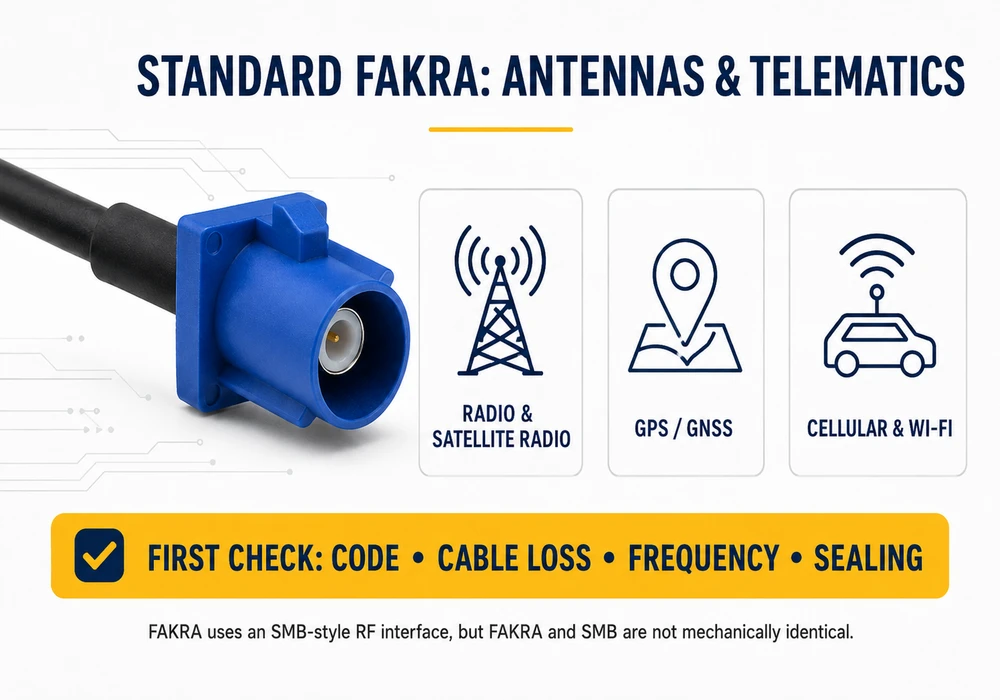
Cameras, ADAS and compact control modules
Mini FAKRA is a strong candidate when several high-speed camera or sensor links converge at one space-limited ECU. Surround-view systems can benefit from a compact multi-port connector. Conventional FAKRA can also carry automotive SerDes camera protocols, so the choice is not “analog versus digital.” It depends on bandwidth, density and platform design.
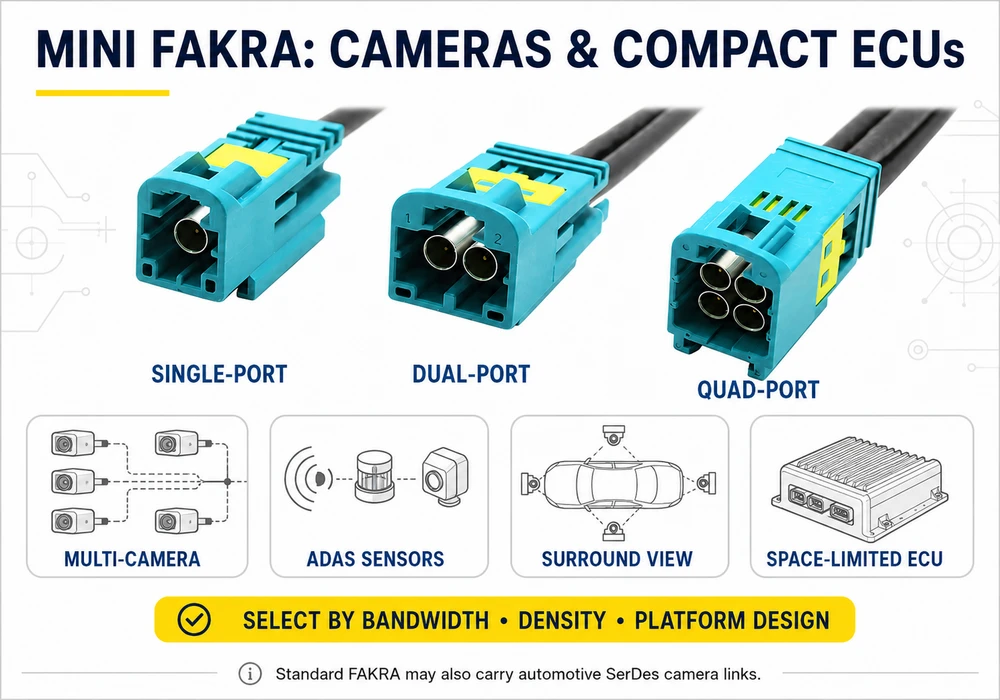
Infotainment, displays and differential data
When the harness uses shielded twisted-quad cable and a four-contact interface, investigate HSD. A camera may use coaxial GMSL or FPD-Link through FAKRA, or a differential link through HSD; shape alone cannot reveal the protocol. Vehicle or module documentation is essential.
5. How to Choose a Replacement Connector or Cable
A seven-step selection workflow
- Identify the device and signal. Record the vehicle, model year, module, port and expected function.
- Inspect the interface. Count coax ports or signal contacts and note the latch and polarization features.
- Confirm the family. Decide whether it is standard FAKRA, Mini FAKRA, HSD or another automotive data connector.
- Match the mechanical code. Use the letter code and drawing; do not rely only on housing color.
- Verify the mating side. Compare center contact, housing and cable-to-cable or cable-to-board configuration.
- Check electrical and environmental requirements. Confirm impedance, frequency, cable group, shielding, sealing and temperature range.
- Validate before installation. Compare dimensions and part numbers, then test continuity and channel performance where appropriate.
Repair case: a damaged infotainment coax cable
Real repair discussions often begin with a connector ripped from a cable or PCB and a quote for a complete harness or module. Before buying a repair kit, determine whether only the plastic housing is damaged, the coax terminal has pulled off, or the PCB pad and launch are damaged. Each condition needs a different remedy. A housing swap cannot repair a torn center conductor, and a cable-end crimp cannot restore a lifted PCB trace.
If a newly assembled radio connector receives a station only when someone touches its rear, suspect an open center conductor, incomplete shield connection or severe mismatch rather than a missing “signal booster.” Improvised solder and glue may create temporary reception while leaving poor shielding and return loss. For the correct strip lengths, ferrule placement and tool sequence, follow our dedicated guide on how to crimp a FAKRA connector.
When an adapter is appropriate
An adapter such as Mini FAKRA to SMA can connect different interface families for testing, antennas or development hardware, but it does not change impedance, protocol or signal format. Check both end genders, Mini FAKRA series, port position, frequency rating and cable loss. For production vehicle repairs, a correctly keyed cable assembly is usually more reliable than stacking adapters in a tight, vibrating space.
6. Common Mistakes, Failure Modes and Precautions
Forcing the wrong key or assuming every FAKRA is the same
Different key codes are designed to prevent mismating. Trimming ribs or forcing a housing defeats that protection and can damage both sides. A code Z neutral connector may mate with specified codes in some systems, but it should not be treated as universal permission to bypass the vehicle design. Verify the supplier’s coding table and the OEM pinout.
Ignoring termination quality
Coax assembly is more than stripping and squeezing a ferrule. Incorrect center-pin crimp height, stray braid, wrong cable dimensions, excessive exposed dielectric or a loose shield can cause high insertion loss, return loss and intermittent noise. Use the specified cable group and crimp tooling. Continuity testing can find an open or short, but it cannot fully validate RF performance; production and high-speed repairs may require a network analyzer or qualified test fixture.
Creating side load and cable tension
Intermittent audio pops, camera dropouts and communication faults can come from connector damage, but they can also involve routing, module faults or the wider network. Do not diagnose by symptom alone. Maintain the cable’s minimum bend radius, add strain relief, avoid pulling the connector sideways and confirm the latch or CPA(Connector Position Assurance) is fully engaged. On safety-related cameras, instrument clusters or active recalls, use the OEM service procedure or a qualified technician rather than an unverified bypass.
7. Mini FAKRA vs FAKRA FAQ
Are Mini FAKRA and FAKRA connectors compatible?
No. They use different mating geometries and housings. A purpose-built adapter or cable assembly is required, and it must match the exact Mini FAKRA series, code, gender, impedance and frequency requirement.
Are all FAKRA connectors the same, and does color identify the application?
No. Standard FAKRA connectors vary by mechanical code, mating side, orientation, cable group, sealing and mounting style. Mini FAKRA and HSD are separate interface families even when a seller uses “FAKRA” in the product name.
Color primarily indicates mechanical coding. Blue is commonly associated with GPS and other colors have common industry uses, but these associations are not a guaranteed vehicle pinout. Confirm the code letter and service documentation.
Is Mini FAKRA always faster, and which connector should I choose?
Not automatically. Some high-performance miniature systems support substantially higher bandwidth, but ratings vary by series. The usable channel is limited by its lowest-performing connector, cable, PCB launch or device. Read the exact datasheets rather than comparing family names.
Choose standard FAKRA for a matching installed interface and proven single-channel automotive coax connection. Choose Mini FAKRA when the module is designed for that smaller interface and needs higher port density. Never substitute based on size or color alone; match the complete mechanical and electrical specification.
Can I repair a broken FAKRA cable at home?
A cable-end repair may be possible with the correct terminal, housing, cable preparation dimensions and calibrated crimp tool. PCB damage, high-speed camera links, MOST network faults and safety-related systems require more diagnosis. A repair that passes continuity can still have unacceptable RF loss or shielding.
Bottom line: The correct connector is not the one that looks closest in a product photo. Identify the interface family, inspect the contacts, confirm the key and drawing, then verify the cable and signal requirements. That process prevents the expensive mismatches, weak reception and repeat repairs that appear again and again in real-world vehicle discussions.