

Search for products...

 0
0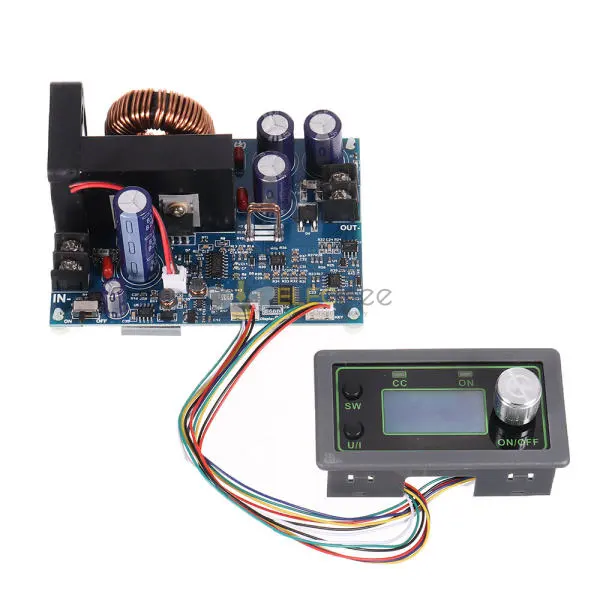
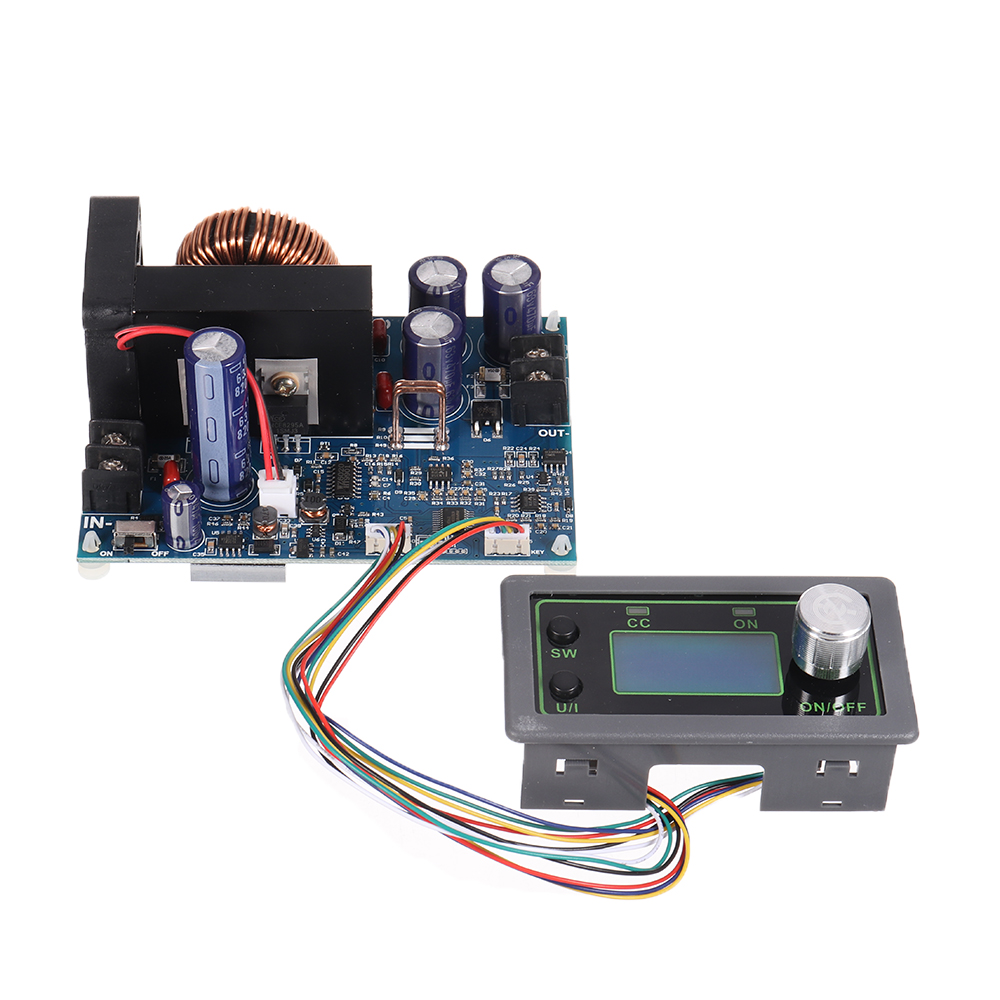
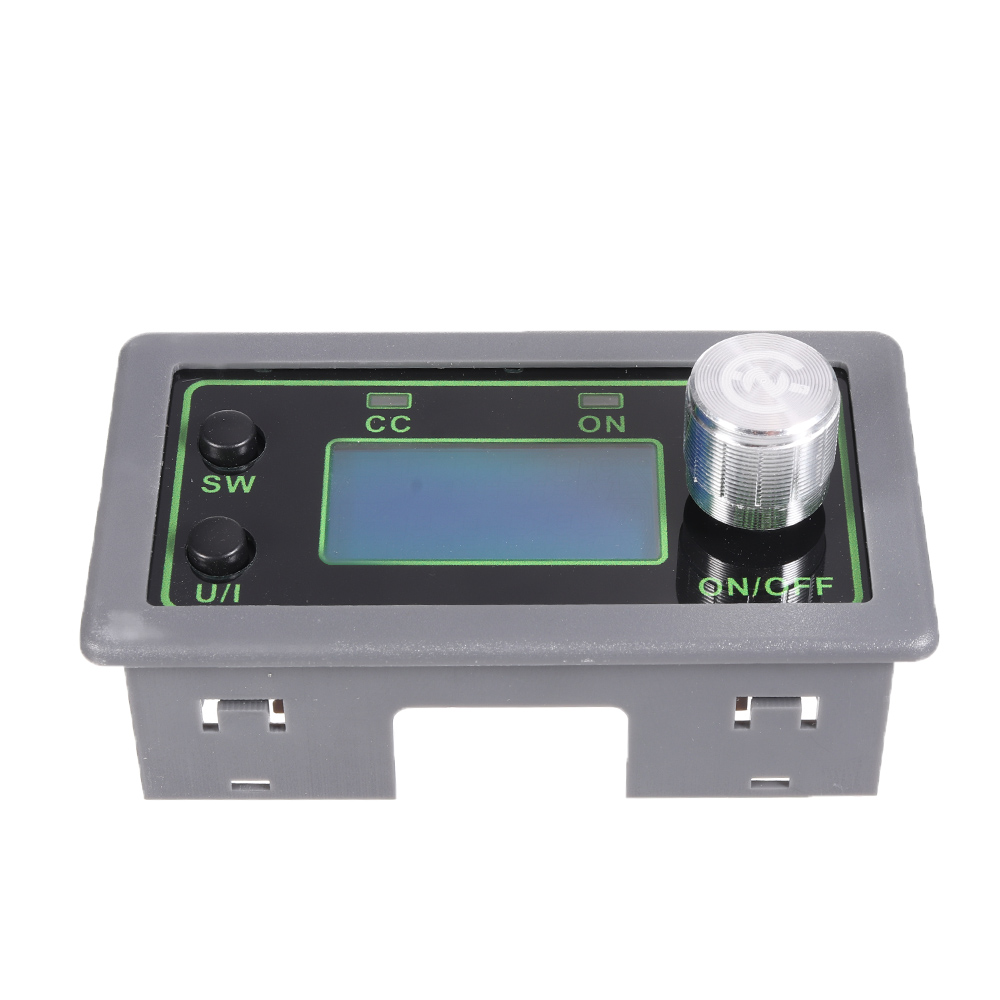
1. LCD can display input/output voltage, output current/output power/output capacity/output time;
2. Numerical control adjustment, precise and fast, step-down output, output voltage 0-50.00V arbitrary adjustment, limit current 0-12.00A arbitrary adjustment;
3. The output end does not burn when it is poured backwards;
4. The module can be set to turn on/off by default;
5. Possess a variety of software protection mechanisms, and the protection threshold is adjustable. After the working parameters of the module exceed the protection threshold, the output is automatically turned off;
6. Using synchronous rectification technology, high conversion efficiency: efficiency above 90%;
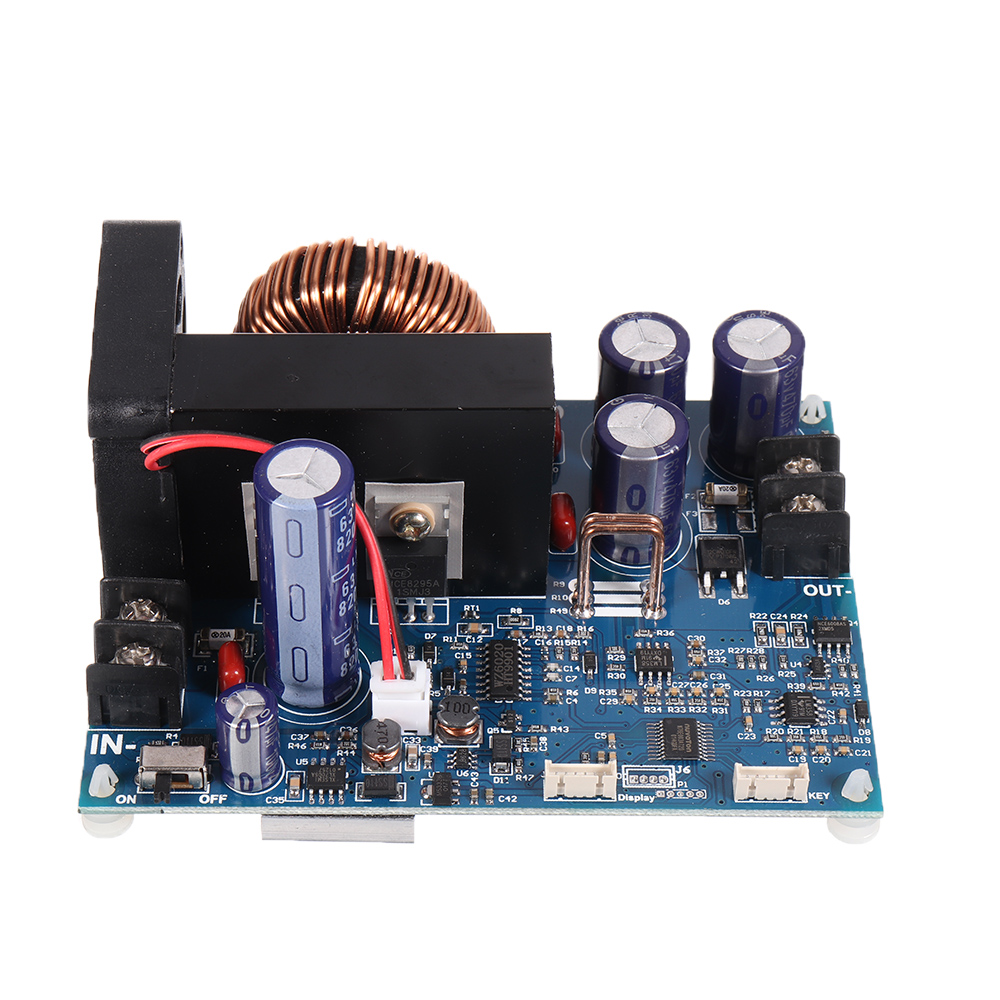
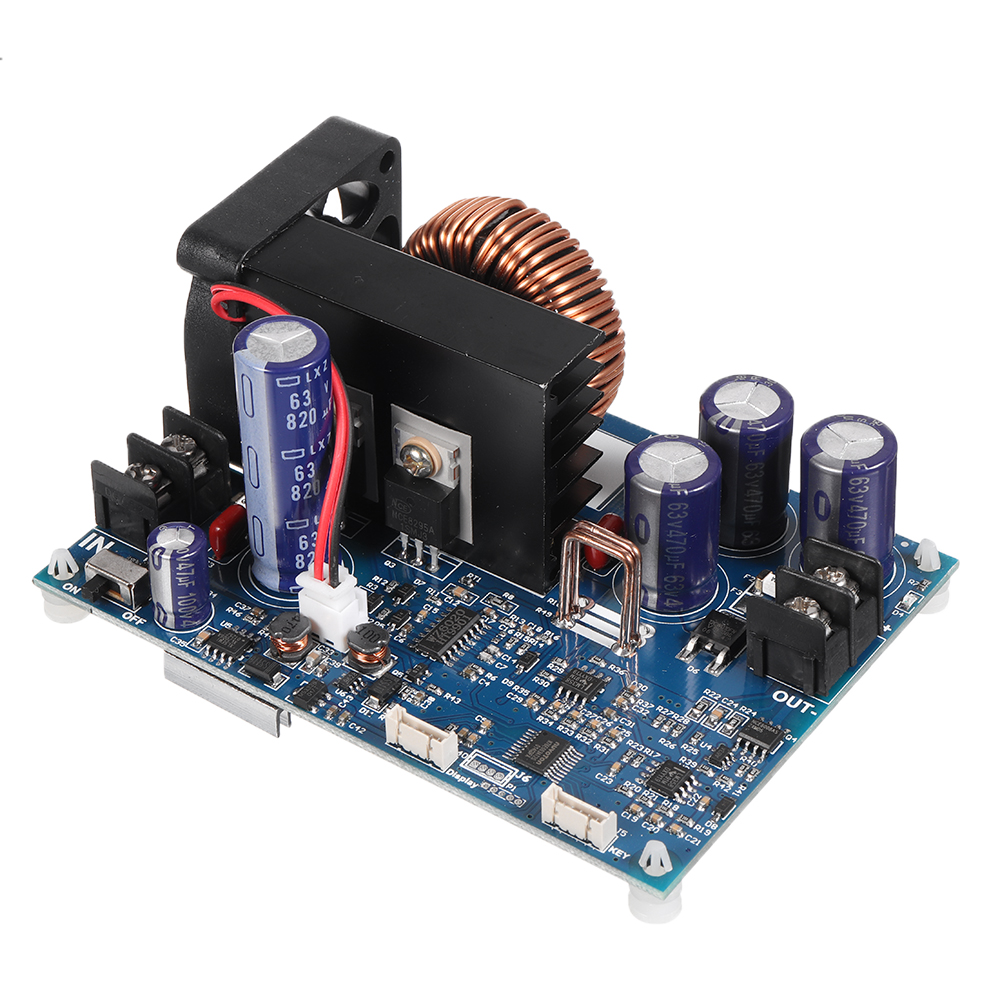
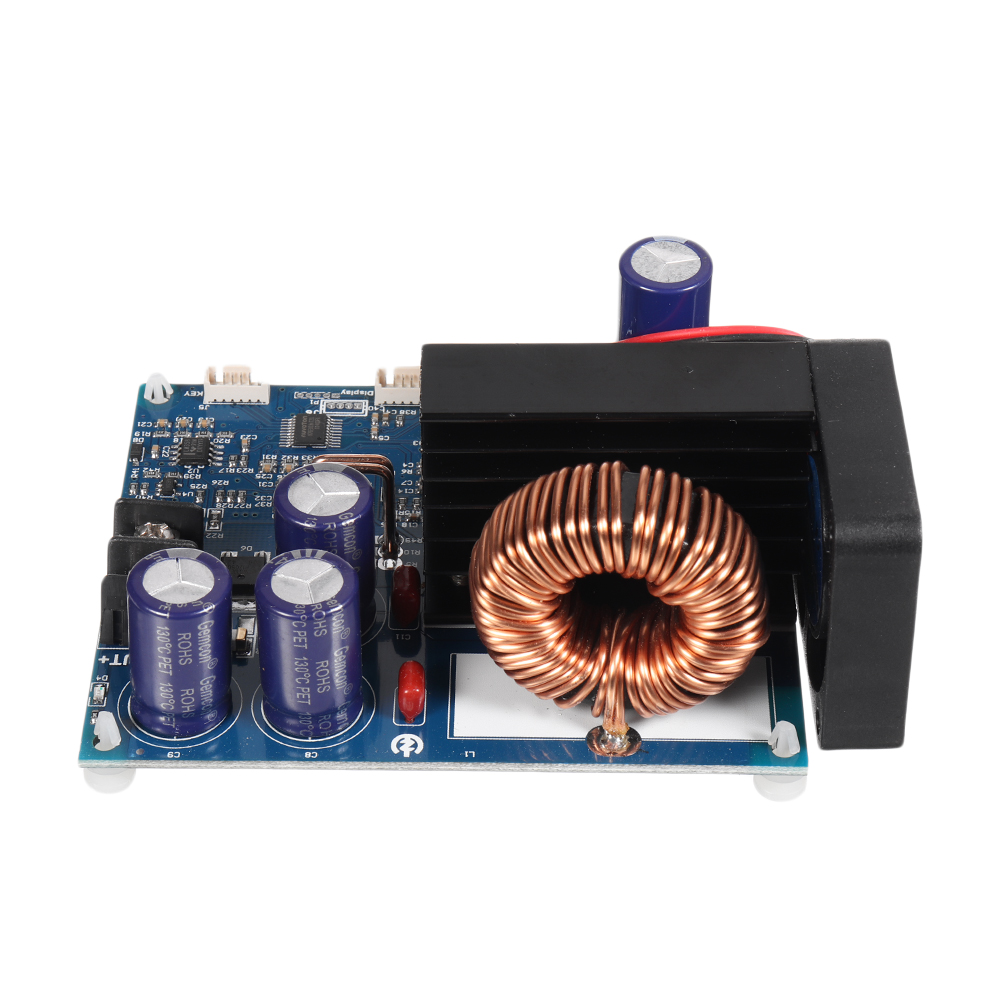
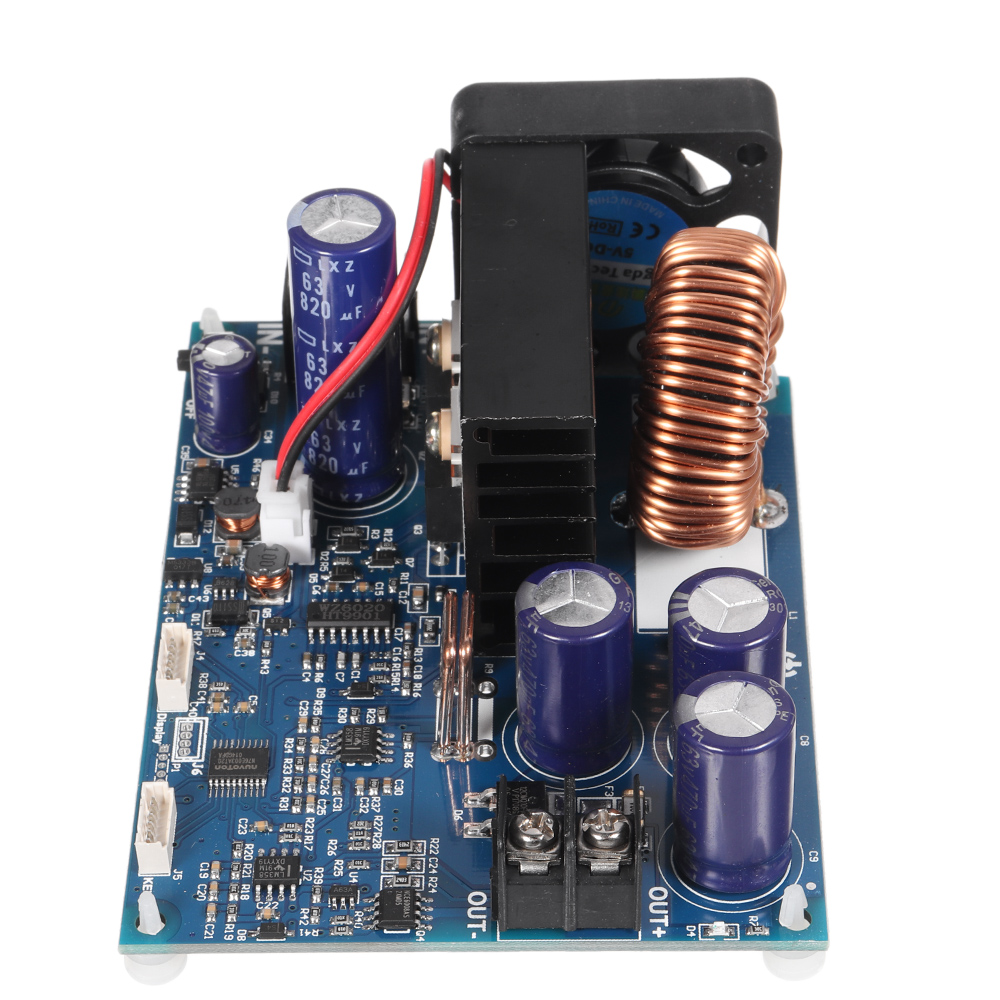
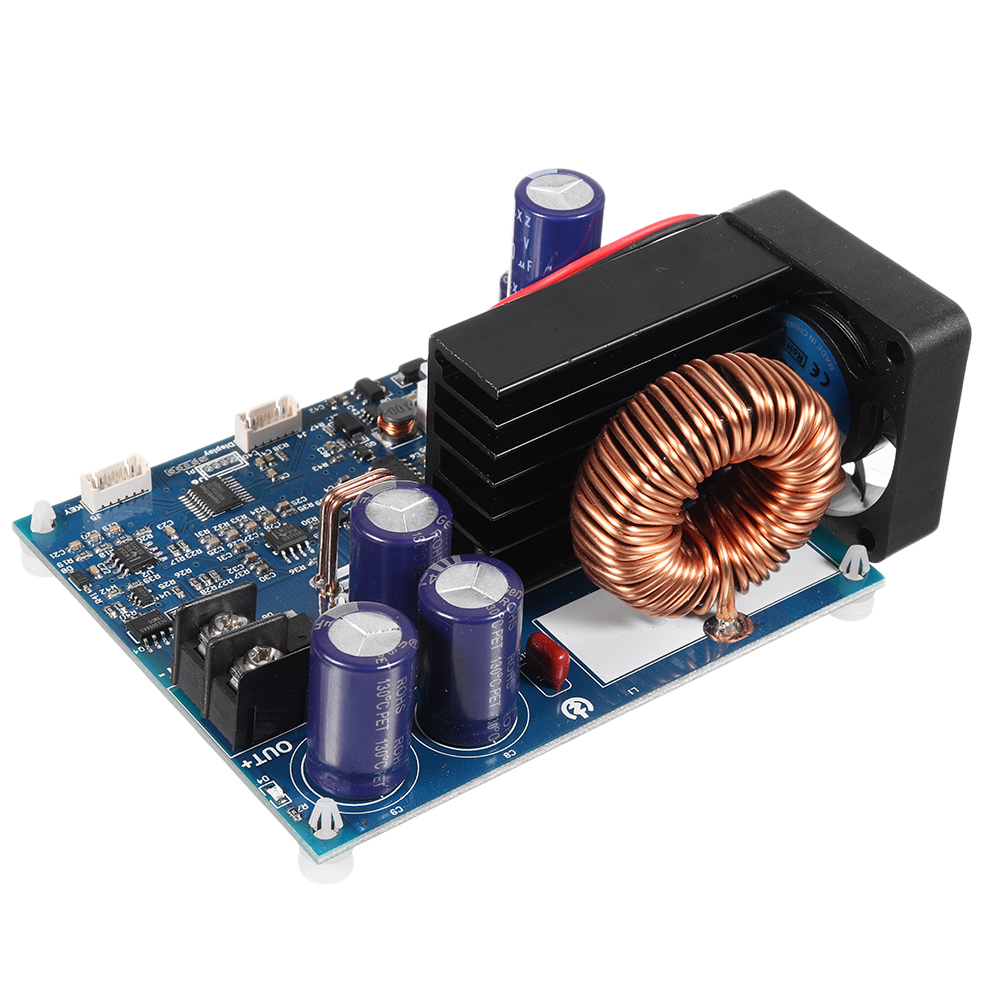
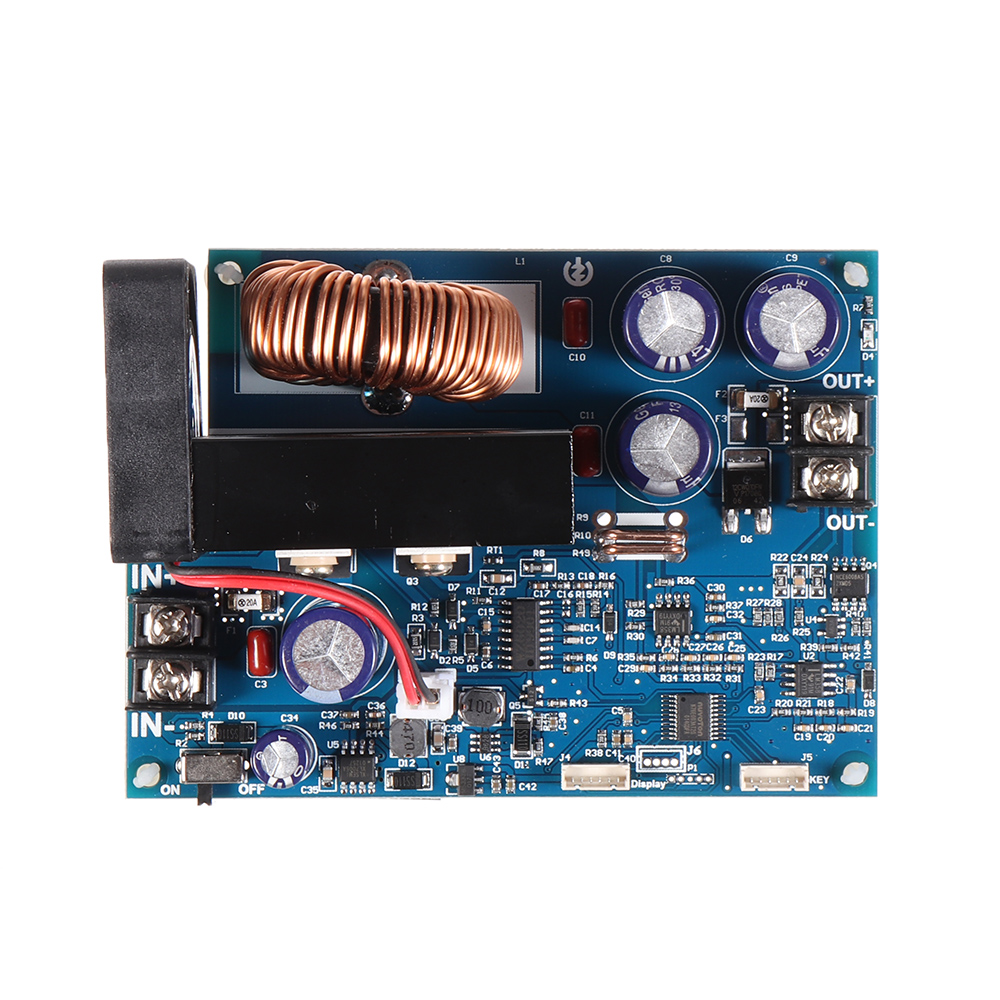
7. Enlarge the heat sink and install a fan to enhance heat dissipation.
| Model: WZ5012L | Display: LCD display |
| Input voltage range: 6-55.00V | Input voltage resolution: 0.01V |
| Output voltage range: 0-50.00V | Output voltage resolution: 0.01V |
| Output current range: 0-12.00A | Output current resolution: 0.01A |
| Output power range: 0-600.0W | Input voltage accuracy: ±(1%+5 words) |
| Output voltage accuracy: ±(0.3%+5 words) | Output current accuracy: ±(0.5%+5 words) |
| Typical output ripple: 150mV peak-to-peak value | Normal working temperature range: -10℃~40℃ |
| Capacity measurement range: 0-999.9AH | Statistical error of capacity energy: ±2% |
| Statistical time range: 0-100 hours | Step-down working mode: differential pressure>0.05%+1V |
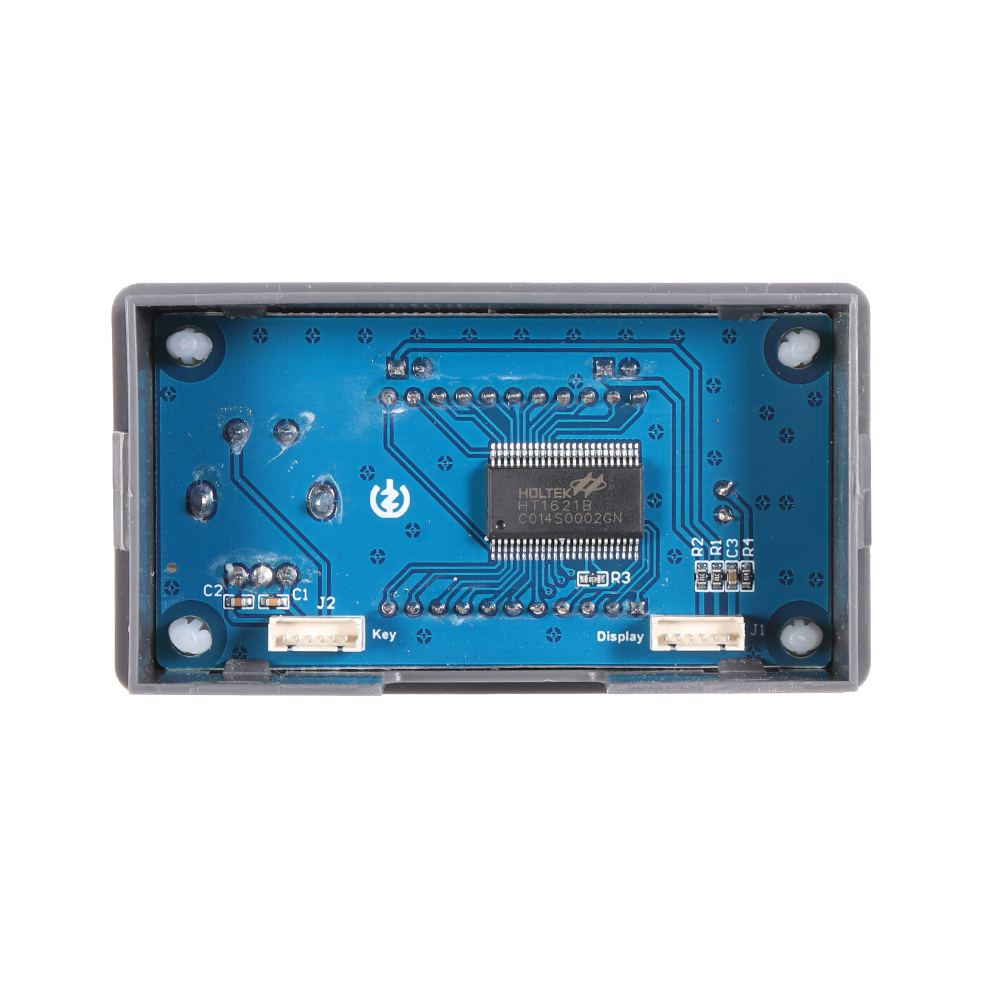
| Bare weight: about 199g | Product size: Panel 79X43X42mm |
| With packaging: about 242g | Motherboard: 106x76x40mm |
Soft start: Yes
protection mechanism:
Input undervoltage protection (5.8-50V adjustable, default 5.8V)
Output overvoltage protection (0-51.00V adjustable, default 51V)
Output overcurrent protection (0-12.10A adjustable, default 12.10A)
Timeout protection (0-100h adjustable, closed by default)
Over-capacity protection (0-999.9Ah adjustable, closed by default)
Instructions:
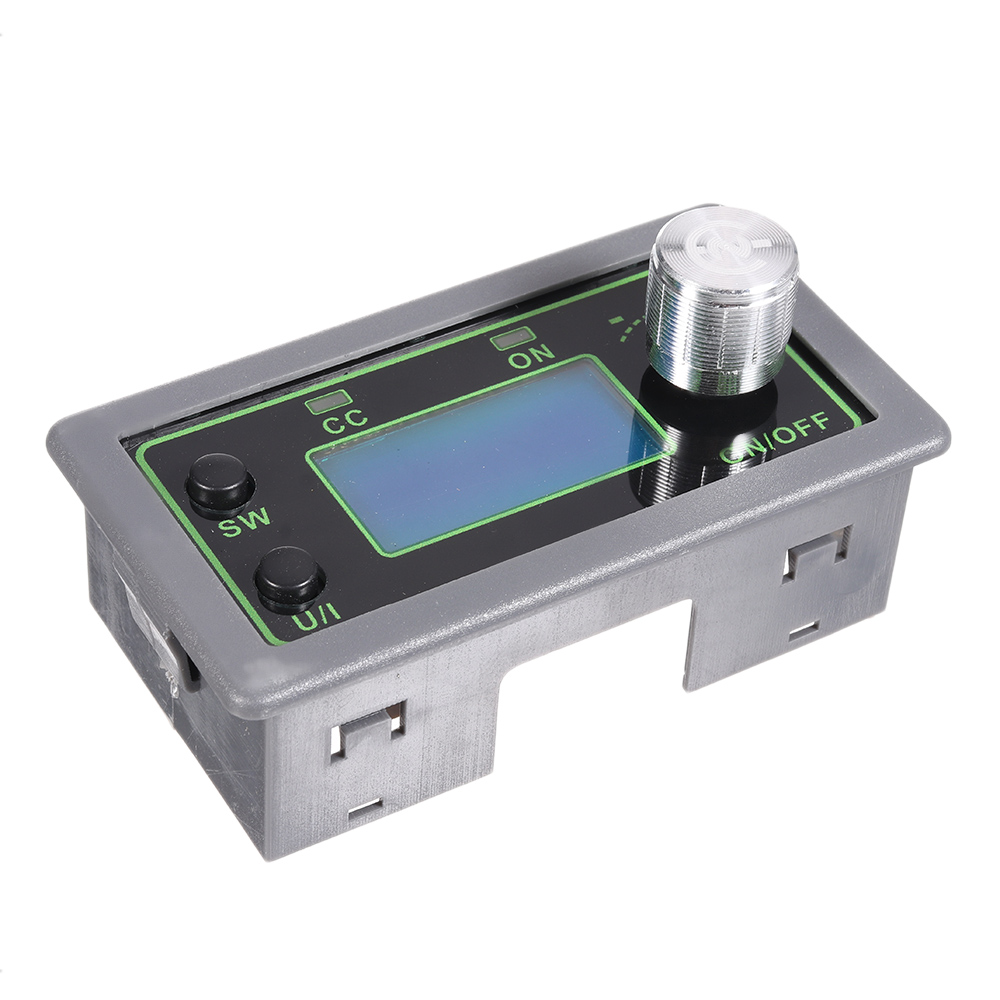
1. Switch display parameters-in the normal interface, short press SW to switch the lower display of the display. The display content is switched between current A, power W, capacity Ah, and time h. Long press the SW button to switch the upper display of the screen, and the display content is switched between input voltage IN and output voltage OUT.
2. Set the output voltage value-short press the U/I button in the normal interface to enter the set voltage constant current interface. You can see that a certain digit of the set output voltage value is flickering. Turn the rotary encoder left and right to adjust it to increase or decrease. Short press the rotary encoder to select which bit of the output voltage is set. After the setting is completed, short press the U/I button twice to return to the normal interface. Or it will automatically return to the normal interface after 10s of stopping operation.
3. Set the constant current value (that is, the maximum current value that the module allows to output)-short press the U/I button in the normal interface to enter the setting voltage constant current interface. Short press the U/I button again to switch to the constant current value setting. You can see that a certain digit of the constant current value is flickering. Turn the rotary encoder left and right to adjust the value to increase or decrease. Short press the rotary encoder to select which bit of the constant current value is set. After the setting is completed, short press the U/I button to exit the setting voltage constant current interface and return to the normal interface. Or it will automatically return to the normal interface after 10s of stopping operation.
4. Set the default on/off state of the module when it is powered on-long press the U/I button in the normal interface to enter the parameter setting interface. It can be seen that OPEN OFF or OPEN ON is displayed. OPEN OFF means that the output is turned off by default when power on, and OPEN ON means that the output is turned on by default when power on. Long press the rotary encoder to switch between two states. After setting, long press the U/I button to return to the normal interface.
5. Set the protection parameter on state and threshold value-in the normal interface, long press the U/I button to enter the parameter setting interface. Short press the SW button until the protection parameter you want to set appears. LUP——undervoltage protection threshold; OUP——overvoltage protection threshold; OCP——overcurrent protection threshold; OAP——overcapacity protection threshold; OHP overtime protection threshold. Short press the rotary encoder to select which bit of the protection parameter you want to set. Long press the rotary encoder to set the protection parameters on or off (Only timeout protection and over-capacity protection can be set on/off, and other protection parameters are turned on by default.). Rotate the encoder left and right to make the parameter bigger and smaller. After setting, long press the U/I button to return to the normal interface.
6. Calibrate voltage and current-press and hold the U/I button in the normal interface to enter the parameter setting interface. Short press the SW button until an interface with Zero appears, with the symbol of Zero+OUT+A, long press the rotary encoder to complete zero calibration. Short press the SW button, the CAL parameter interface appears. The one with the CAL+IN+V symbol is the calibration input voltage interface; the one with the CAL+OUT+V symbol is the calibration output voltage interface; the one with the CAL+OUT+A symbol is the calibration output current interface. Rotate the encoder left and right to adjust the size of the parameter to the actual value measured with a multimeter. After the adjustment is completed, long press the rotary encoder to confirm the adjustment is completed, and the parameter value is not flashing at this time. Long press the U/I button to return to the normal interface.
Note: In order to ensure the accuracy of calibration, calibration voltage-voltage above 12V can start calibration; calibration current-current above 1A can start calibration.
Precautions:
1. It is strictly forbidden to connect the positive IN+ and negative IN- of the module input reversely, and it is forbidden to short-circuit the input IN- and the output OUT-, otherwise the module may burn out.
2. Please ensure that the power of the power supply is always greater than the power required by the output load!
3. This module is a step-down module, the input voltage must be higher than the output voltage, and a certain margin is left. If you want to output at full load, the input voltage should be 55V.
4. The high-power use of this module will cause serious heat and high temperature, be careful of burns! When using high power for a long time, please pay attention to ventilation and heat dissipation!
5. The module has an input under-voltage protection function, the default is about 5.8V (can be set), when the value is lower than this value, it will automatically cut off the output (note that the voltage at the module port is lower than the under-voltage protection threshold, when the input current is compared When it is large, don't ignore the partial voltage on the input wire).
1 x WZ5012L
Shipping | Delivery Period | Elecbee ships orders once a day at about 5pm except Sunday. Once shipped, estimated delivery time depends on the below carriers you chose. Express: 3-7 days. Standard Post: 7-20 days. | |
| Shipping Rates | Shipping rates for your order can be found in the shopping cart. | ||
| Shipping Options | We offer express and standard delivery services. | ||
| Shipping Tracking | We will notify you by email with tracking number once order is shipped. You can track your order using the “Track My Order” feature. | ||
| Returning/Warranty | Returning | Returns are normally accepted when completed within 30 days from date of shipment, please contact customer service for a return authorization. Parts should be unused and in original packaging. Customer has to take charge for the shipping | |
| Warranty | All Elecbee purchases come with a 30-day money-back return policy, plus 1-year Elecbee warranty against any manufacturing defects. | ||
| This warranty shall not apply to any item where defects have been caused by improper customer assembly failure by customer to follow instructions, product modification, negligent or improper operation | |||
| Ordering | How to Buy | Elecbee accepts online orders. | |
| Add to cart > Check out > Submit order > Complete payment > Delivery | |||
| Payment | PayPal, Credit Card includes Visa, Master, American Express, Bank transfer. | ||
