
Search for products...

Login
$USD
 00
00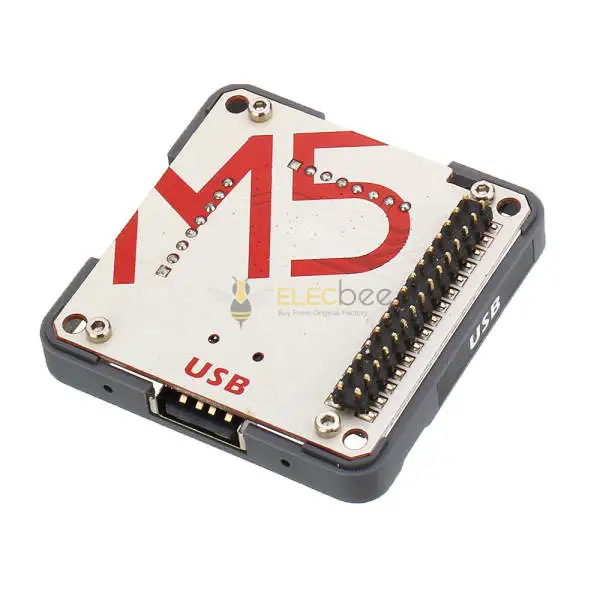
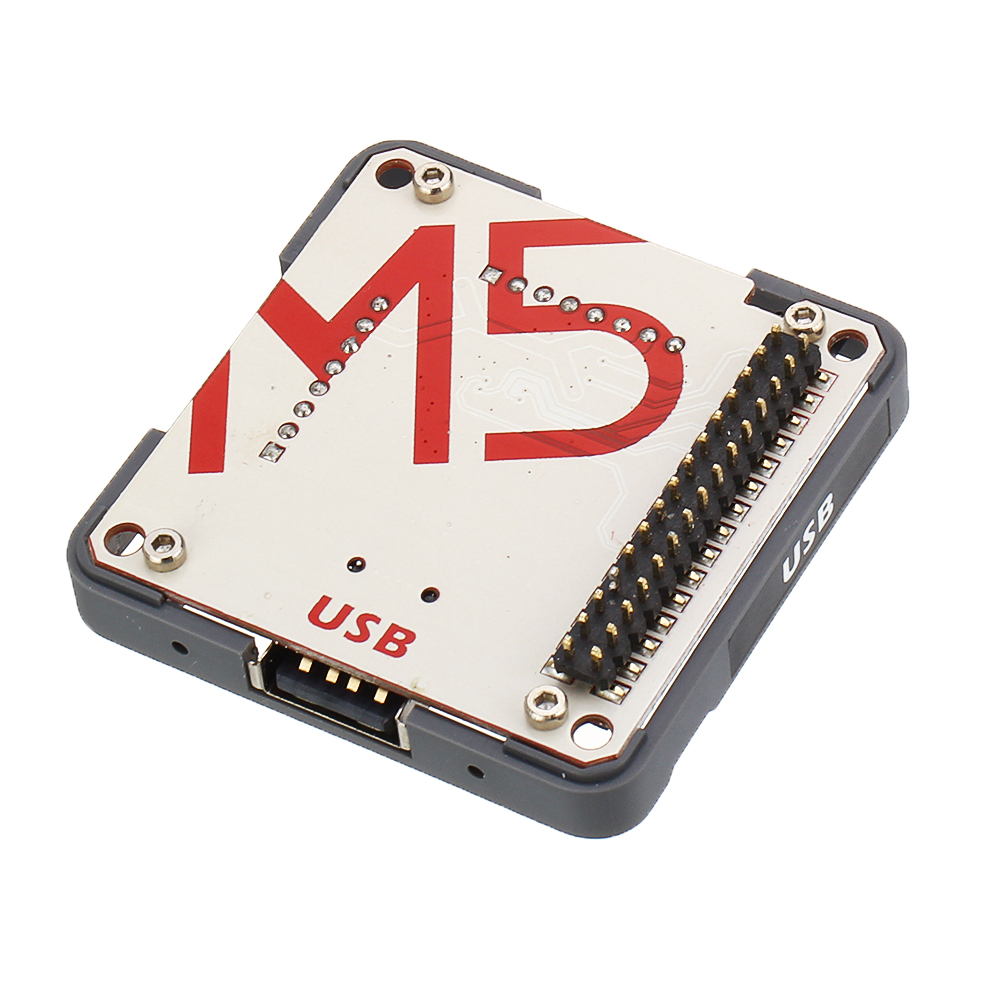
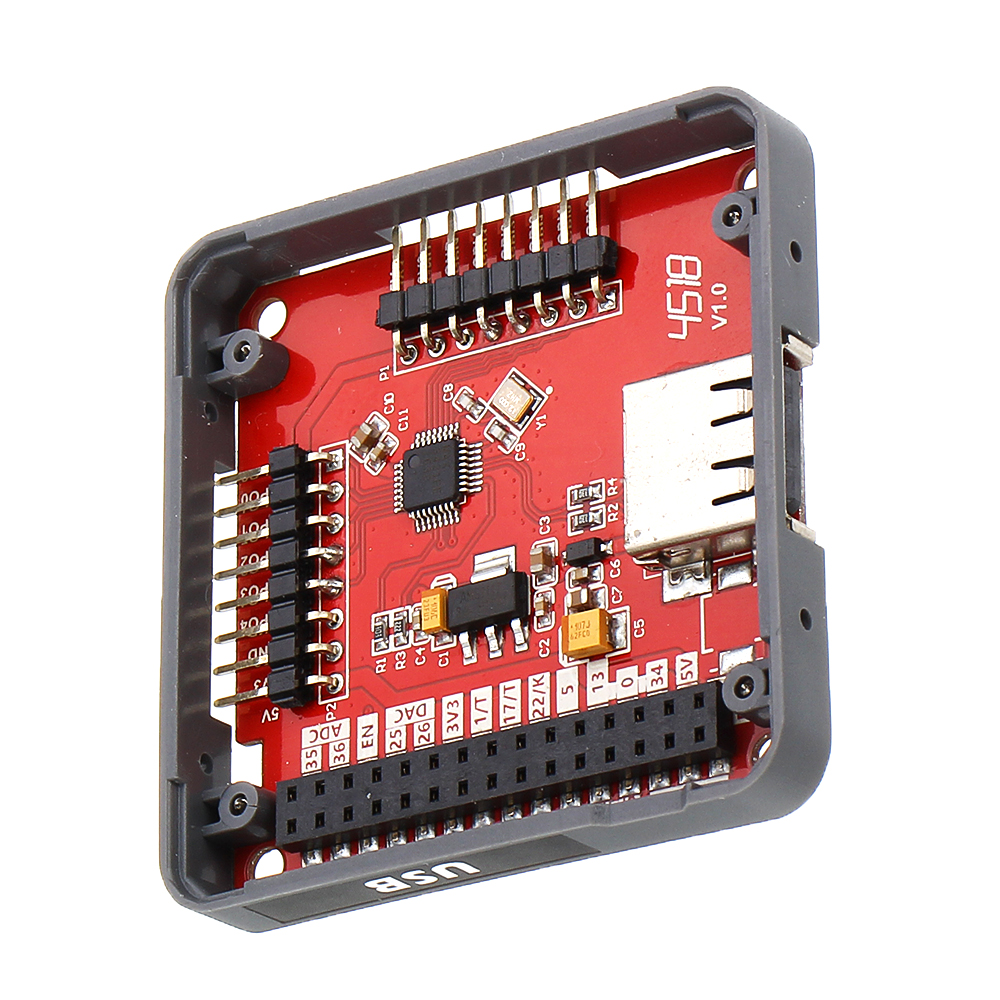
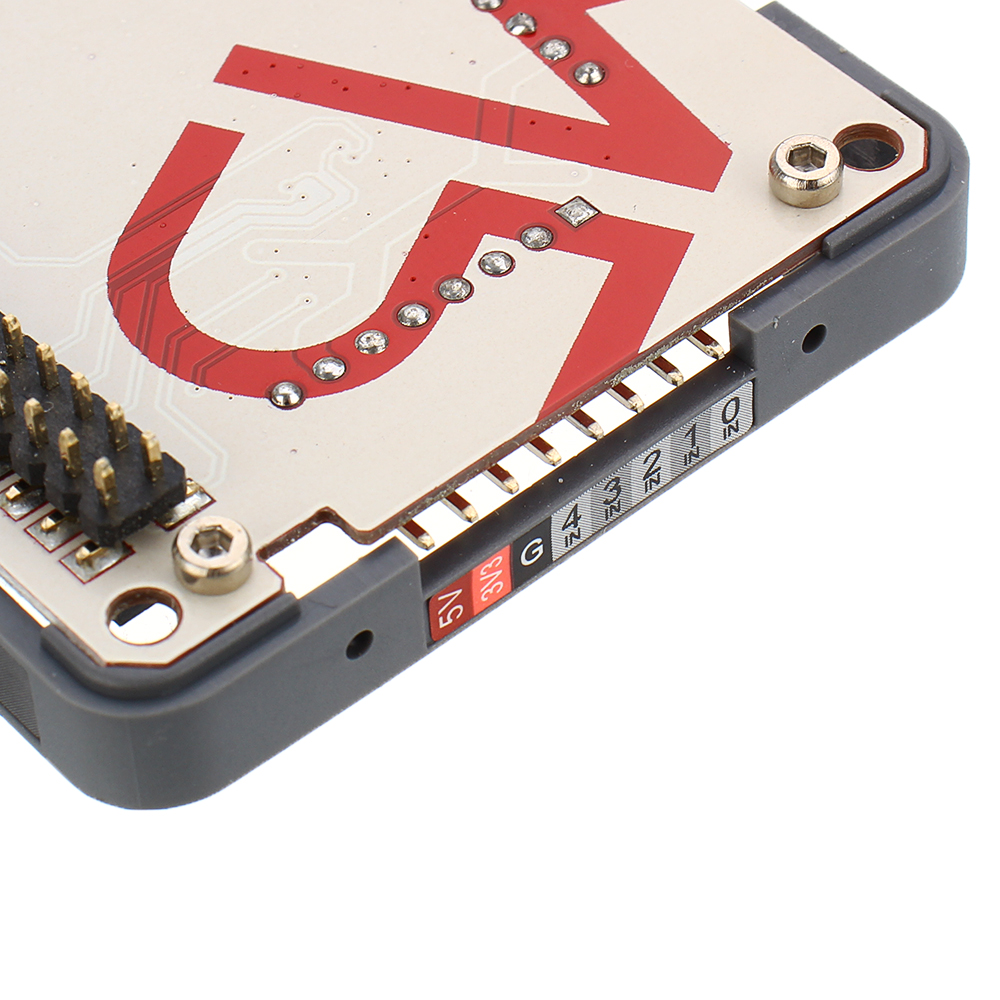
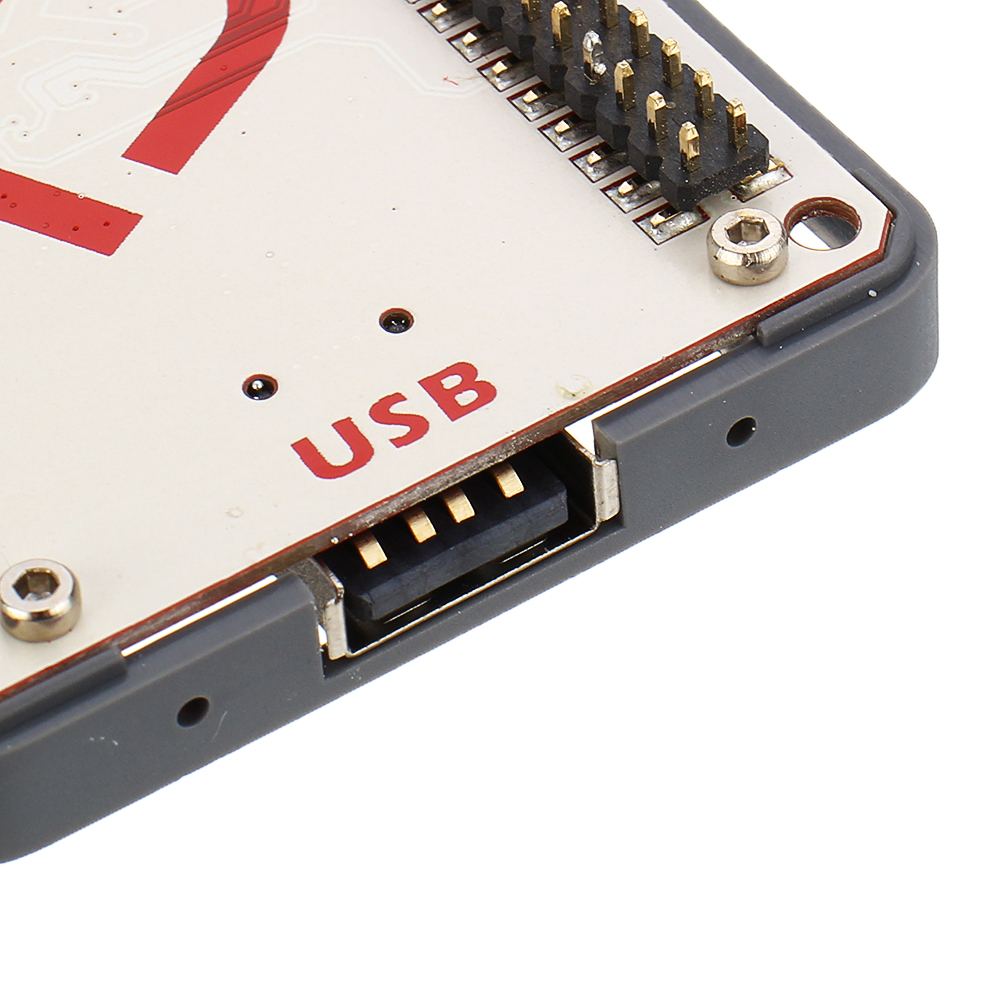
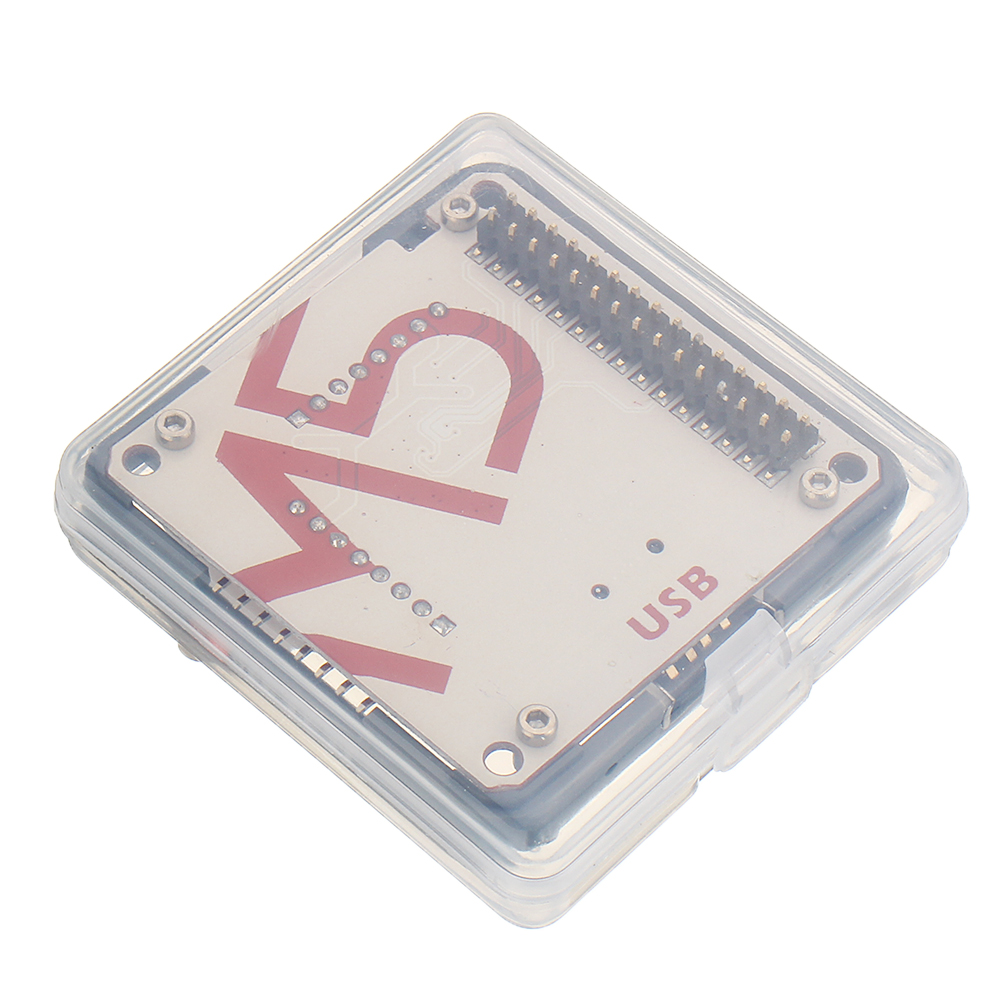
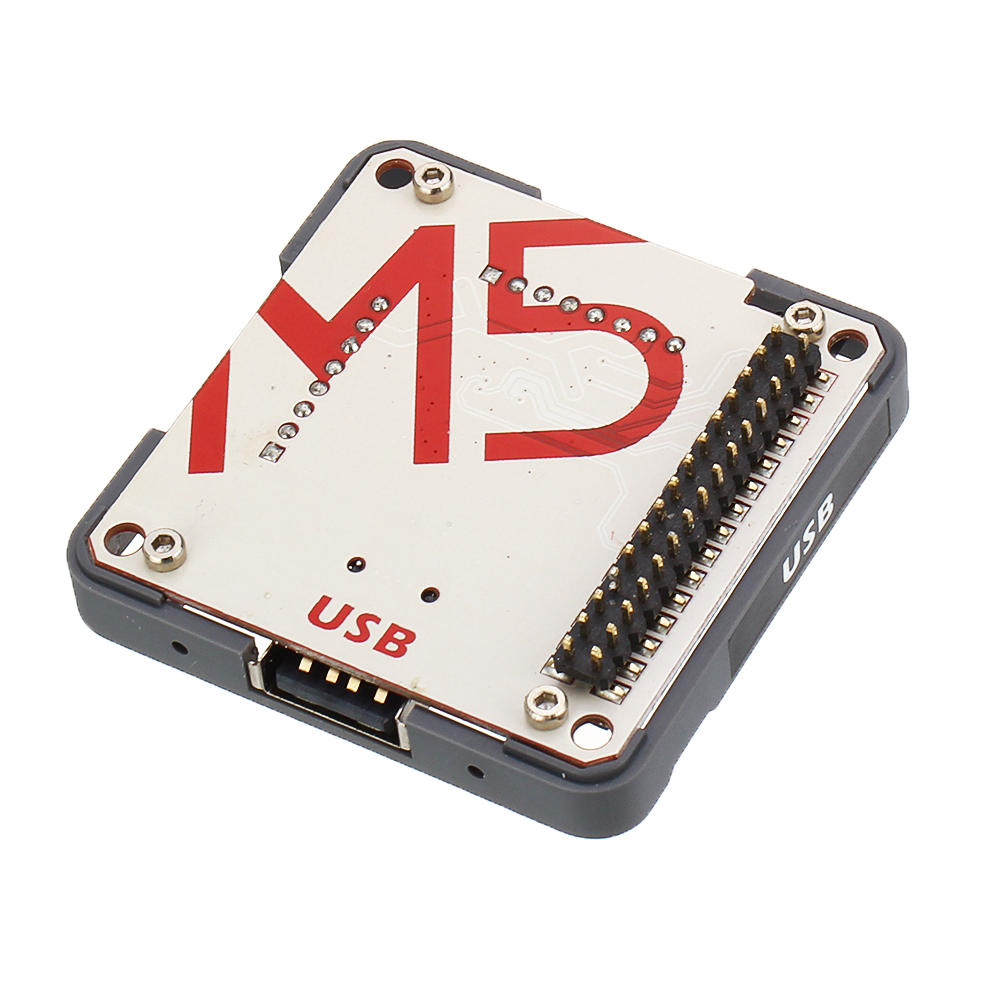
USB is a USB driver module, integrated MAX3421E which adds USB host or peripheral capability to any system with an SPI interface. Ever up for adding the standard USB features on your project? this M5 moudle is the perfect solution.
Series Protocol: SPI
Offical Video: https://www.youtube.com/channel/UCozgFVglWYQXbvTmGyS739w
Forum: http://forum.m5stack.com/
Datasheet - MAX3421E
: https://m5stack.oss-cn-shenzhen.aliyuncs.com/EasyLoader/Module/EasyLoader_USB.exe
1.EasyLoader is a simple and fast program burner. Every product page in EasyLoader provides a product-related case program. It can be burned to the mas ter through simple steps, and a series of function verification can be performed.(Currently EasyLoader is only available for Windows OS)
2.After downloading the software, double-click to run the application, connect the M5 device to the computer via the data cable, select the port parameters, and click "Burn" to start burning.
3.The CP210X (USB driver) needs to be installed before the EasyLoader is burned. Click here to view the driver installation tutorial: https://docs.m5stack.com/#/en/related_documents/M5Burner?id=install-usb-driverExample:
To get complete code, please click here: https://github.com/m5stack/M5-ProductExampleCodes/tree/master/Module/USB/.
NOTE:
Before compile this example code, you need to download the corresponding USB library from here: https://github.com/m5stack/M5-ProductExampleCodes/tree/master/Module/USB//Library. Unzip and copy this library folder to Ardui no library pa th.( This is my pa th
C:Users)DocumentsArdui nolibraries Download the example
usb_m o u se.inoPlug the USB m o u se into USB A port.
Hold down the left button to draw white lines.
Hold down the right button to draw green line.
Press the middle wheel button to clear the screen.
Schematic:
Shipping | Delivery Period | Elecbee ships orders once a day at about 5pm except Sunday. Once shipped, estimated delivery time depends on the below carriers you chose. Express: 3-7 days. Standard Post: 7-20 days. | |
| Shipping Rates | Shipping rates for your order can be found in the shopping cart. | ||
| Shipping Options | We offer express and standard delivery services. | ||
| Shipping Tracking | We will notify you by email with tracking number once order is shipped. You can track your order using the “Track My Order” feature. | ||
| Returning/Warranty | Returning | Returns are normally accepted when completed within 30 days from date of shipment, please contact customer service for a return authorization. Parts should be unused and in original packaging. Customer has to take charge for the shipping | |
| Warranty | All Elecbee purchases come with a 30-day money-back return policy, plus 1-year Elecbee warranty against any manufacturing defects. | ||
| This warranty shall not apply to any item where defects have been caused by improper customer assembly failure by customer to follow instructions, product modification, negligent or improper operation | |||
| Ordering | How to Buy | Elecbee accepts online orders. | |
| Add to cart > Check out > Submit order > Complete payment > Delivery | |||
| Payment | PayPal, Credit Card includes Visa, Master, American Express, Bank transfer. | ||