
Search for products...
 Login
Login$USD
 0Login0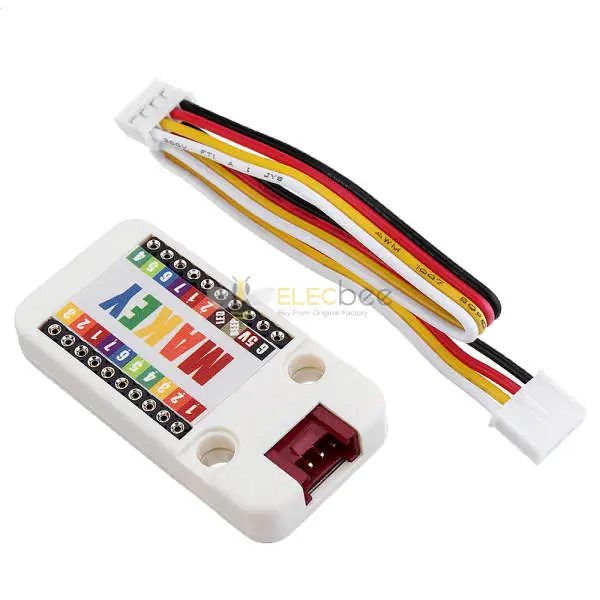
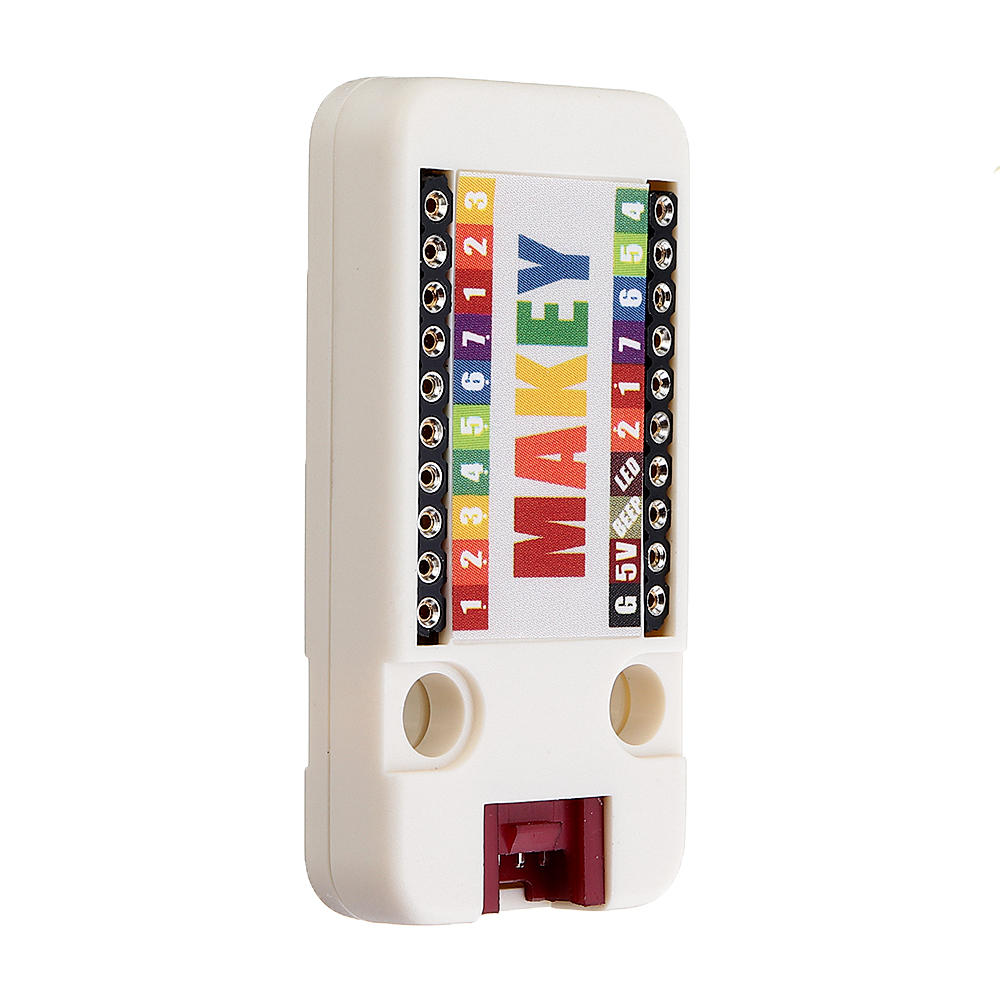
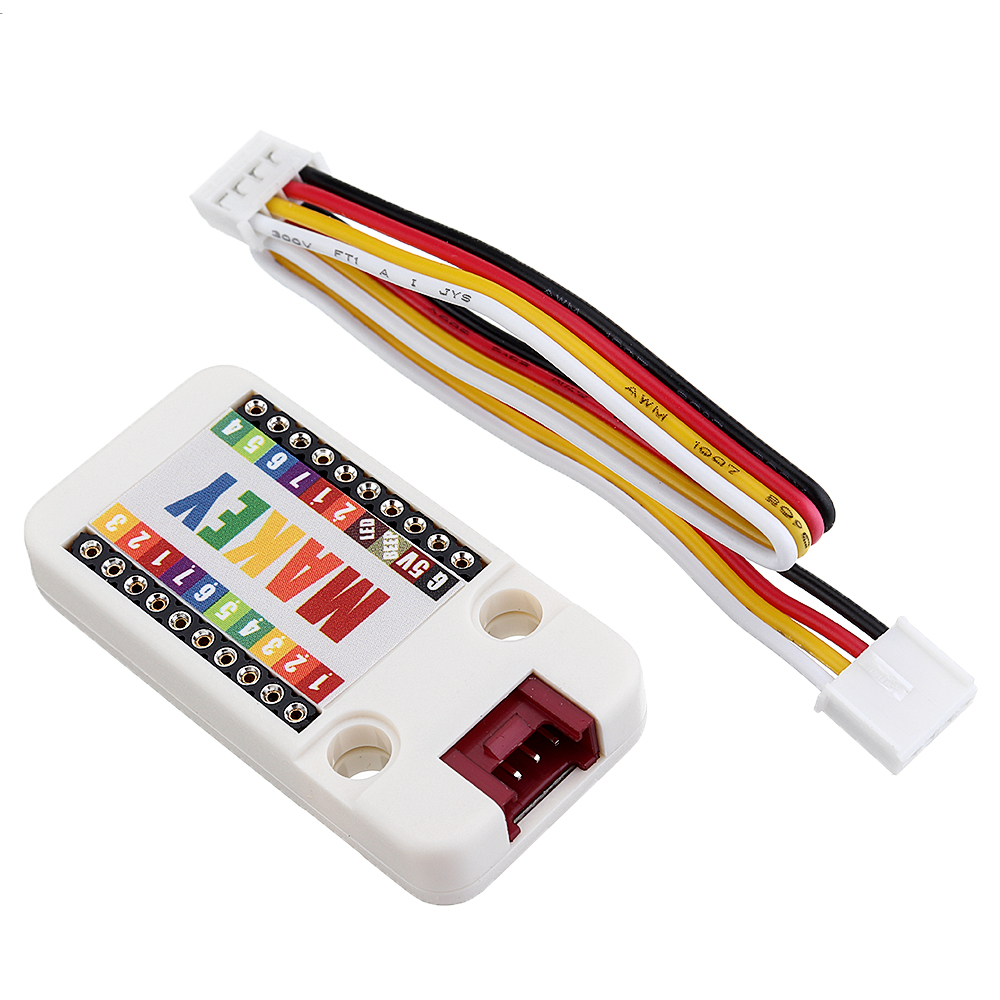
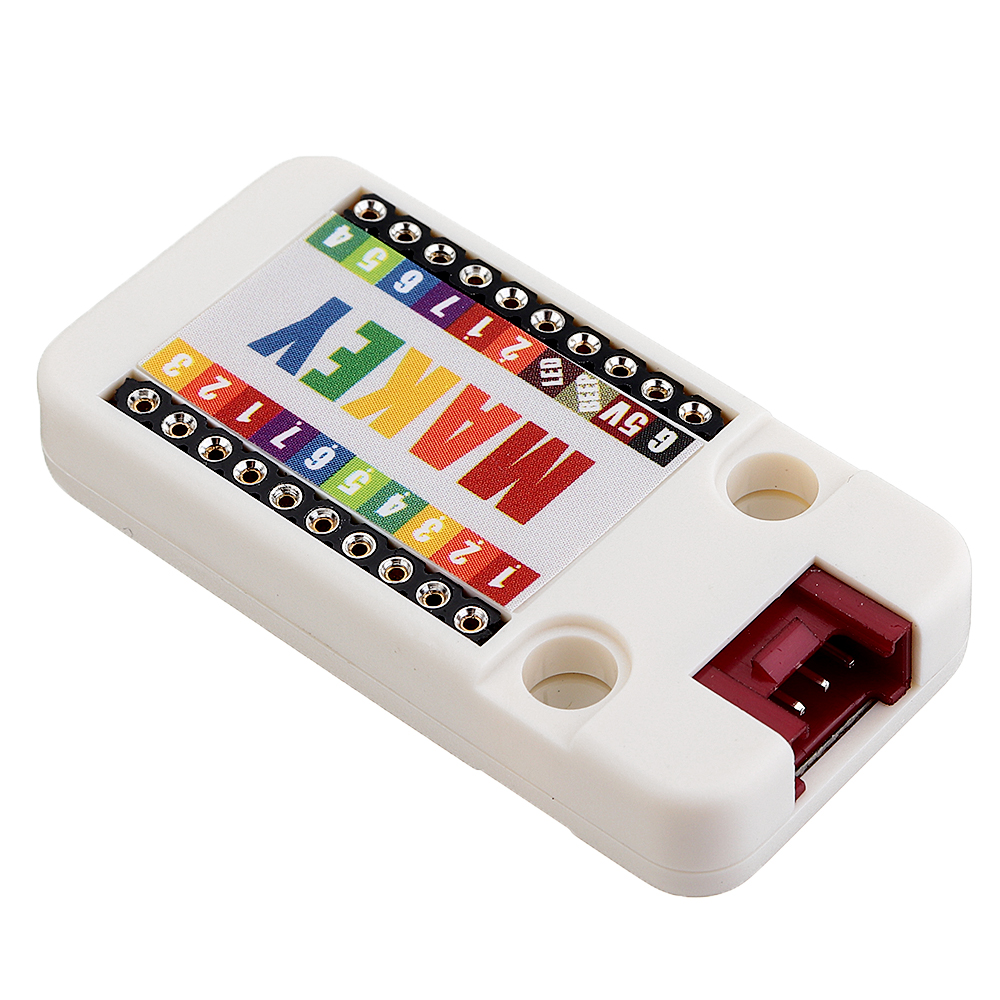
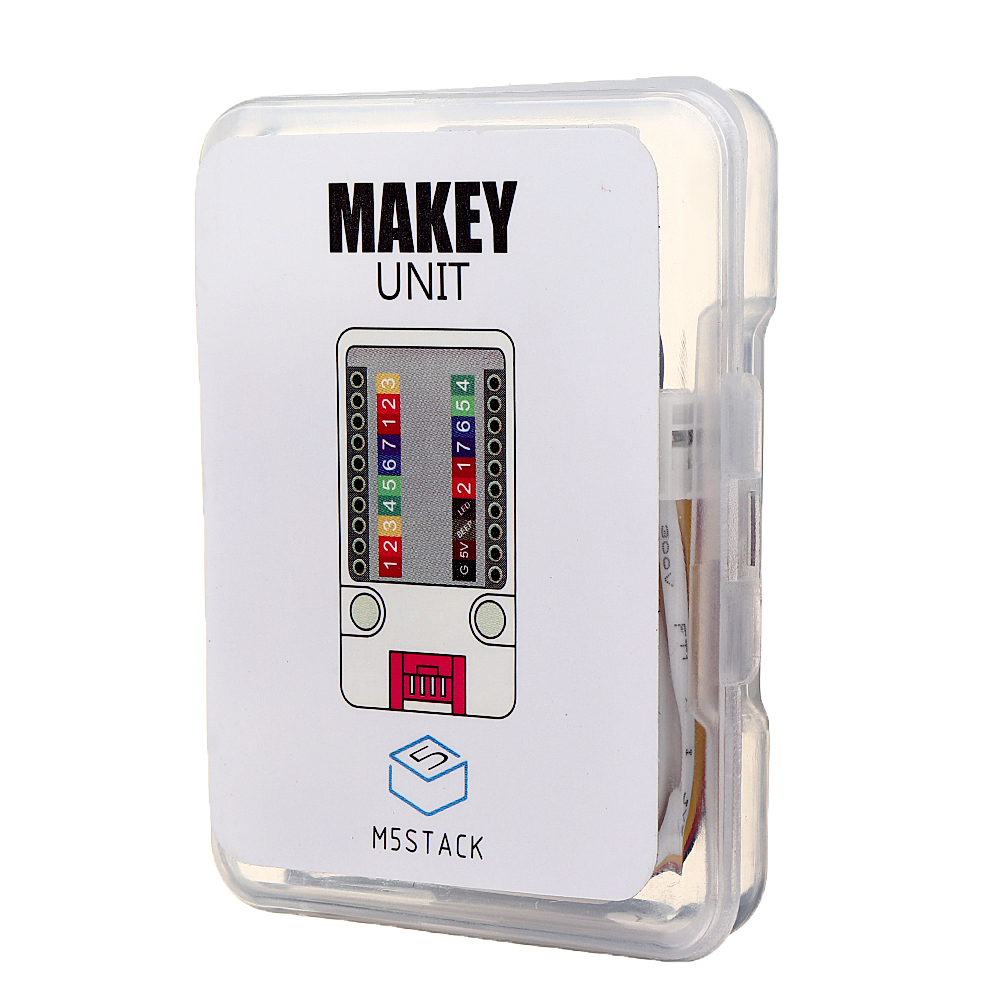
MA KEY Unit is inspired by an Invention kit called Ma key Ma key which brings the concept that users can connect everyday objects to computer programs. Using a circuit board, alli gator clips, and a USB cable, the circuit uses closed loop electrical signals to send the microprocessor either a keyboard stroke or m o u s e click signal. We've tried connect a bounch of fruits, one for each key,to this Unit. When you touch the ap ple, you make a connection, and Ma Key sends the processor a keyboard message. The buzzer inside or speaker on M5core will exhibit the key value, so instead of using a keyboard, you can make a fruit piano.
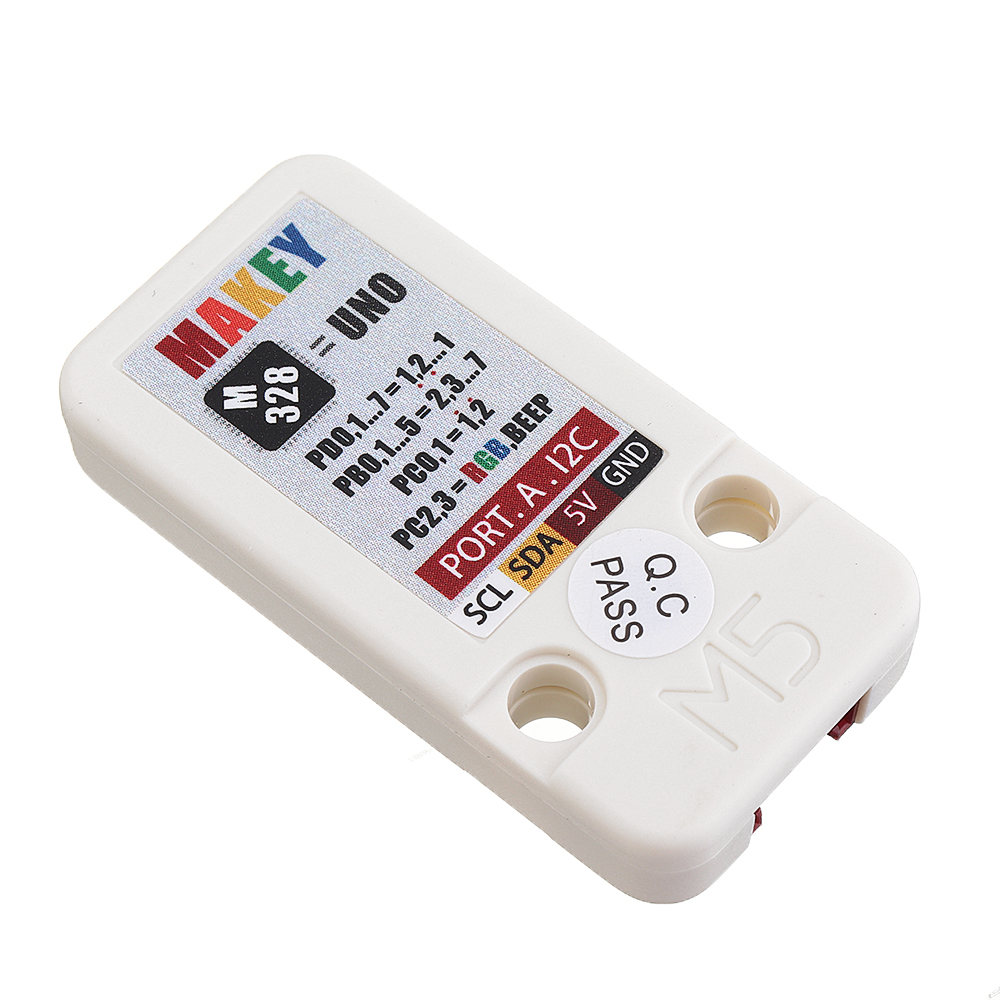
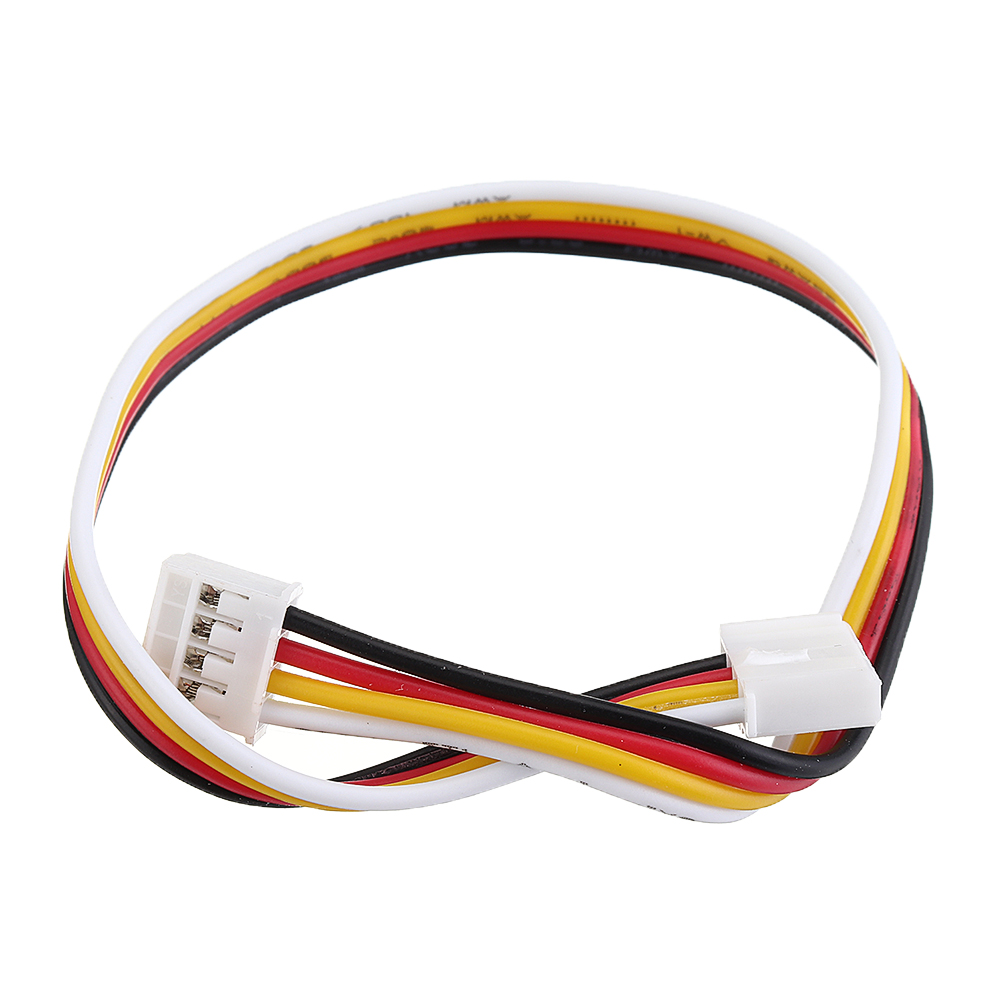
This Unit communicates with the M5Core via the GROVE A I2C(0x51).
Instructions:
1 Use the buzzer on the unit to exhibit sounds:
Take a Dupont wire(male to male), one end plug into GND, hold the other end to your hand. Take another Dupont wire(male to male), one end plug into different key holes, the other end hold by the other hand. Make it a close circult. Plug into different key tones the buzzer will emit the corresponding tones.
2 Use the speaker on the M5core to exhibit sounds: Connct MA KEY with M5Core via Grove A Download this example: https://github.com/m5stack/M5-ProductExampleCodes/tree/master/Unit/Makey_NewVersion//Makey_new_version.
Repeat the same operation as above. you will see this sound much better.
Offical Video: https://www.youtube.com/channel/UCozgFVglWYQXbvTmGyS739w
Forum: http://forum.m5stack.com/
Maykey Firmware: https://github.com/m5stack/M5-ProductExampleCodes/tree/master/Unit/Makey_NewVersion/firmware_328p
1.EasyLoader is a simple and fast program burner, and each product page has a product-related case program for EasyLoader.
2.After downloading the software, double-click to run the application, connect the M5 device to the computer via the data cable, select the port parameters, and click "Burn" to start burning.3.The CP210X (USB driver) needs to be installed before the EasyLoader is burned. Click here to view the driver installation tutorial: https://docs.m5stack.com/#/en/related_documents/establish_serial_connection
Example:
1. for IDE
The code below is incomplete. To get complete code, please click here: https://github.com/m5stack/M5-ProductExampleCodes/tree/master/Unit/Makey_NewVersion//Makey_new_version.

2. UIFlow
To get complete code, please click here: https://github.com/m5stack/M5-ProductExampleCodes/tree/master/Unit/Makey_NewVersion/UIFlow.


| M5Core(GROVE A) | GPIO22 | GPIO21 | 5V | GND |
     |
Shipping | Delivery Period | For in-stock parts, orders are estimated to ship out in 3 days. Elecbee ships orders once a day at about 5pm except Sunday. Once shipped, estimated delivery time depends on the below carriers you chose. DHL Express: 3-7 business days DHLeCommerce: 12-22 business days FedEx International Priority: 3-7 business days EMS: 10-15 business days Registered Air Mail: 15-30 business days | |
| Shipping Rates | Shipping rates for your order can be found in the shopping cart. | ||
| Shipping Options | Shipping rates for your order can be found in the shopping cart. | ||
| Shipping Tracking | We will notify you by email with tracking number once order is shipped. You can track your order using the “Track My Order” feature. | ||
| Returning/Warranty | Returning | Returns are normally accepted when completed within 30 days from date of shipment, please contact customer service for a return authorization. Parts should be unused and in original packaging. Customer has to take charge for the shipping | |
| Warranty | All Elecbee purchases come with a 30-day money-back return policy, plus 1-year Elecbee warranty against any manufacturing defects. | ||
| This warranty shall not apply to any item where defects have been caused by improper customer assembly failure by customer to follow instructions, product modification, negligent or improper operation | |||
| Ordering | How to Buy | Elecbee accepts online orders. | |
| Add to cart > Check out > Submit order > Complete payment > Delivery | |||
| Payment | PayPal, Credit Card includes Visa, Master, American Express, Bank transfer. | ||

