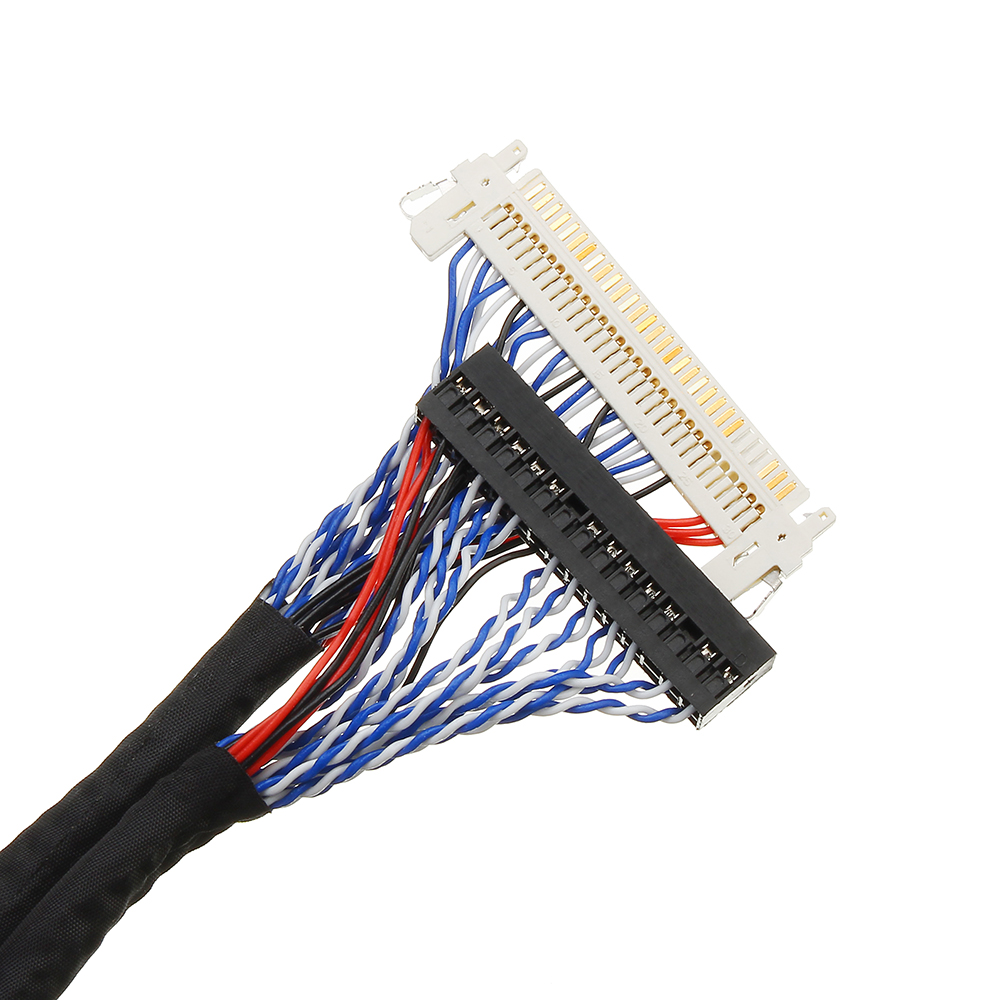
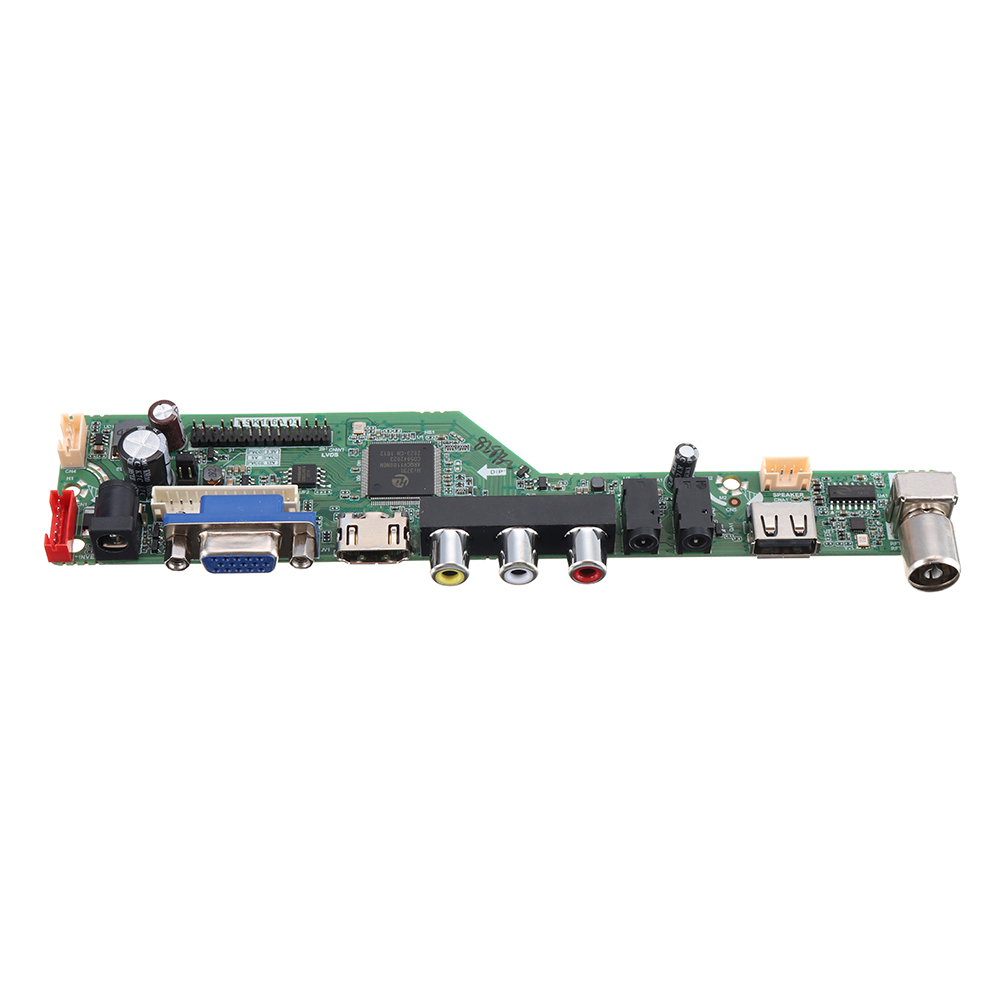
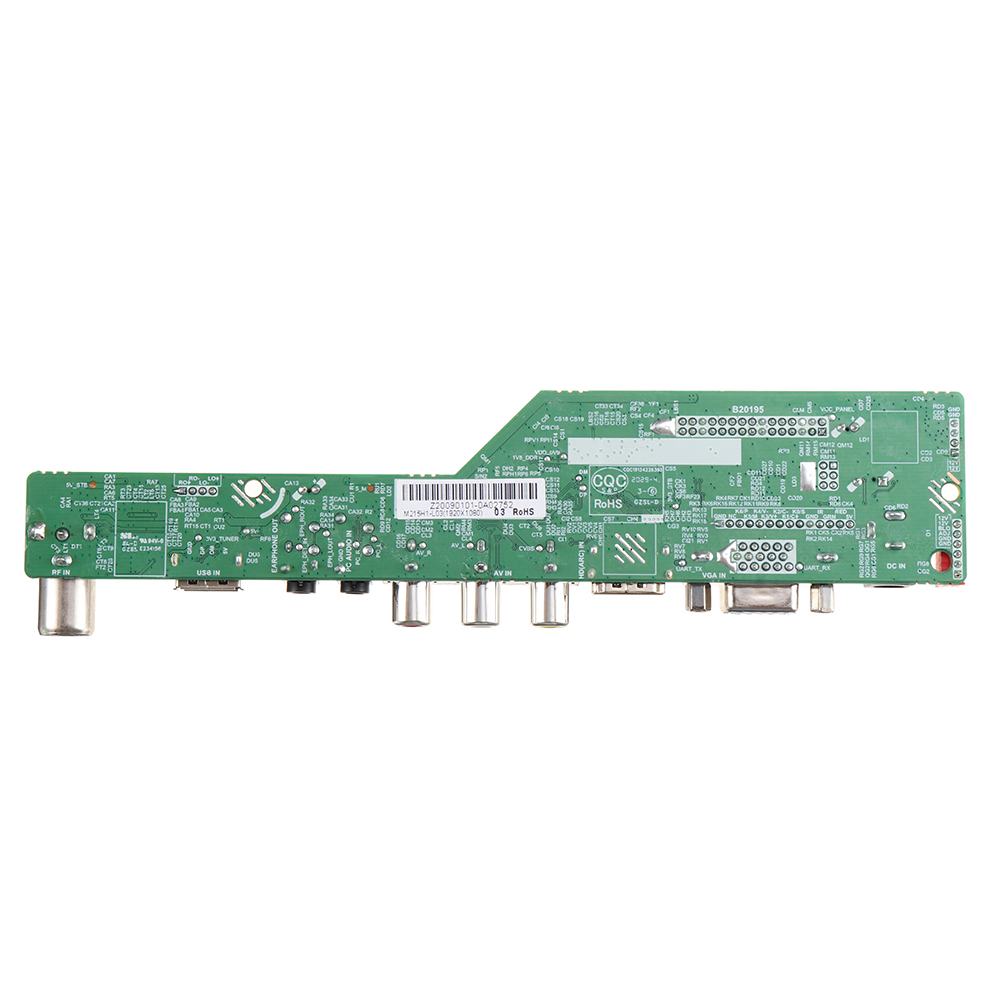
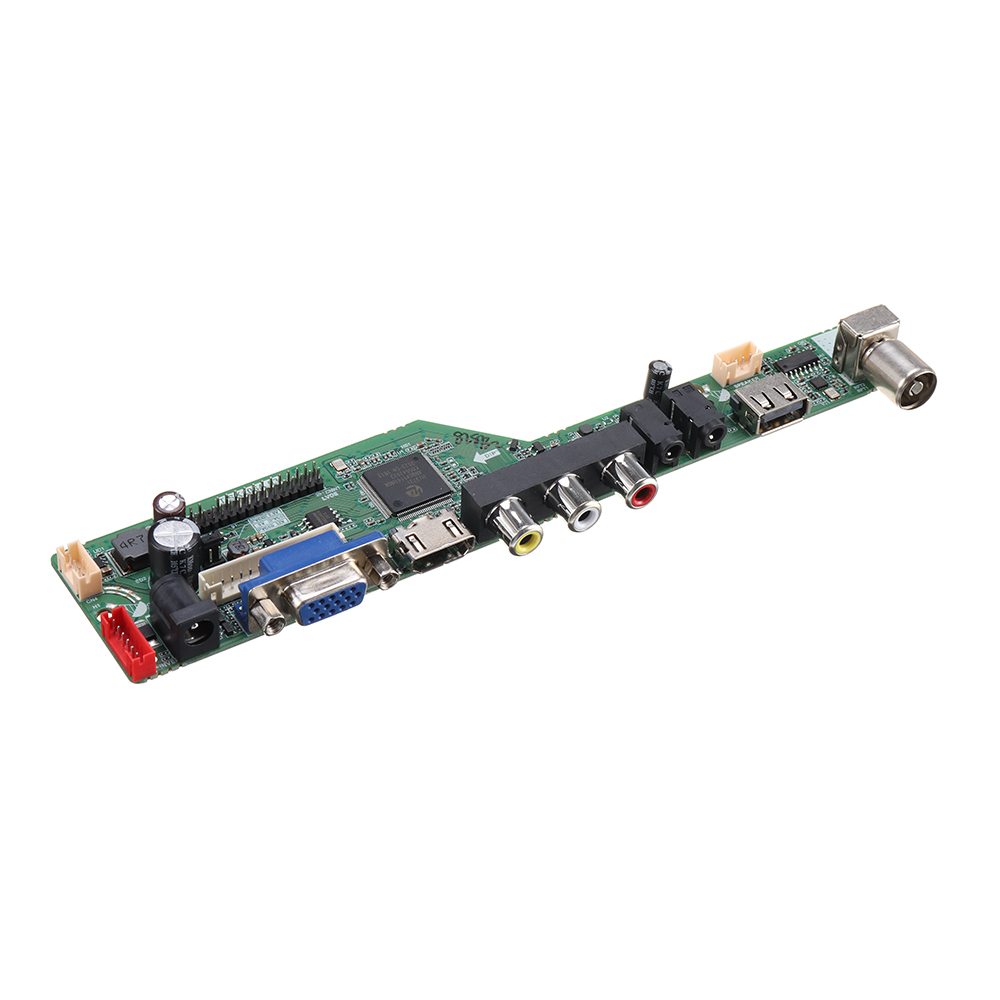
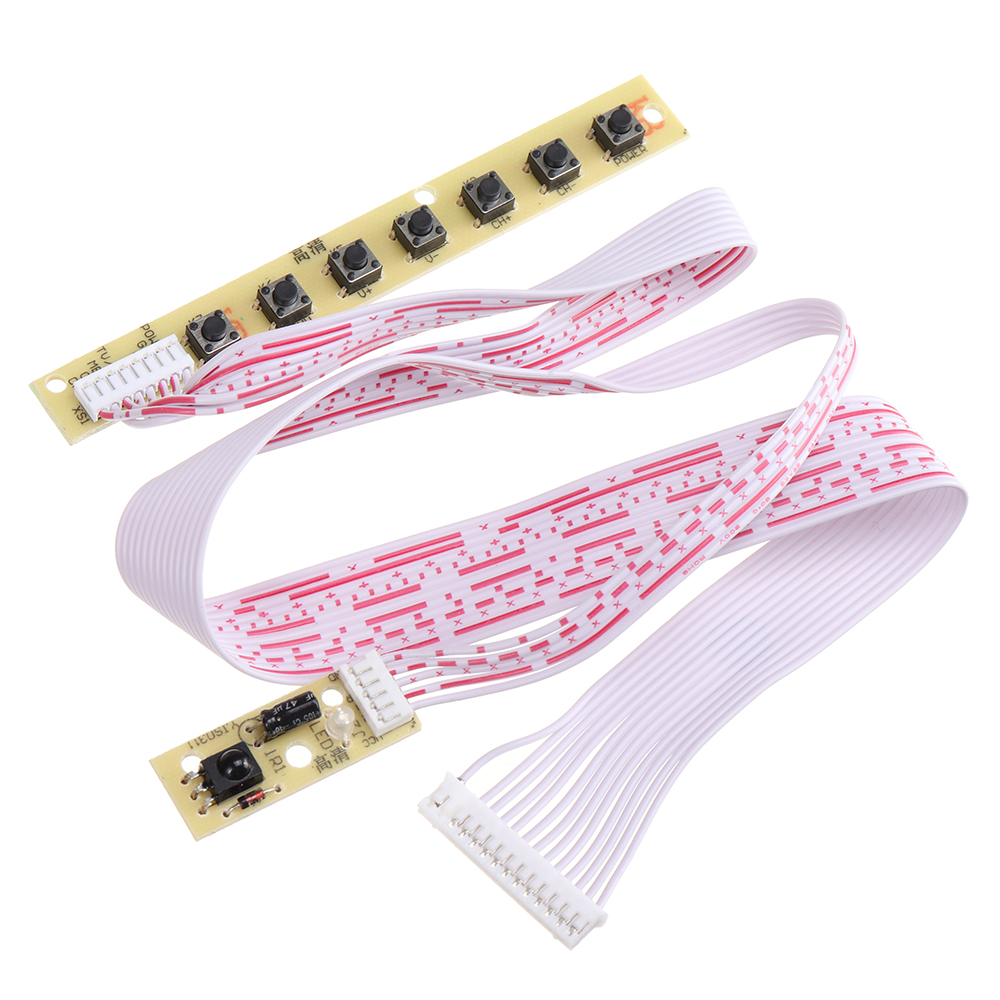
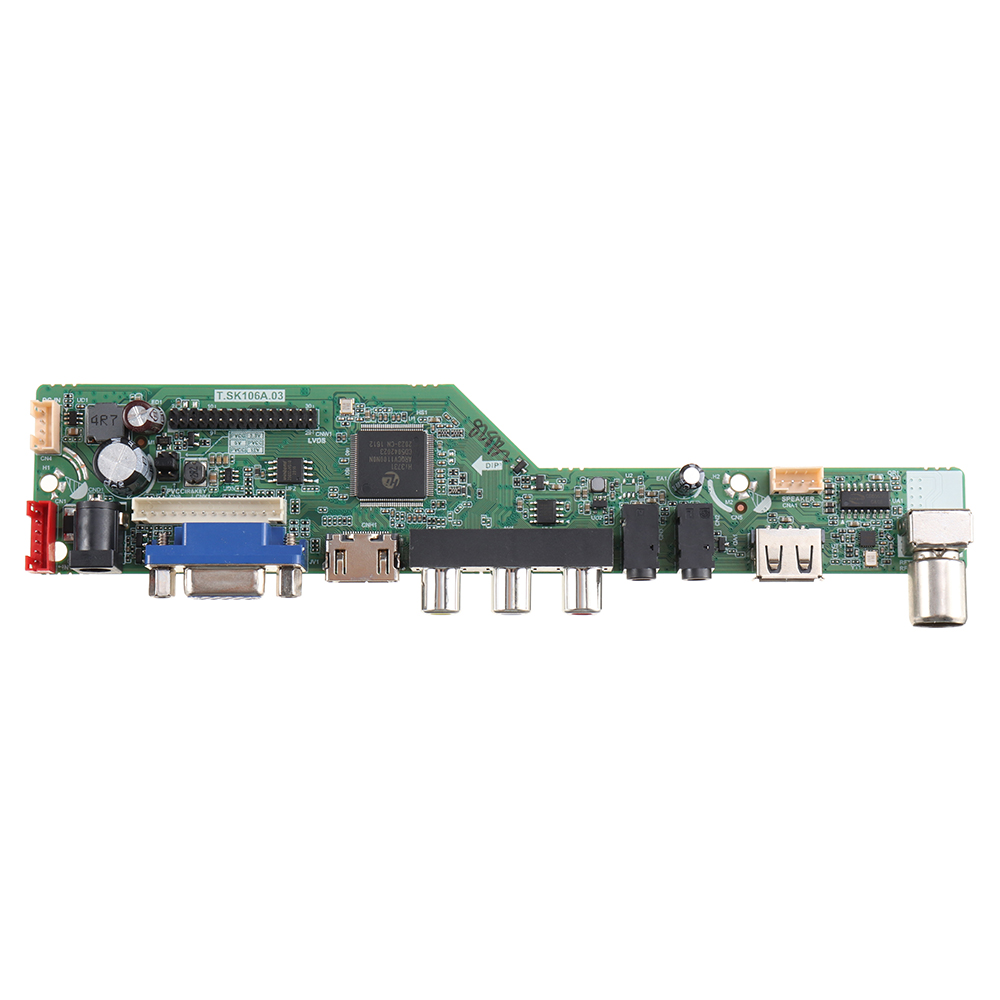
Note: Since the driver board model is updated frequently, the appearance and chip will be different, please refer to the actual received. If you mind this, please buy carefully.
Please note before buying:
1. This product is compatible with most models. Customers only need to confirm that the LCD screen is compatible with the following resolutions, without repeating the inquiry model. (Firmware burns the corresponding resolution)
2. This product needs to burn the firmware by yourself before it can be used. If you don't know how to burn the firmware, unfortunately, it is recommended not to buy. Thank you for your understanding.
3. This kit comes with a 2ch 8bit 30pins screen cable by default. If it is not compatible with your screen, please purchase a matching screen cable separately.
4. Be sure to use the correct power supply. If the current is too low/too high, it will fail to boot, or even burn out the chip and damage the motherboard.(Power Adapter: DC 12V 3-5A)
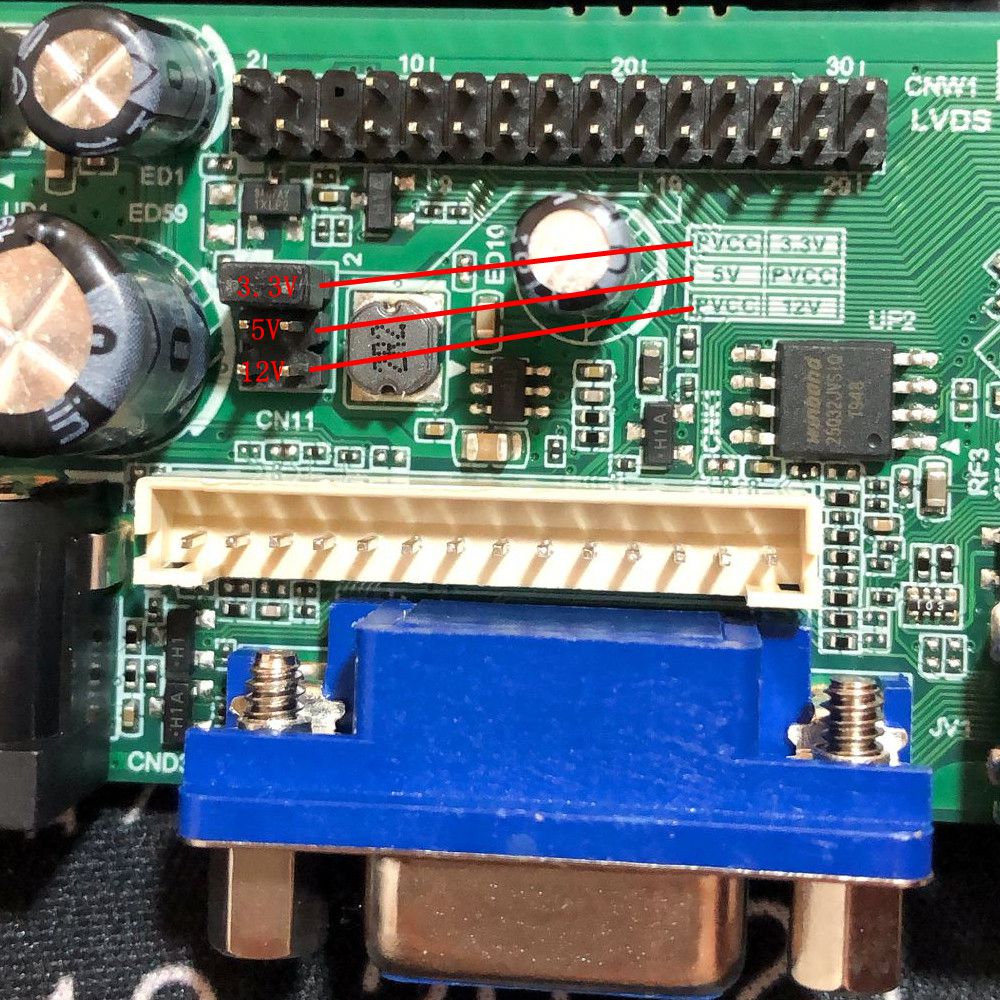
5. Please pay attention to the choice of screen voltage 3.3V/5V/12V, and change the position of the jumper cap according to different voltages.
Only supports the resolution of:
1920x1200
1920x1080
1680x1050
1680x945
1600X1200
1600x900
1400X1050
1440x900
1366x768
1280x1024
1280x854
1280x800
1280x768
1280x720
1024x768
1024x600
800x600
Burning method: to record the screen program in the USB flash disk, USB flash disk inserted into board, plug in the keypad, electricity; About after a few seconds, press the keypad lights start alternating red and green flash, flash lights began to write programs (please do not power), light in the slow flash first, after a slow flash flash, will speed up the quick flash, long after the last until the lights stop flashing light is the program written, electricity burn with USB flash disk to complete the program.
Not only USB interface can be used to upgrade programs, but also can use to play video, basically formats are supported. You can also set a boot display pictures or LOGO
After the firmware is successfully burned, you can use the remote control to debugging: menu input 1147 to enter the factory mode for debugging
Description:
Model: T.V53.03 (Update from December 25, 2019)
Model: T.SK106A.03 (Update from September 1, 2020)
Update Model: T.SK105A.03 (Update from November, 2020) The specific model is mainly based on the received model, pay attention to burning the corresponding model firmware.
TV Format: Analog Signal
Support Language: Russian, English, Hindi, Simplified Chinese, Khmer, Vietnamese, Myanmar, French, German, Italian, Spanish.
Input Interface: PC / HDMI / TV / AV / USB multimedia playing (Note: TV signals can only receive analog signals, not digital signals.)
Power Adapter: DC 12V 3-5A
Screen interface: LVDS Double 8
Screen voltage: 3.3V / 5V / 12V (Jump cap)
Not only USB interface can be used to upgrade programs, but also can use to play video/music/photo, basically, formats are supported. You can also set a boot display pictures or LOGO and Mirror Enable.
How to know the lvds cable type?
Step 1: Find your LCD model's resolution (you can check the resolution from this link: )
Step 2: Find the corresponding model.
Step 3: Find and write in the corresponding firmware.
Programming:
1. Put the firmware in formatted USB flash disk(FAT32), then insert the USB disk and the 7KEY-Button to the board
2. After turn on the power, the light of the 7key button be Red then flash red faster.
IT KEEPS flashing and NEVER STOP. it's normal, just wait about 1 minute, it means upgrade has finished. then power off and pull off the u-disk. (Note that write programs do not power outages, crashing won't be able to use)
Package included:
1 x Controller Board
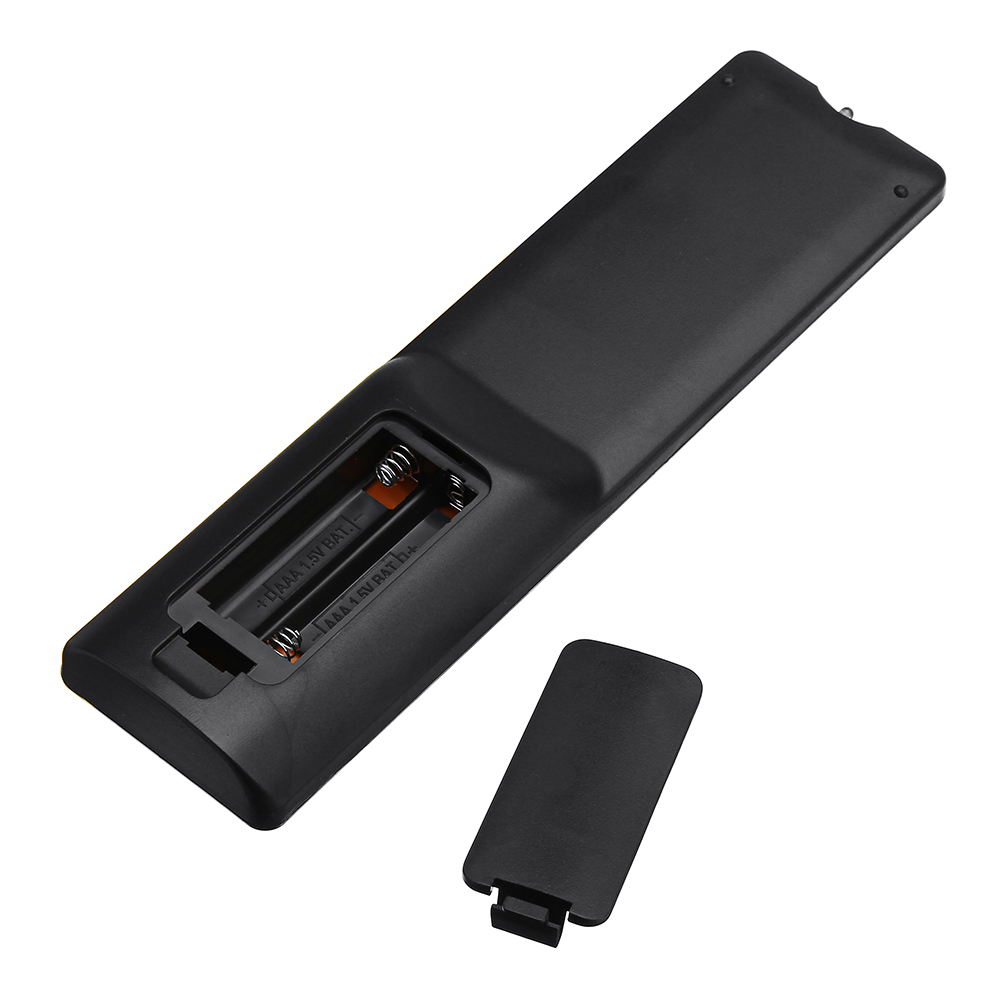
1 x English Remote control
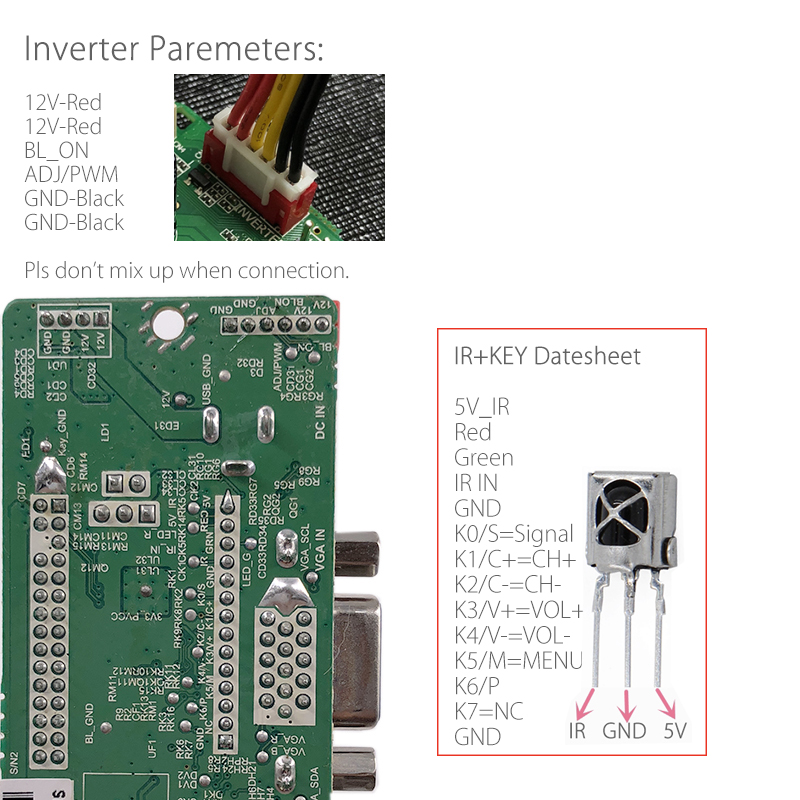
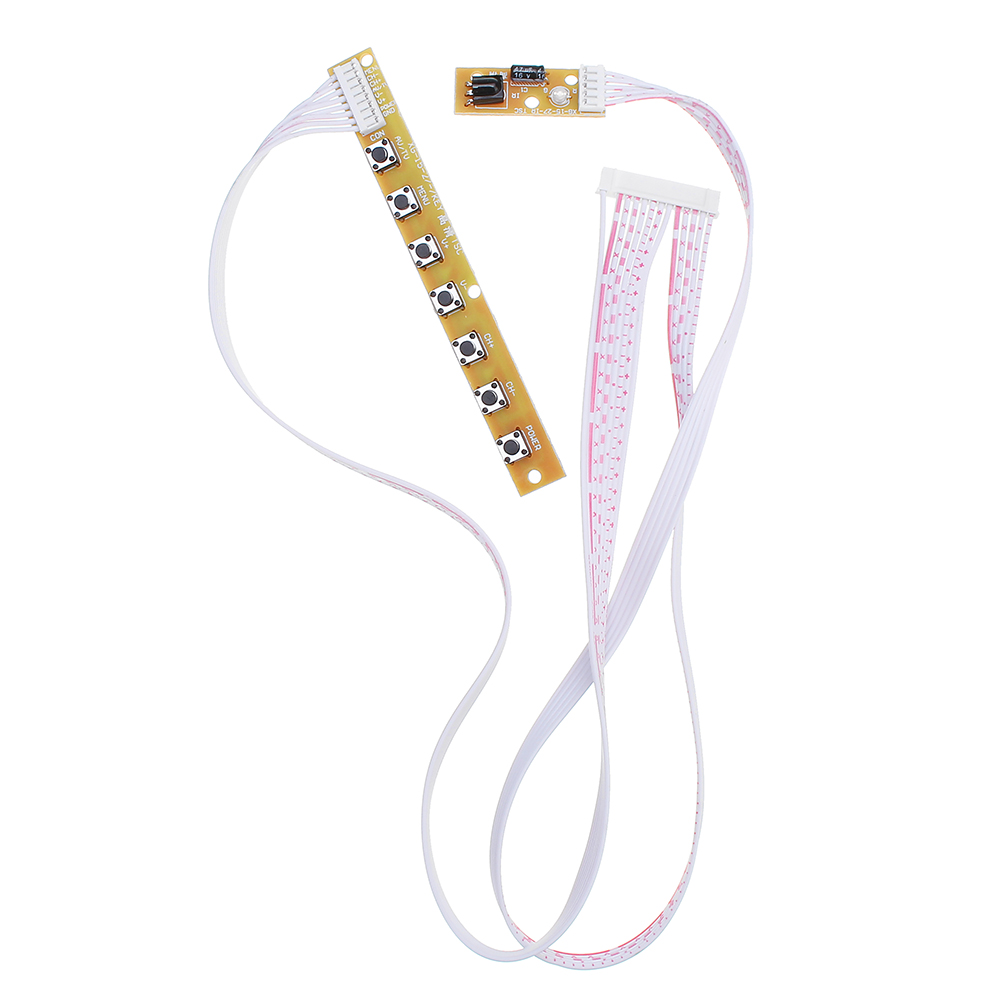
1 x IR
1 x 7 key button
1 x 2ch 8bit 30pins lvds cable 250mm length (You can replace the screen line as needed.)
Q&A:
Q1: T.SK105A.03 chip, 1280*800 resolution, after installing the firmware, the screen flickers
A2: Download this software and re-upgrade. If your 105 chip is unable to be upgraded, you can change the upgrade name to "UTS6710_sos" to force the upgrade. >>>https://img.elecbee.com/eb/download/rar/20210202043110UTS6710.rar<<<
Q2: Does eDP connector work with this item?
A2: The eDP interface is not directly compatible. There are two solution:
1): Use this product and purchase an eDP conversion board separately.
2): Buy the EDP driver board directly.
Q3: The remote control can not work?
A3: You must first burn the software to use the remote control.