

 0
0
1.What Is a DVI Connector and How It Works
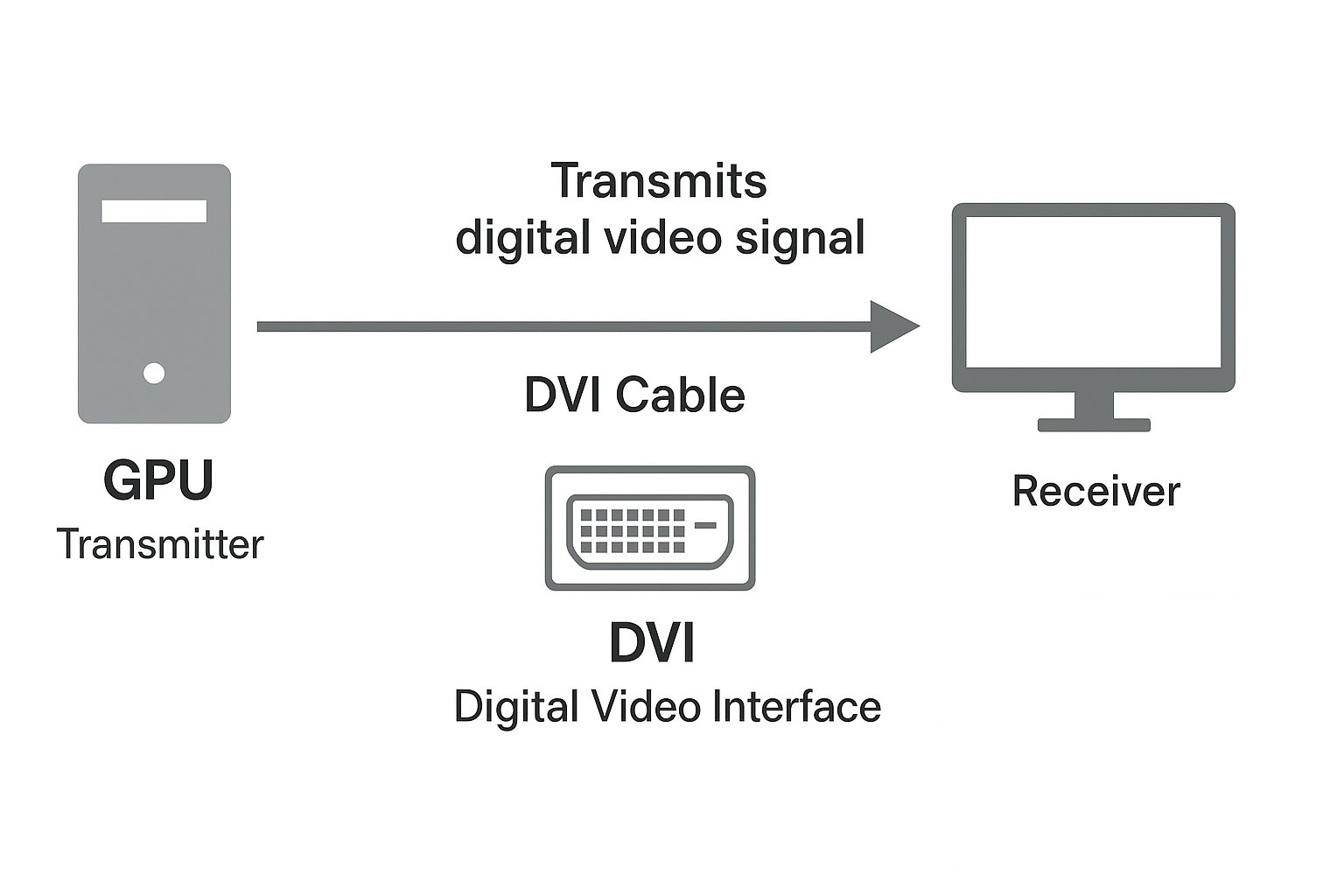
The DVI (Digital Visual Interface) connector was introduced by the Digital Display Working Group (DDWG) in 1999 as a bridge between analog VGA and modern digital interfaces. It transmits high-quality digital video signals from computers or graphics cards to monitors and projectors.
A DVI display system consists of a transmitter (in the GPU or graphics card) and a receiver (inside the display). Unlike VGA, DVI eliminates phase and alignment issues, offering sharper and more stable images without pixel jitter or distortion.
2.DVI Connector Types Explained: DVI-D, DVI-A, and DVI-I
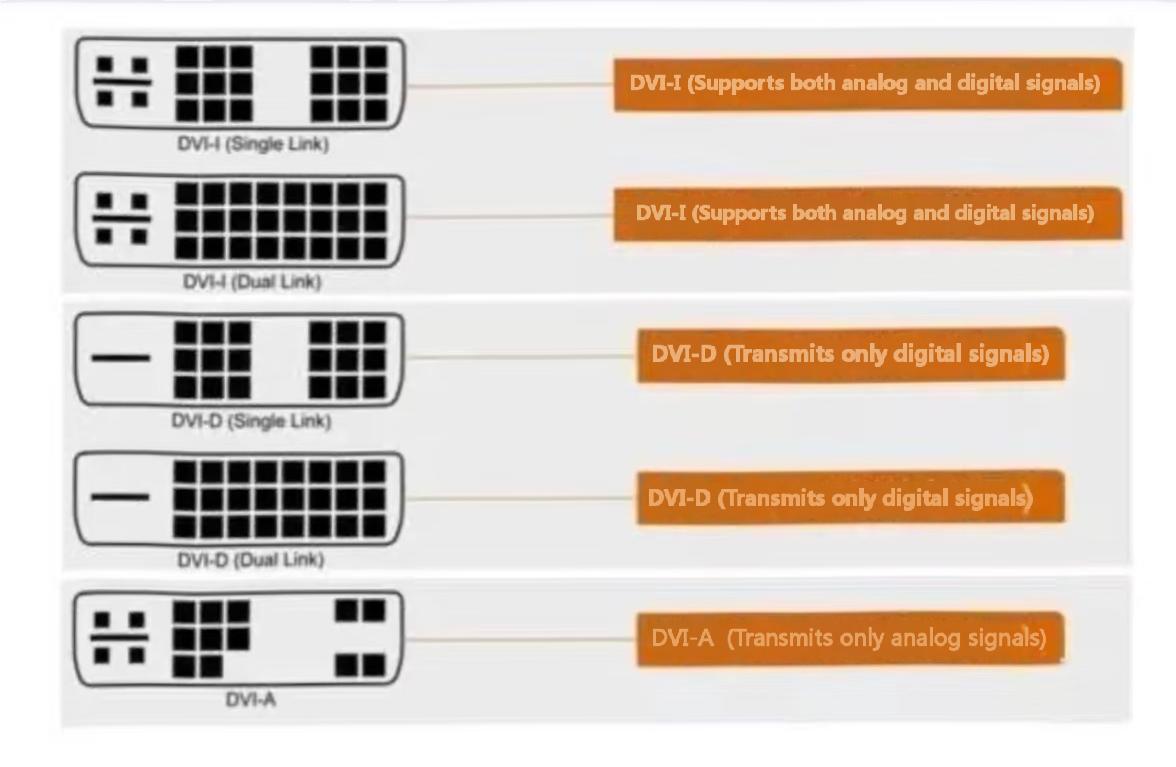
There are three main DVI connector types, each supporting different signal formats:
• DVI-D (Digital): Transmits only digital signals. Common in modern LCD monitors.
• DVI-A (Analog): Carries analog signals, similar to VGA. Now mostly obsolete.
• DVI-I (Integrated): Supports both analog and digital signals, making it compatible with older devices.
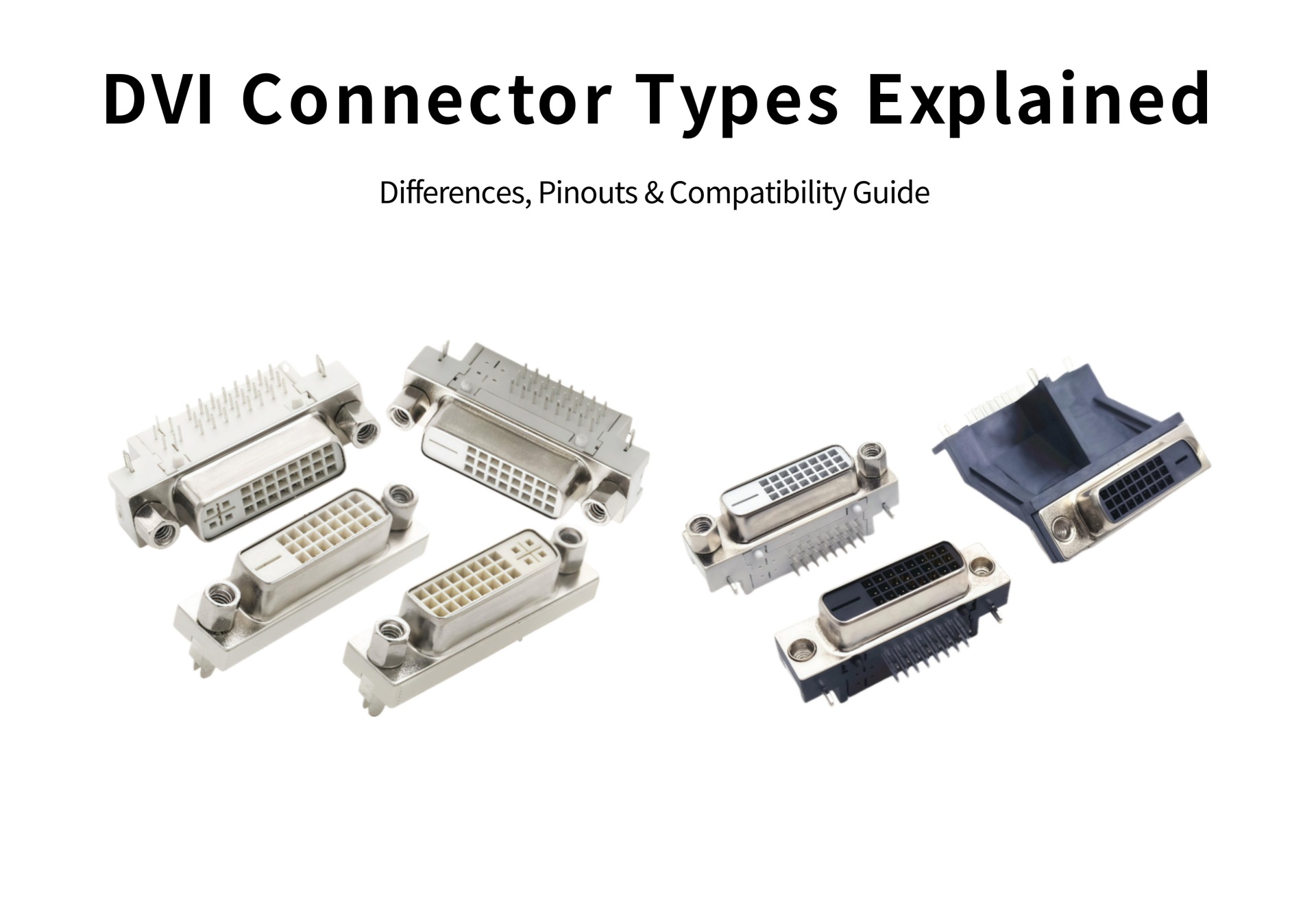
Each connector type can be further divided into single-link and dual-link versions, depending on the number of TMDS channels used for data transmission.
3.DVI Single Link vs Dual Link: What's the Difference?
• Single-Link DVI: Supports resolutions up to 1920×1200 at 60Hz. Suitable for most monitors.
• Dual-Link DVI: Provides higher bandwidth, supporting up to 2560×1600 resolution. Common in professional or industrial displays.
If you notice more pins in the center area of your DVI connector, it’s likely a dual-link version.
4.DVI vs HDMI vs DisplayPort: Which One Should You Choose?
|
Feature |
DVI |
HDMI |
DisplayPort |
|
Signal Type |
Digital/Analog |
Digital |
Digital |
|
Max Resolution |
2560×1600 |
4K+ |
8K+ |
|
Audio Transmission |
❌ |
✅ |
✅ |
|
Common Use |
PC monitors, industrial displays |
TVs, game consoles |
PCs, professional displays |
While DVI lacks audio support, it remains widely used in industrial applications and older monitors. For multimedia or gaming, HDMI and DisplayPort are more versatile.
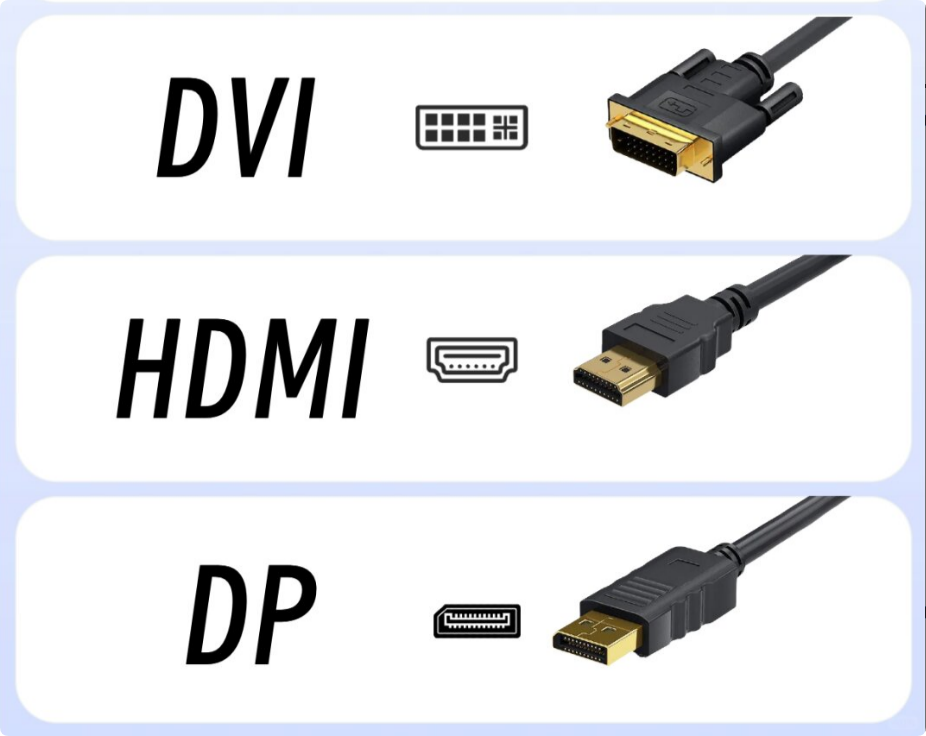
Check out HDMI Connectors and DVI, HDMI, DP Cables to explore modern alternatives.
5.DVI Pinout and Connector Layout Guide
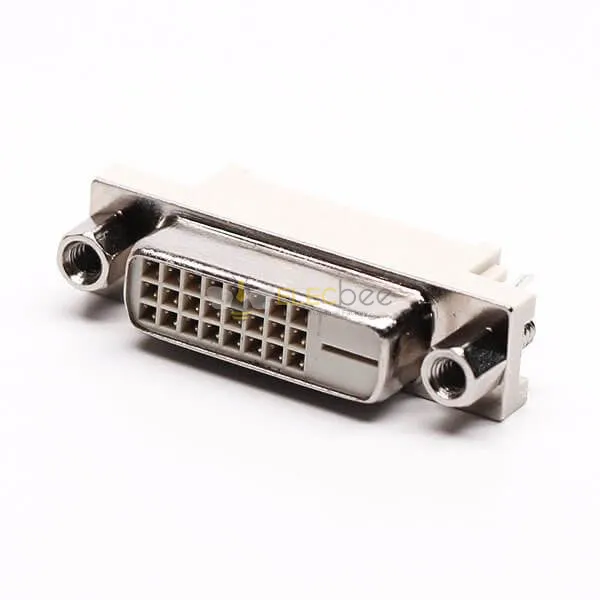
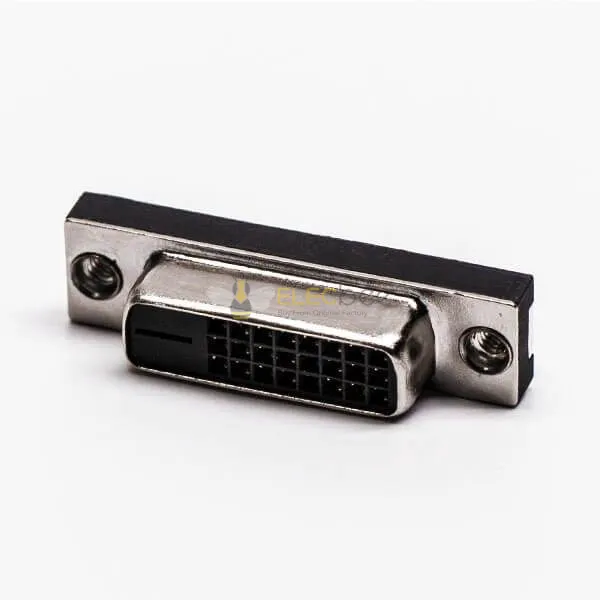
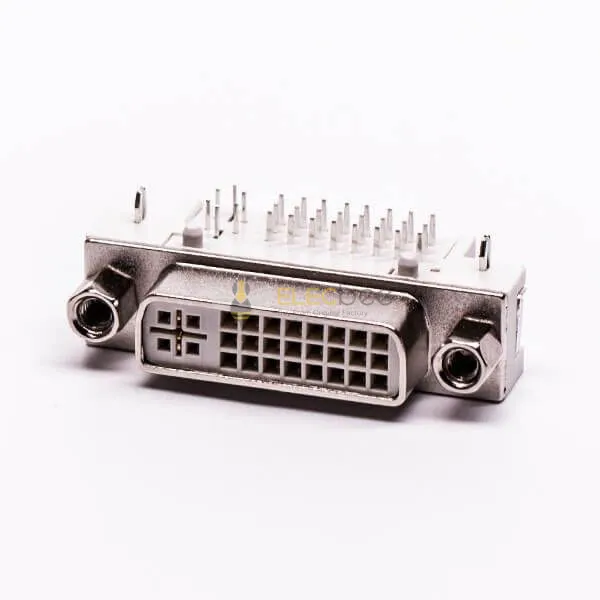
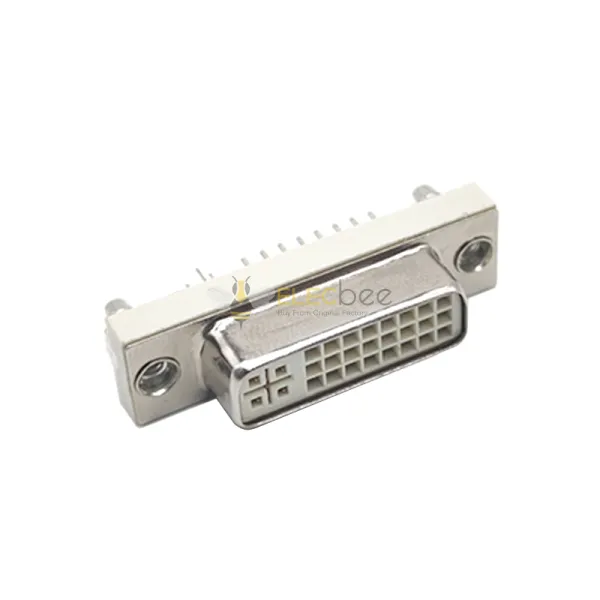
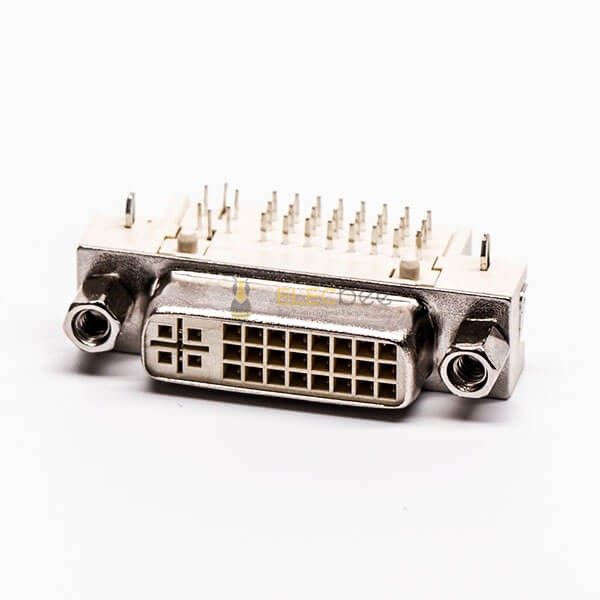
A standard DVI-D connector features 24 digital pins (in a 3×8 grid) plus a flat grounding blade. DVI-I connectors add four analog pins around the blade.
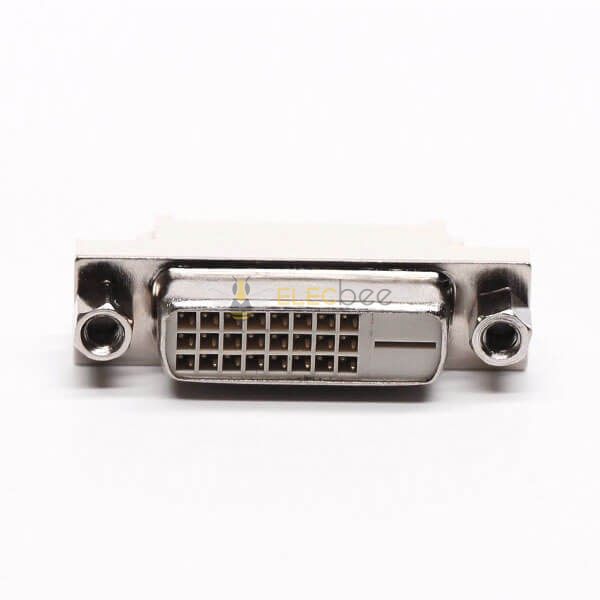
Correctly identifying the pin configuration helps ensure you buy the right cable or adapter for your device.
6.How to Choose the Right DVI Cable or Adapter
a. Check your monitor’s input type (DVI-D, DVI-I, or HDMI).
b. Determine if you need single or dual-link DVI.
c. Use a DVI-to-HDMI adapter if your monitor only supports HDMI.
d. Avoid unnecessary conversions — each adds signal loss.
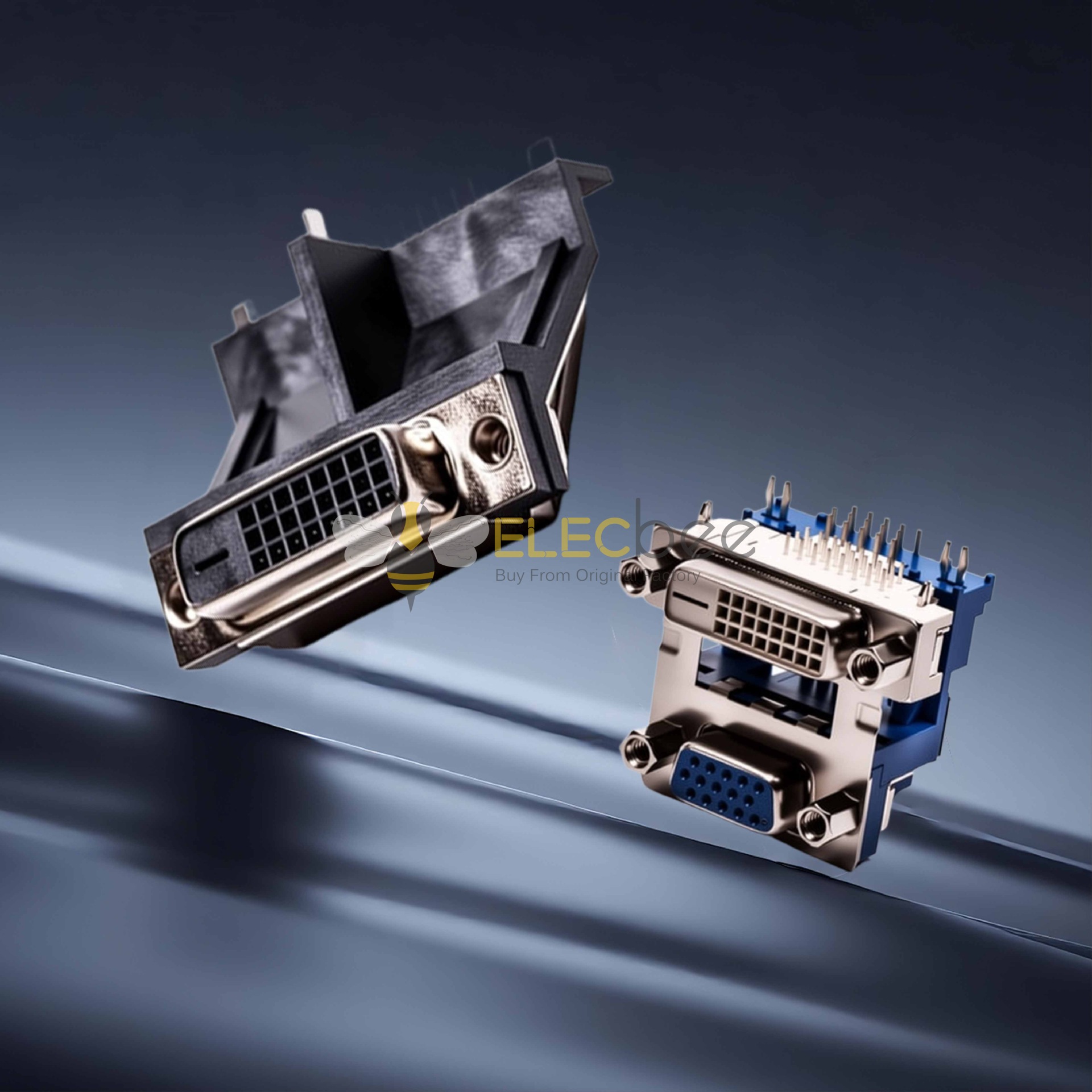
You can find a wide range of DVI 24+1, DVI stacked type, and adapter cables at Elecbee DVI Connectors.
7.FAQ: Common Questions About DVI Connectors
Q1: Can DVI carry audio?
No. DVI transmits video only. You need a separate audio cable if using DVI.
Q2: Is DVI still used in 2025?
Yes, though less common in consumer electronics, it remains popular in industrial machines, servers, and professional displays due to its reliability.
Q3: What’s the difference between DVI-D and DVI-I?
DVI-D supports digital only, while DVI-I supports both digital and analog signals.
8.Conclusion
Although newer interfaces like HDMI and DisplayPort have become mainstream, DVI connectors continue to serve important roles in legacy and professional equipment. Understanding DVI connector types, pin layouts, and compatibility ensures you choose the right solution for your display setup.
Explore high-quality, certified DVI connectors and adapters directly from the Elecbee OEM factory at Elecbee DVI Connectors.