
Search for products...
 Login
Login$USD
 0Login0
| LCD Type | TFT |
|---|---|
| LCD Interface | SPI |
| Touch Screen Type | Resistive |
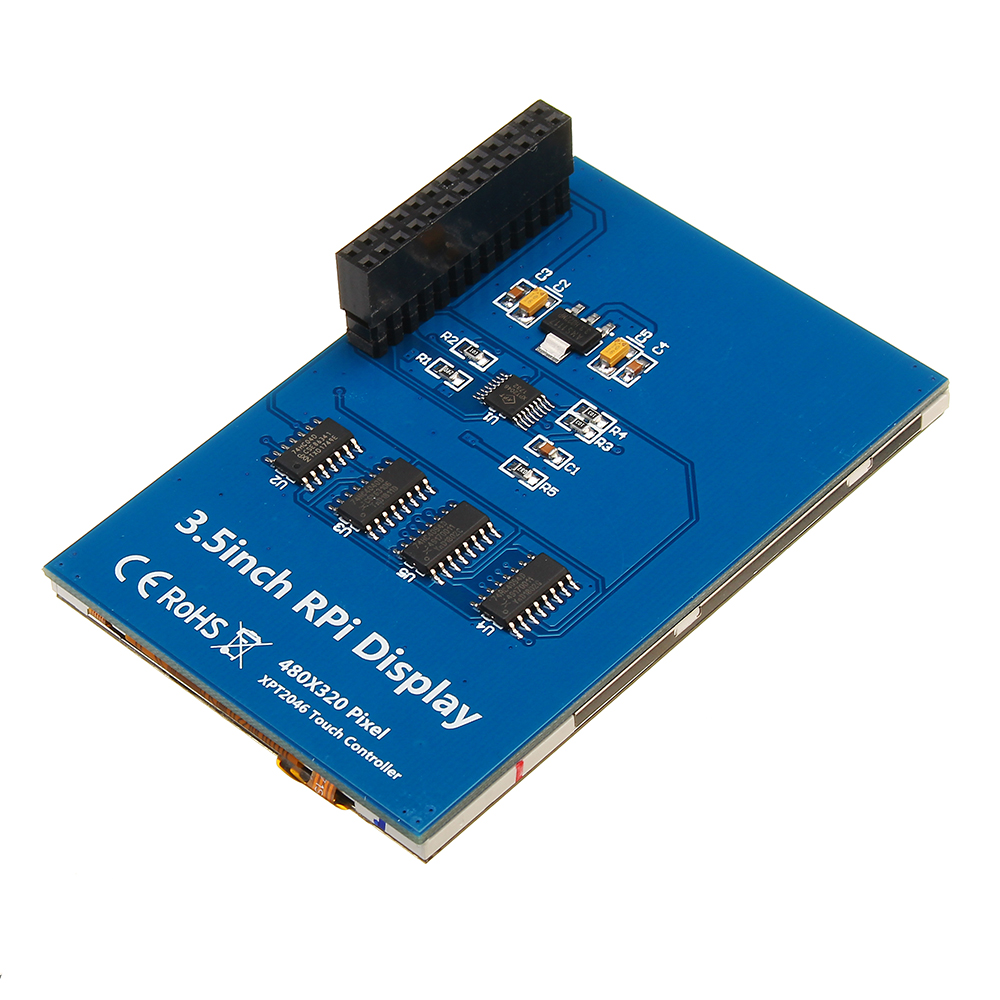
| Touch Screen Controller | XPT2046 |
| Colors | 65536 |
| Backlight | LED |
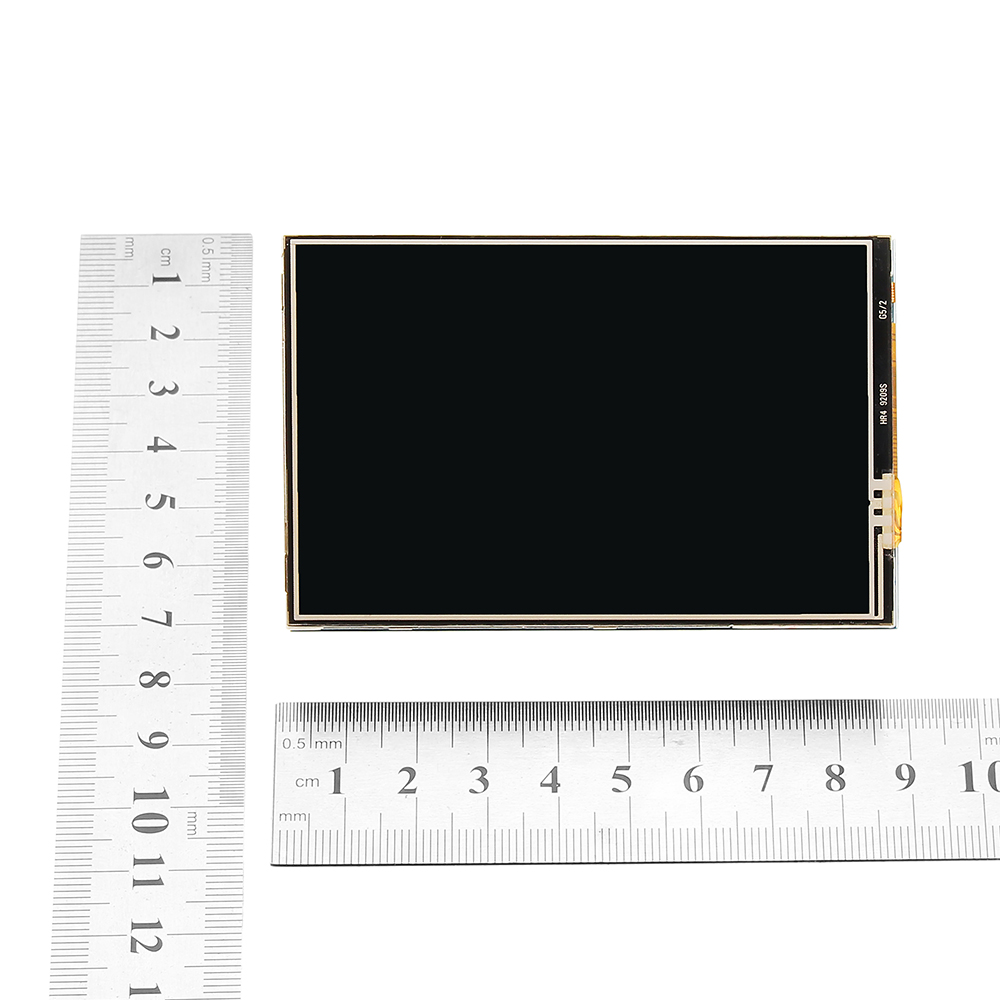
| Resolution | 320*480 (Pixel) |
| Aspect Ratio | 8:5 |
| Power Consumption | TBD |
| Backlight Current | TBD |
| Operating Temp. (Centigrade) | TBD |
Interface Definition:
| PIN NO. | SYMBOL | DESCRIPTION |
|---|---|---|
| 1, 17 | 3.3V | Power positive (3.3V power input) |
| 2, 4 | 5V | Power positive (5V power input) |
| 3, 5, 7, 8, 10, 12, 13, 15, 16 | NC | NC |
| 6, 9, 14, 20, 25 | GND | Ground |
| 11 | TP_IRQ | Touch Panel interrupt, low level while the Touch Panel detects touching |
| 18 | LCD_RS | Instruction/Data Register selection |
| 19 | LCD_SI / TP_SI | SPI data input of LCD/Touch Panel |
| 21 | TP_SO | SPI data output of Touch Panel |
| 22 | RST | Reset |
| 23 | LCD_SCK / TP_SCK | SPI clock of LCD/Touch Panel |
| 24 | LCD_CS | LCD chip selection, low active |
| 26 | TP_CS | Touch Panel chip selection, low active |
About the system of 3.5 touch screen
The touch screen need to configure the driver for touch function , otherwise you can not use it by your own system.
Here we provide the method to configure for Raspbian system :
Step 1: Download the Raspbian IMG : https://www.raspberrypi.org/downloads/raspbian/
Step 2: Burn the system image
If you don't know how to do that,you can refer to the Raspberry Pi office tutorial
Step 3: Open terminal(SSH) and install the driver on RaspberryPi
(tested on RaspberryPi 3B+,3B,2B,2B+,1B,ZERO)
Drive File:
sudo rm -rf LCD-show
git clone https://github.com/goodtft/LCD-show.git
chmod -R 755 LCD-show
cd LCD-show/
sudo ./LCD35-show
Make sure your RPI connects to the internet then wait a few minutes, when the system reboot ok, you can see that.
You can also download the system image which we already configured well by following link :
https://github.com/goodtft/LCD-show
Package includes:
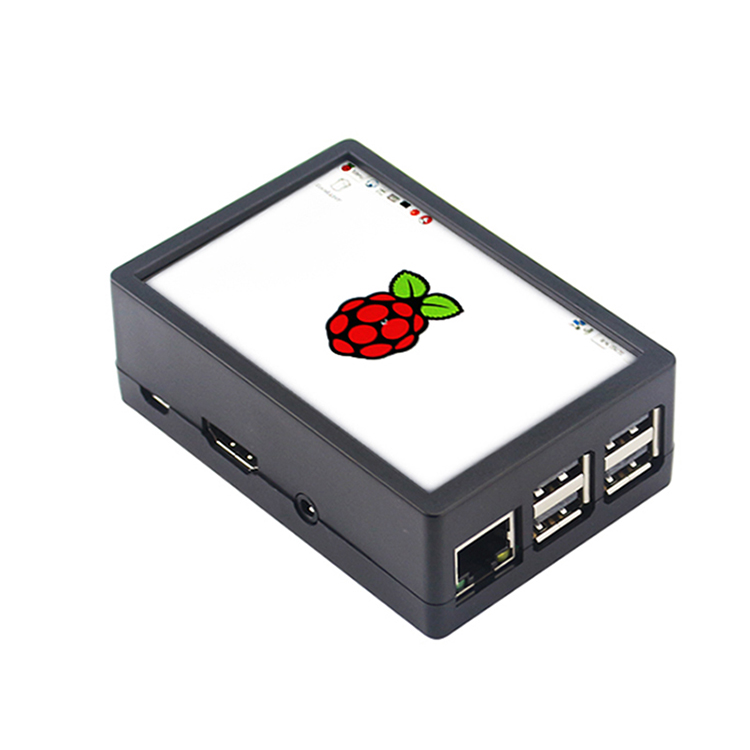
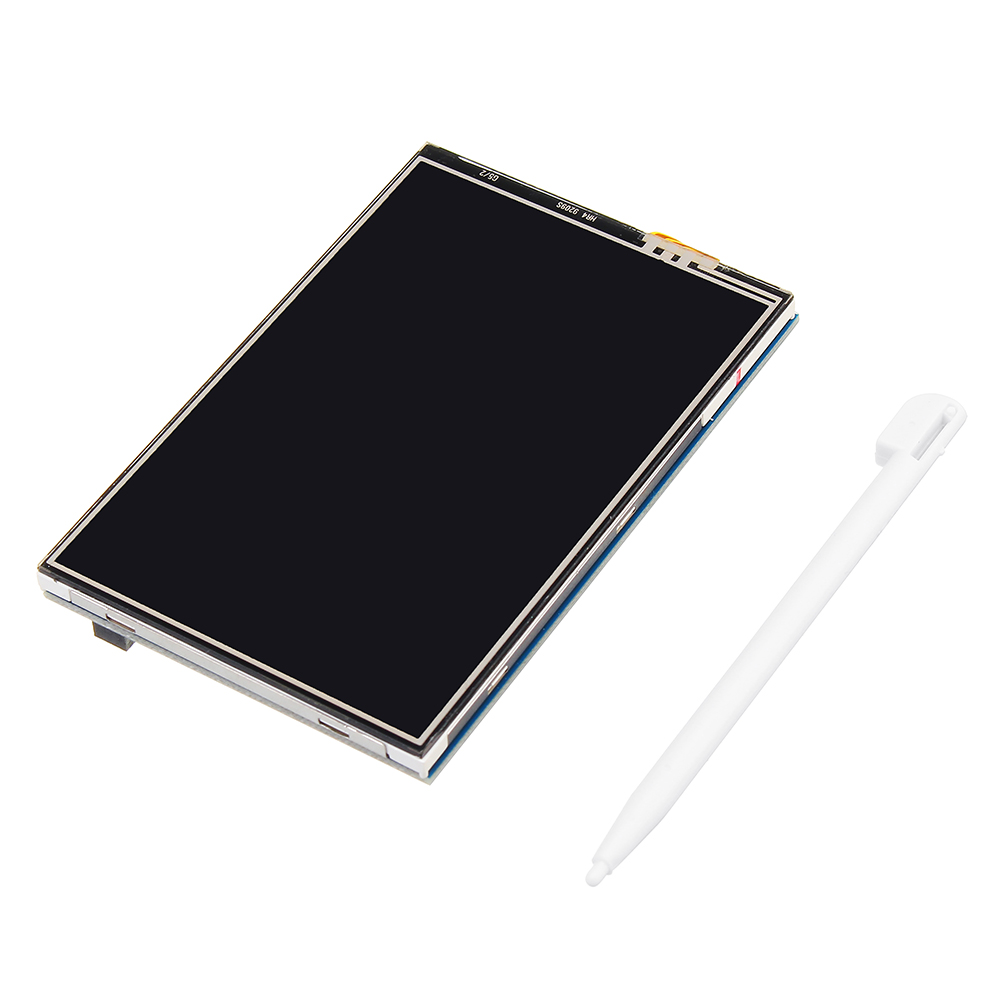
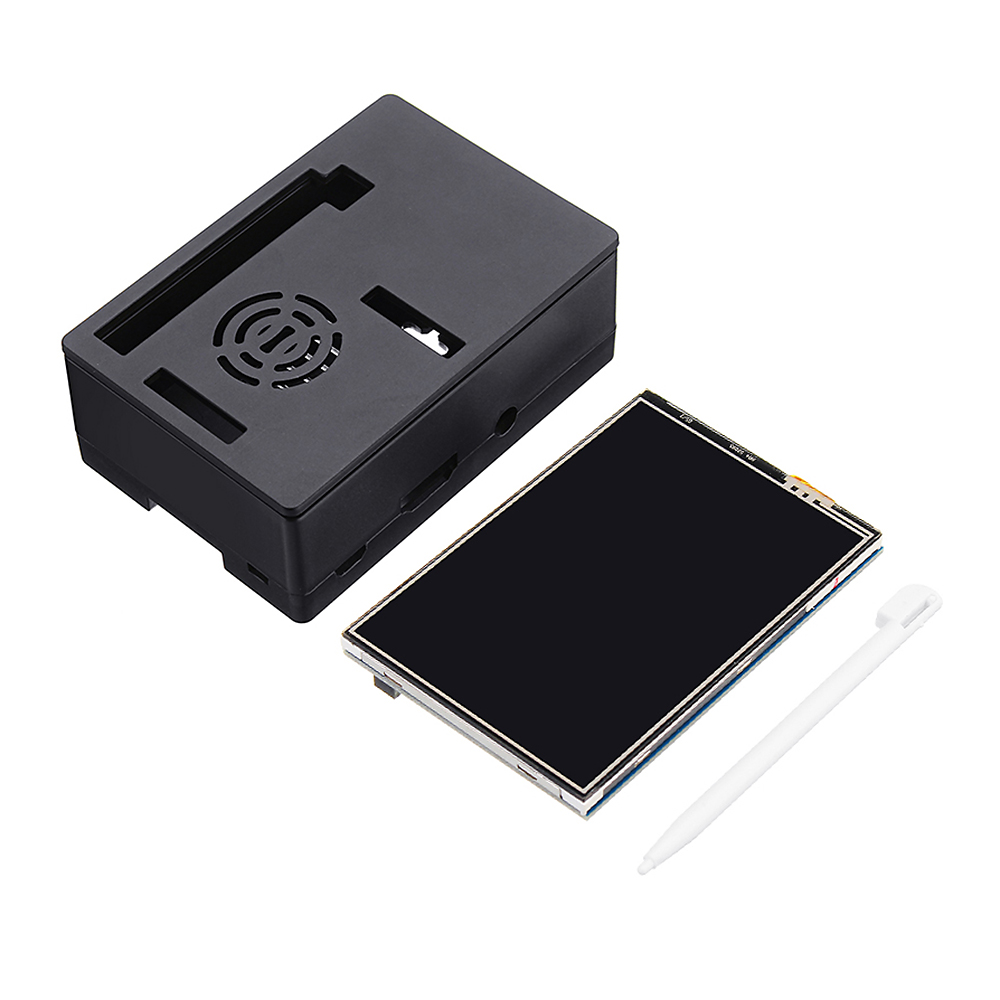
1 x 3.5 inch Touch Screen
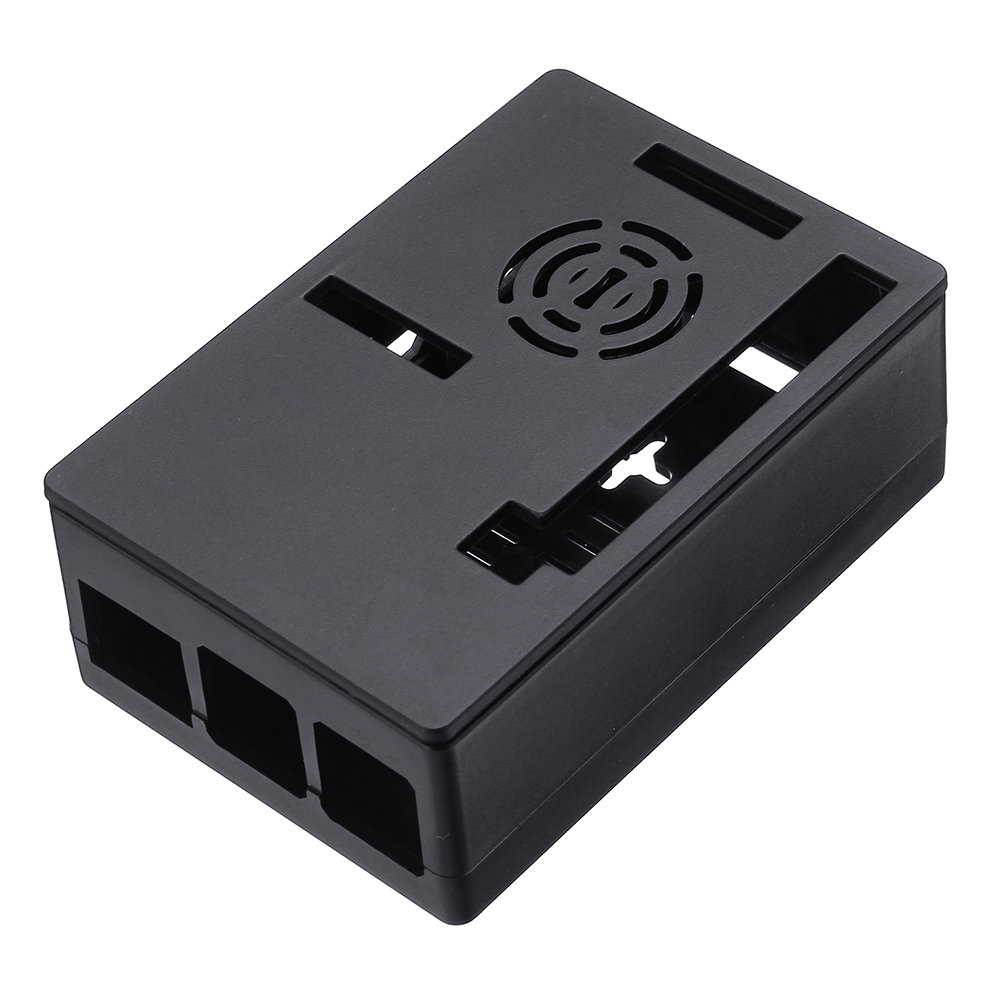
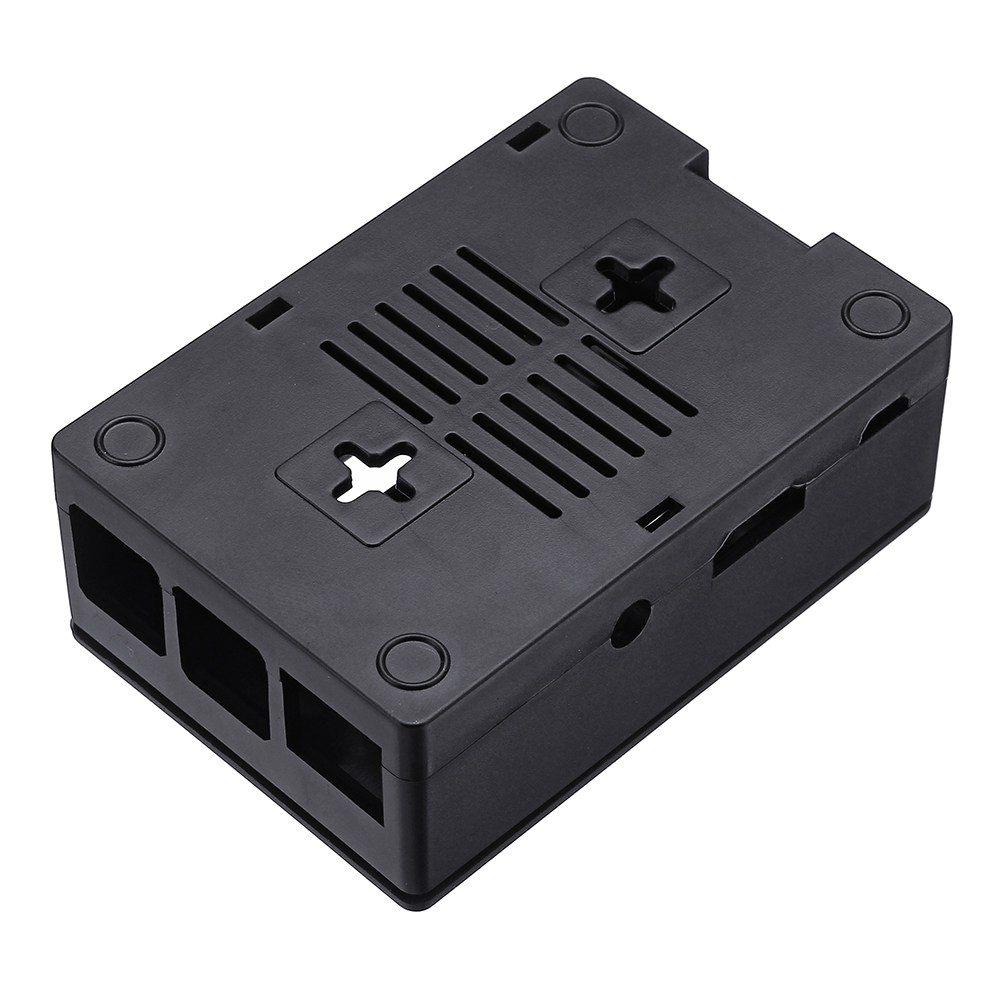
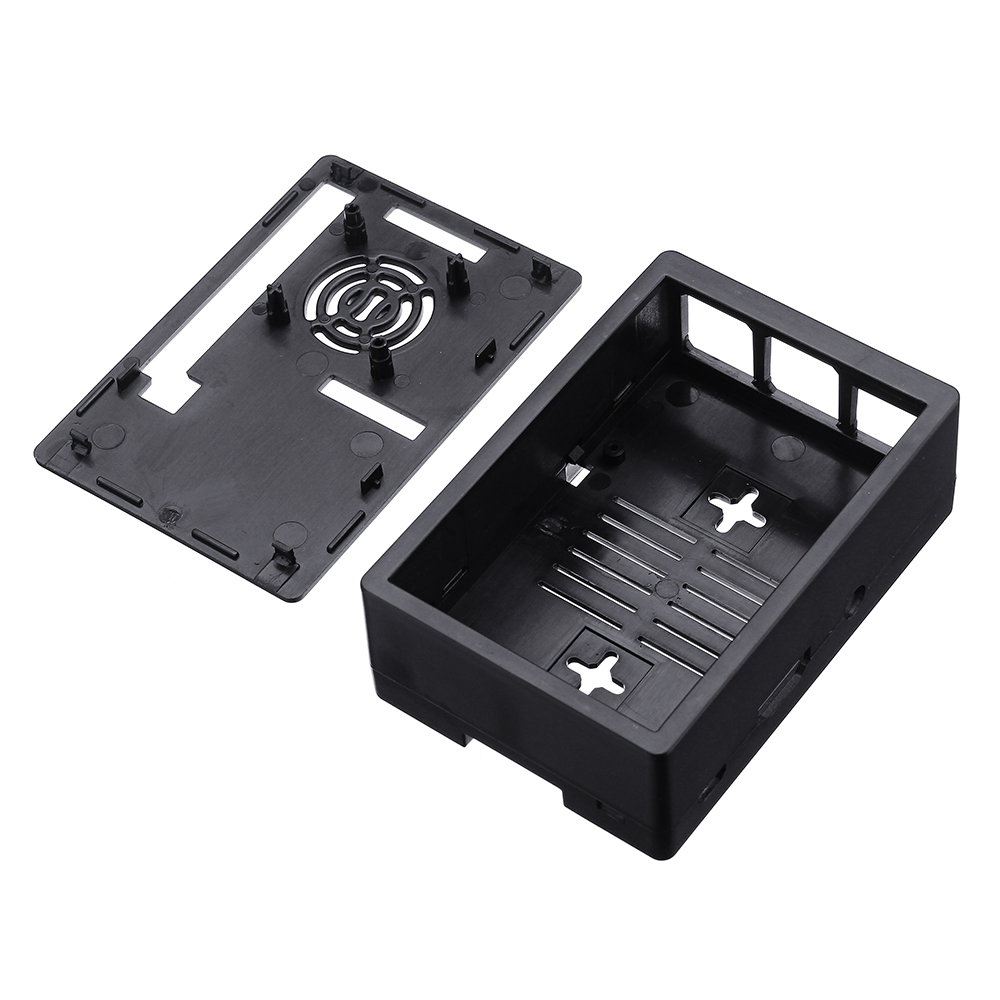
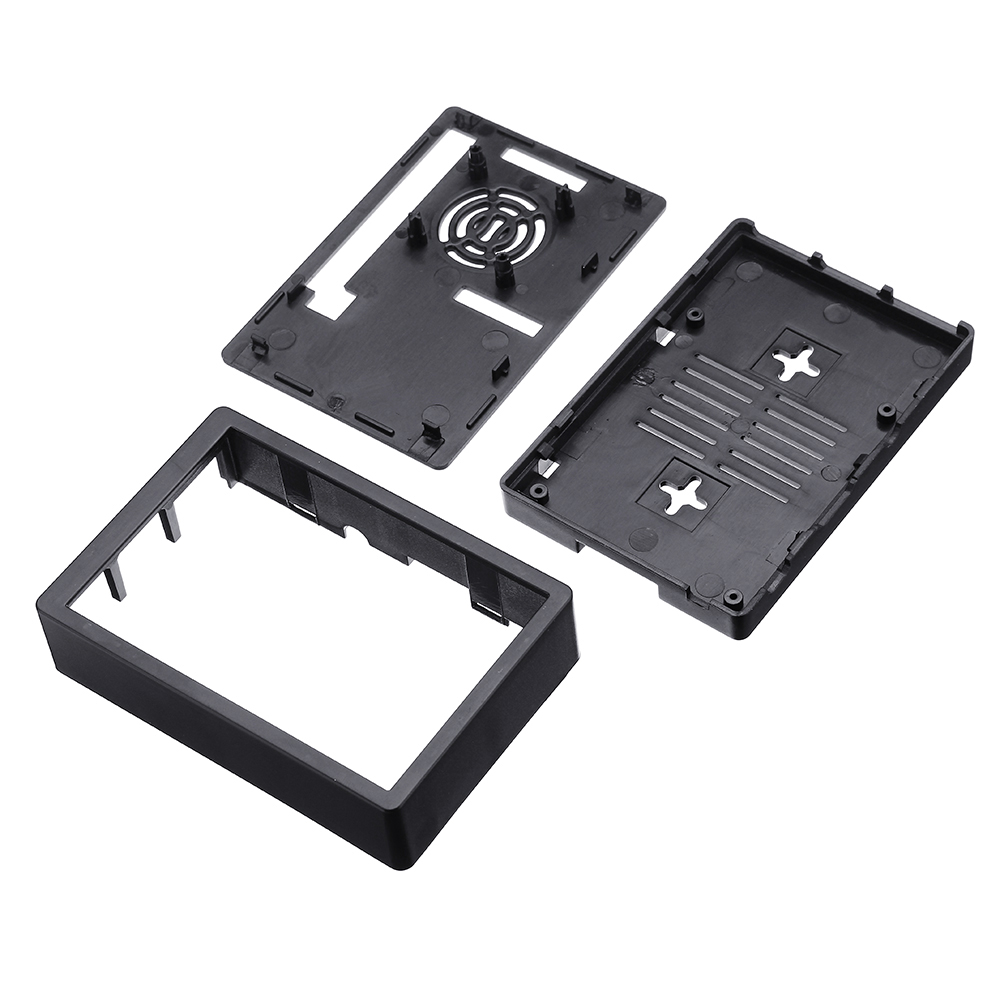
1 x Protective Case
1 x Touch Pen
Shipping | Delivery Period | For in-stock parts, orders are estimated to ship out in 3 days. Elecbee ships orders once a day at about 5pm except Sunday. Once shipped, estimated delivery time depends on the below carriers you chose. DHL Express: 3-7 business days DHLeCommerce: 12-22 business days FedEx International Priority: 3-7 business days EMS: 10-15 business days Registered Air Mail: 15-30 business days | |
| Shipping Rates | Shipping rates for your order can be found in the shopping cart. | ||
| Shipping Options | Shipping rates for your order can be found in the shopping cart. | ||
| Shipping Tracking | We will notify you by email with tracking number once order is shipped. You can track your order using the “Track My Order” feature. | ||
| Returning/Warranty | Returning | Returns are normally accepted when completed within 30 days from date of shipment, please contact customer service for a return authorization. Parts should be unused and in original packaging. Customer has to take charge for the shipping | |
| Warranty | All Elecbee purchases come with a 30-day money-back return policy, plus 1-year Elecbee warranty against any manufacturing defects. | ||
| This warranty shall not apply to any item where defects have been caused by improper customer assembly failure by customer to follow instructions, product modification, negligent or improper operation | |||
| Ordering | How to Buy | Elecbee accepts online orders. | |
| Add to cart > Check out > Submit order > Complete payment > Delivery | |||
| Payment | PayPal, Credit Card includes Visa, Master, American Express, Bank transfer. | ||
