Search for products...
 Login
Login$USD
 0Login0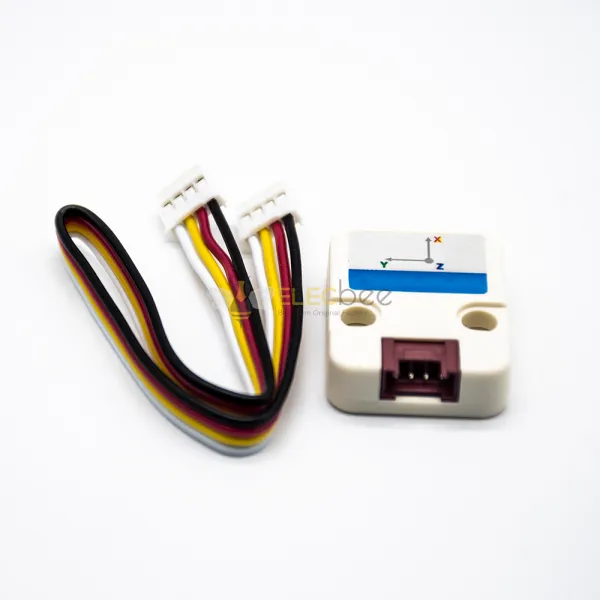
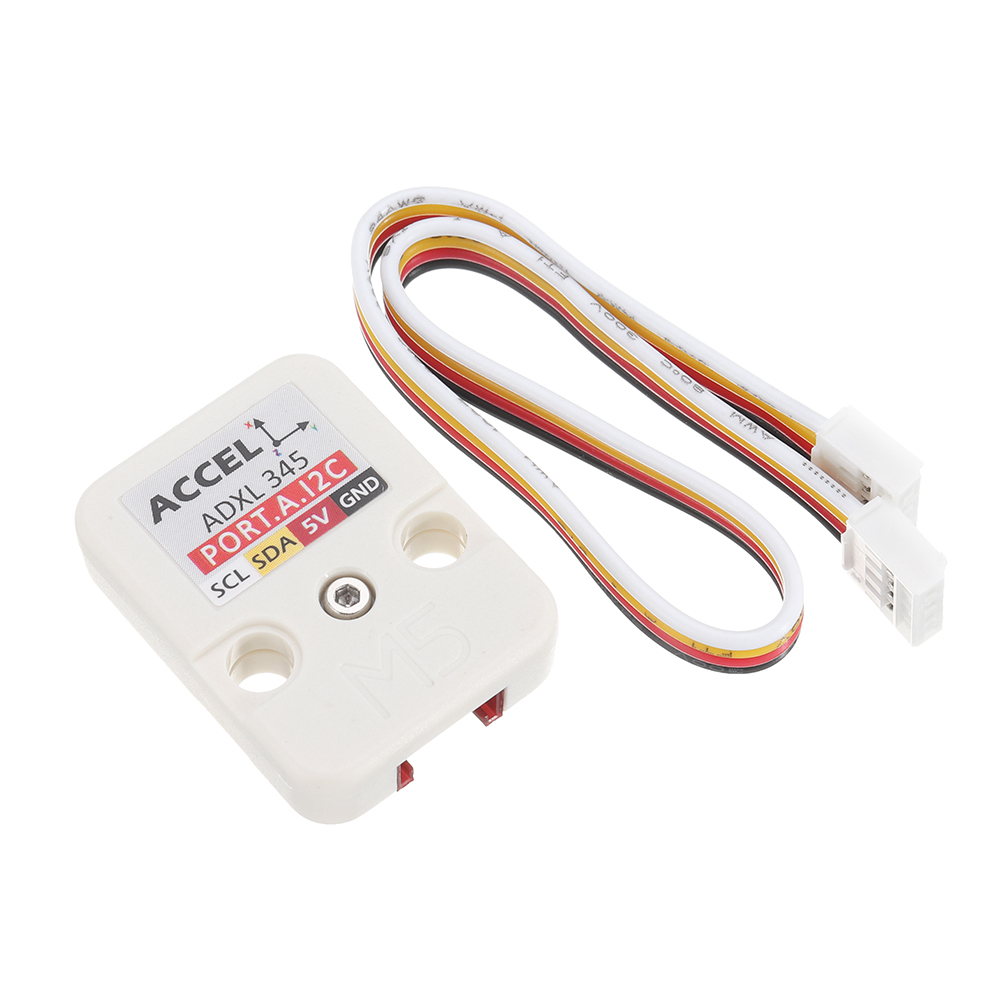
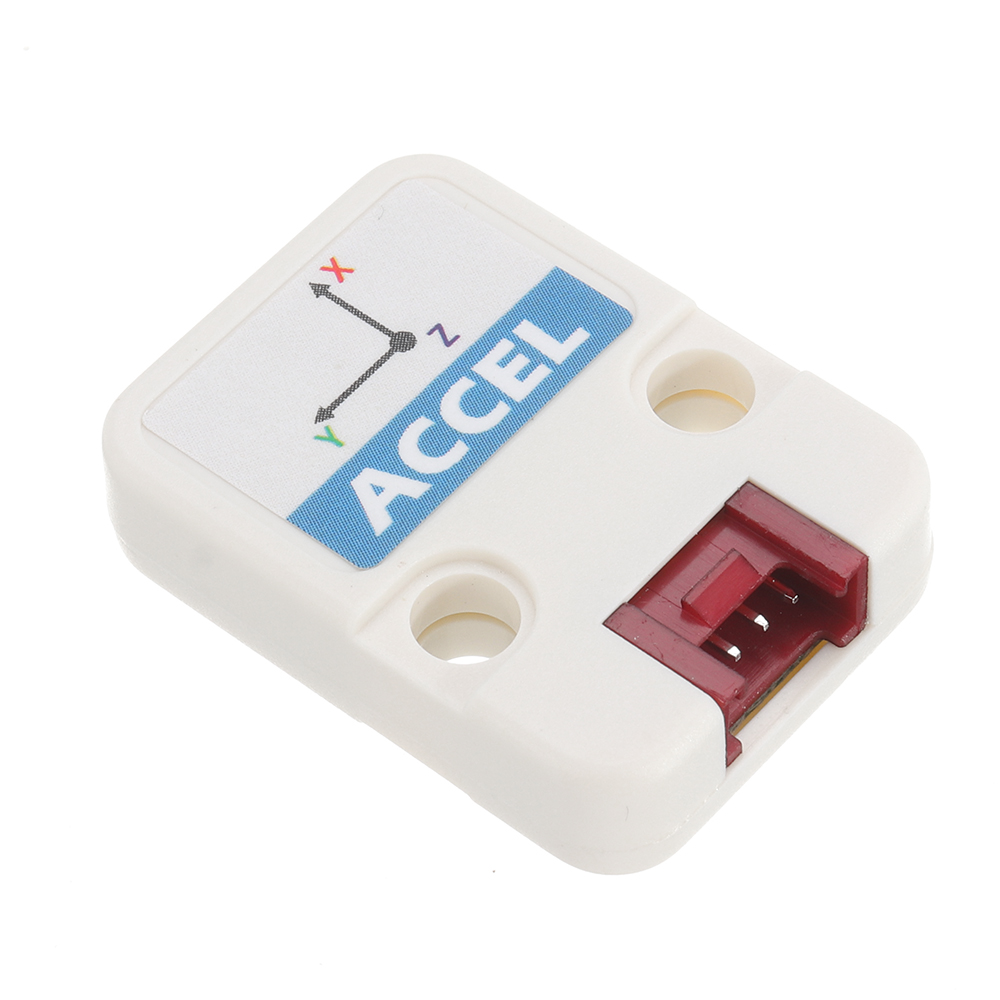
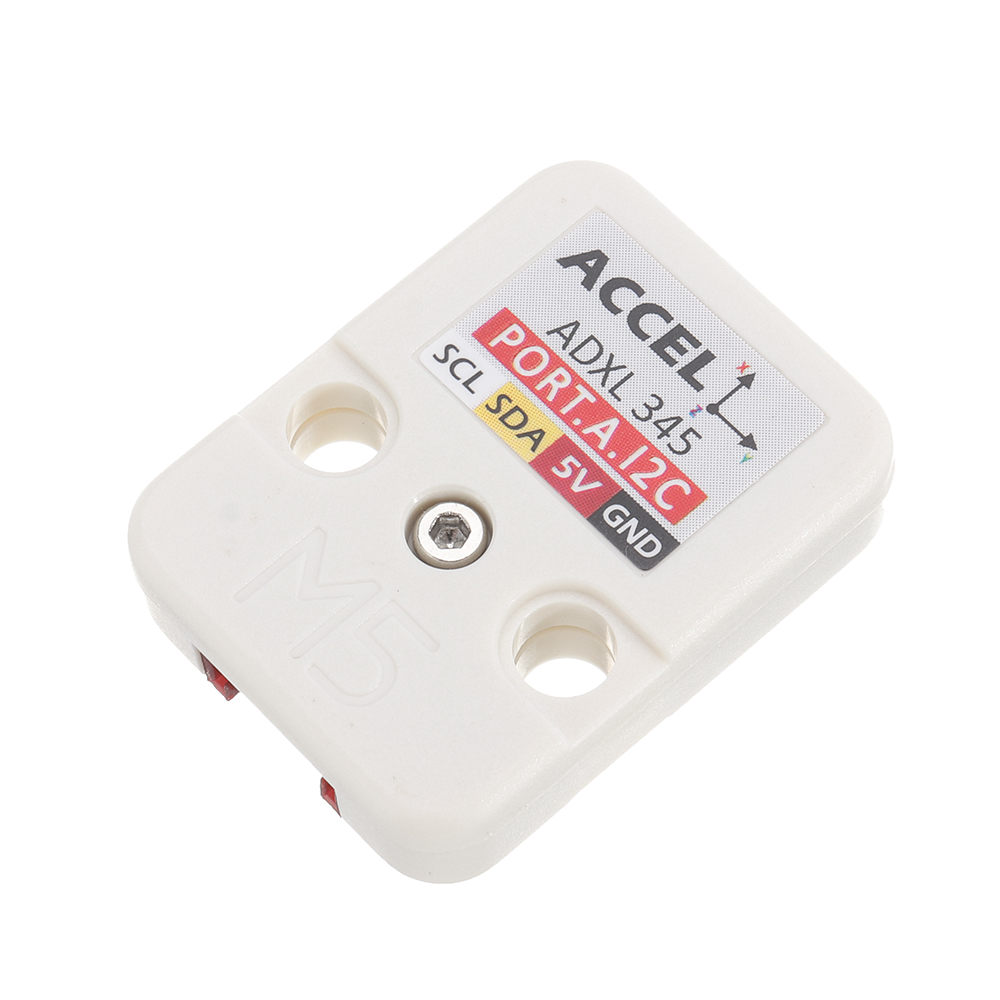
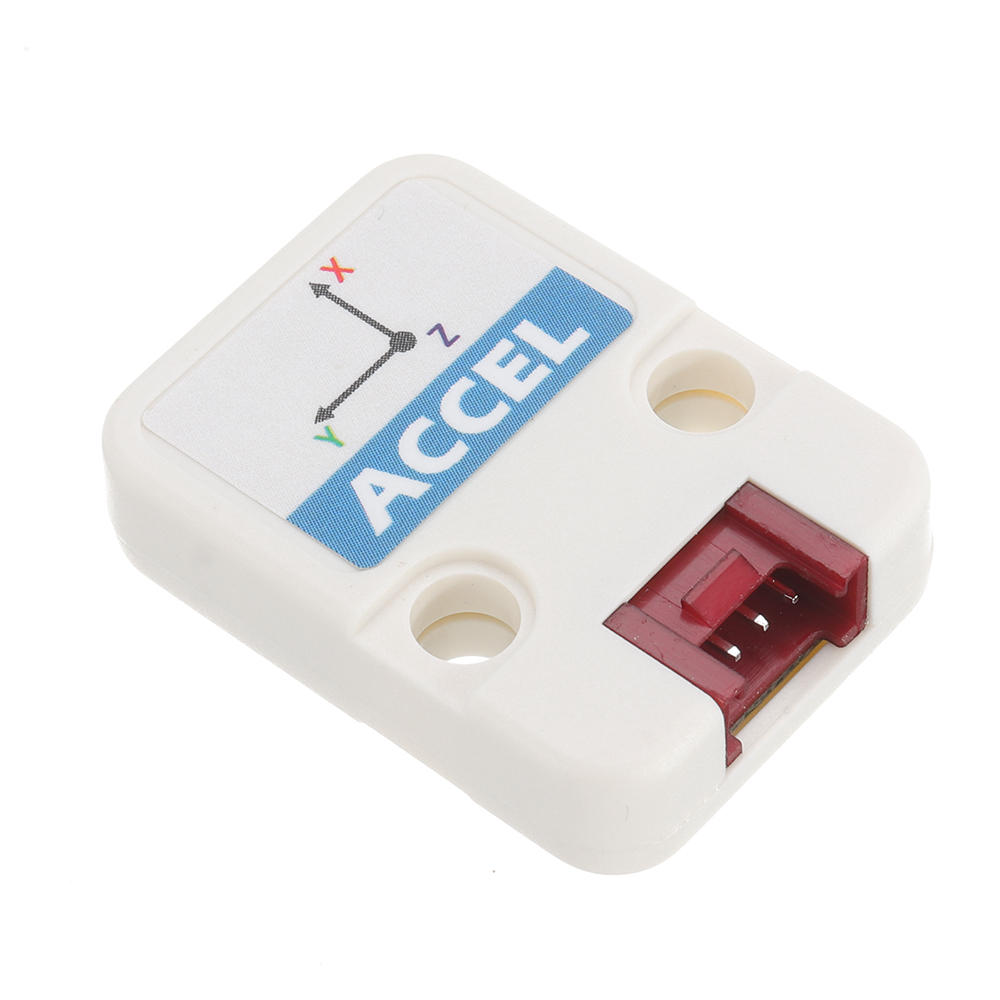
ACCEL is a motion sensor Unit. Integrated with ADXL 345, ACC is able to obtain 3- axis of Acceleration. ADXL 345 is a small, thin, ultralow power, 3-axis accelerometer with high resolution (13-bit) measurement at up to ±16 g. Digital output data is formatted as 16-bit twos complement and is accessible through either an SPI (3- or 4-wire) or I2C digital interface. In this Unit, we used I2C series interface.
What is an accelerometer?
An accelerometer is an electromechanical device that will measure acceleration forces. These forces may be static, like the constant force of gravity pulling at your feet, or they could be dynamic - caused by moving the accelerometer.
What are accelerometers useful for?
By measuring the amount of static acceleration due to gravity, you can find out the angle the device is tilted at with respect to the earth. By sensing the amount of dynamic acceleration, you can analyze the way the device is moving. At first, measuring tilt and acceleration doesn't seem all that exciting. However, engineers have come up with many ways to make really useful products with them.

| M5Core ( GROVE A ) | GPIO22 | GPIO21 | 5V | GND |
| ACC Unit | SCL | SDA | 5V | GND |
: https://m5stack.oss-cn-shenzhen.aliyuncs.com/EasyLoader/Unit/EasyLoader_ACCEL.exe
1.EasyLoader is a simple and fast program burner. Every product page in EasyLoader provides a product-related case program. It can be burned to the master through simple steps, and a series of function verification can be performed
2.After downloading the software, double-click to run the application, connect the M5 device to the computer through the data cable, select the port parameters, click "Burn" to start burning. (For M5StickC burning, please Set the baud rate to 750000 or 115200)
3. Currently EasyLoader is only suitable for Windows operating system, compatible with M5 system adopts ESP32 as the control core host. Before installing for M5Core, you need to install CP210X driver (you do not need to install with M5StickC as controller)Click here to view the driver installation tutorial: https://docs.m5stack.com/#/en/related_documents/M5Burner?id=install-usb-driverCode:
1. for IDE
To get complete code, please click here: https://github.com/m5stack/M5-ProductExampleCodes/tree/master/Unit/ACCEL.
Download library ADXL345 before compile.Video
- : https://img.elecbee.com/eb/download/video/ACCEL.mp4
Shipping | Delivery Period | For in-stock parts, orders are estimated to ship out in 3 days. Elecbee ships orders once a day at about 5pm except Sunday. Once shipped, estimated delivery time depends on the below carriers you chose. DHL Express: 3-7 business days DHLeCommerce: 12-22 business days FedEx International Priority: 3-7 business days EMS: 10-15 business days Registered Air Mail: 15-30 business days | |
| Shipping Rates | Shipping rates for your order can be found in the shopping cart. | ||
| Shipping Options | Shipping rates for your order can be found in the shopping cart. | ||
| Shipping Tracking | We will notify you by email with tracking number once order is shipped. You can track your order using the “Track My Order” feature. | ||
| Returning/Warranty | Returning | Returns are normally accepted when completed within 30 days from date of shipment, please contact customer service for a return authorization. Parts should be unused and in original packaging. Customer has to take charge for the shipping | |
| Warranty | All Elecbee purchases come with a 30-day money-back return policy, plus 1-year Elecbee warranty against any manufacturing defects. | ||
| This warranty shall not apply to any item where defects have been caused by improper customer assembly failure by customer to follow instructions, product modification, negligent or improper operation | |||
| Ordering | How to Buy | Elecbee accepts online orders. | |
| Add to cart > Check out > Submit order > Complete payment > Delivery | |||
| Payment | PayPal, Credit Card includes Visa, Master, American Express, Bank transfer. | ||