Search for products...
 Login
Login$USD
 0Login0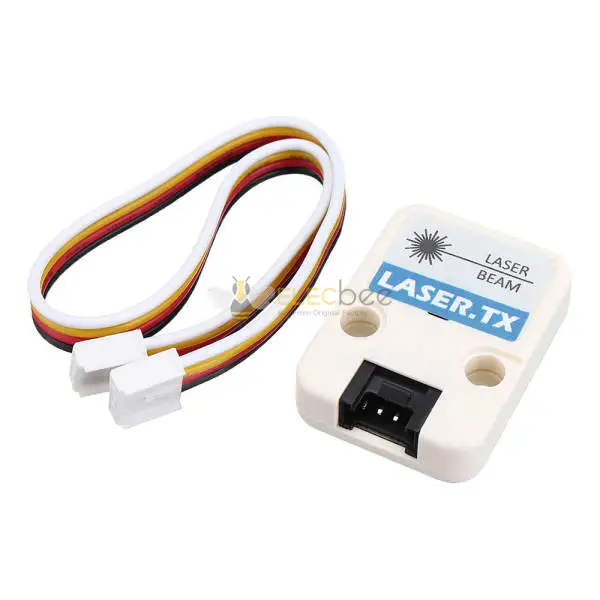
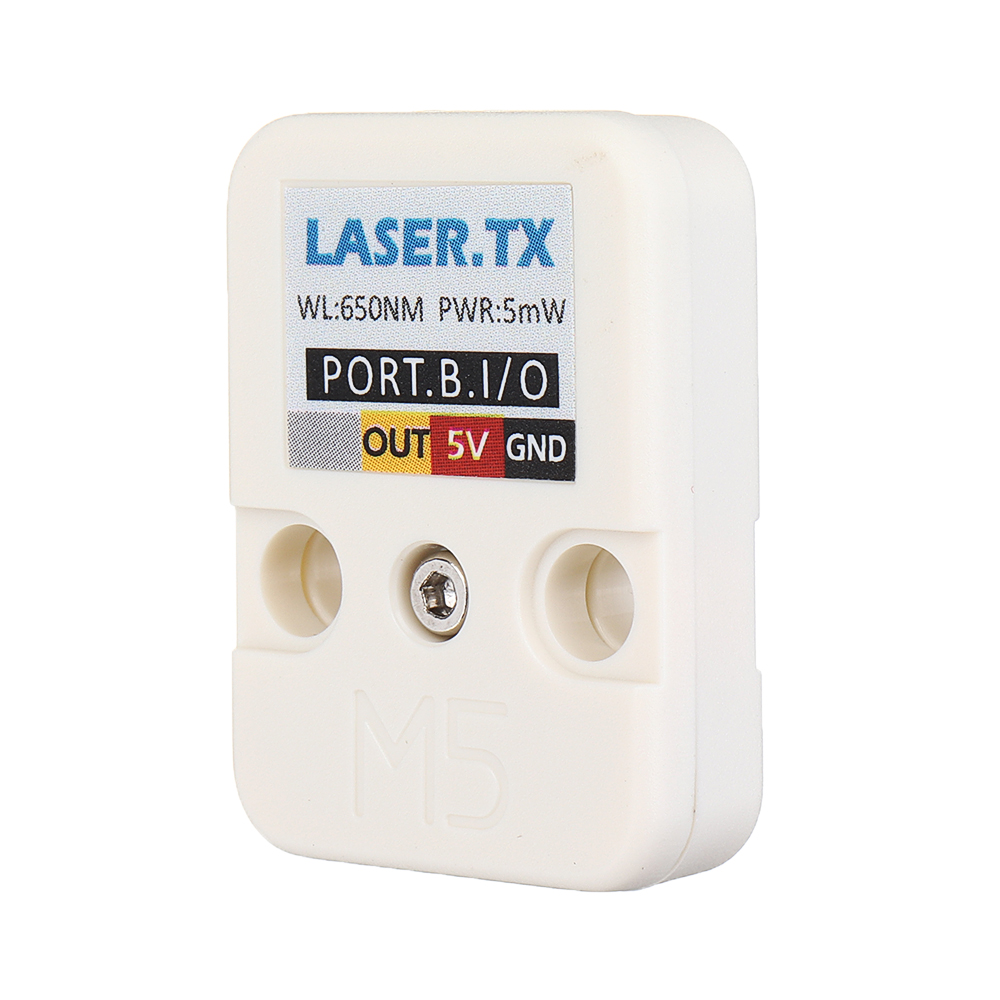
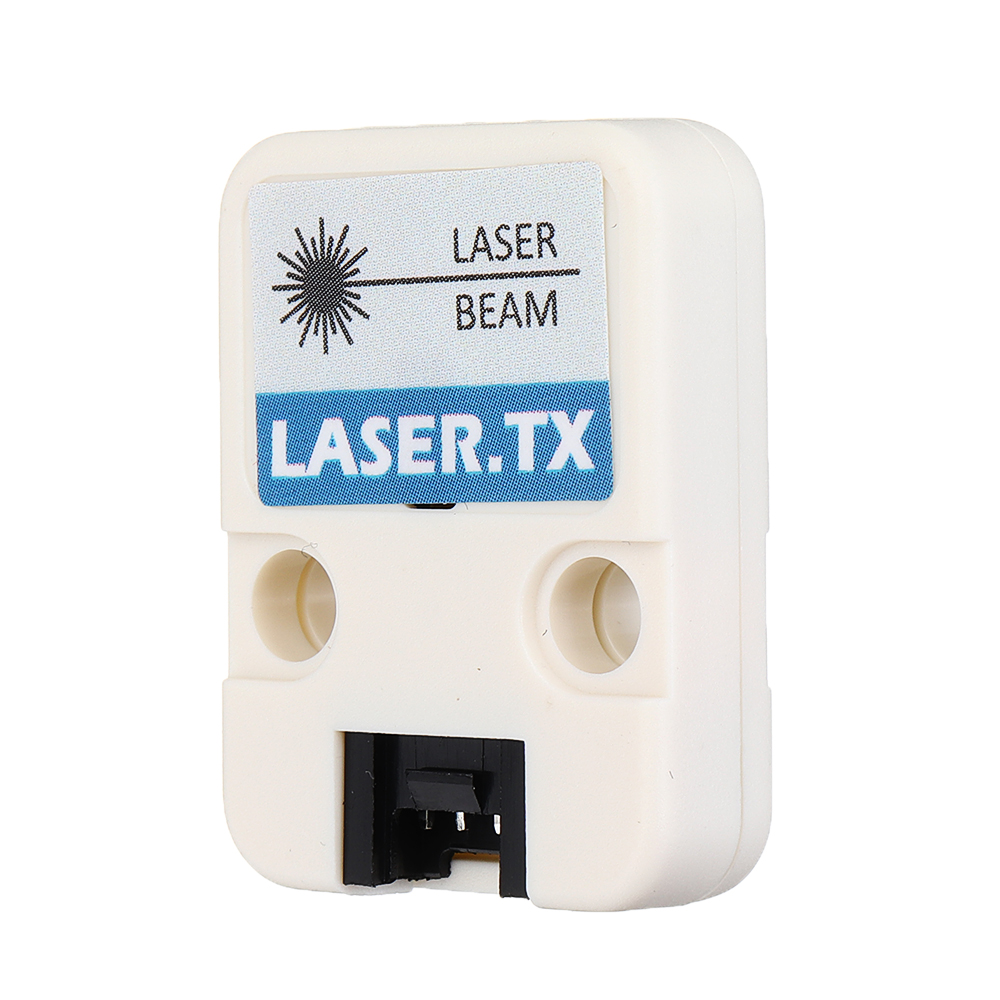
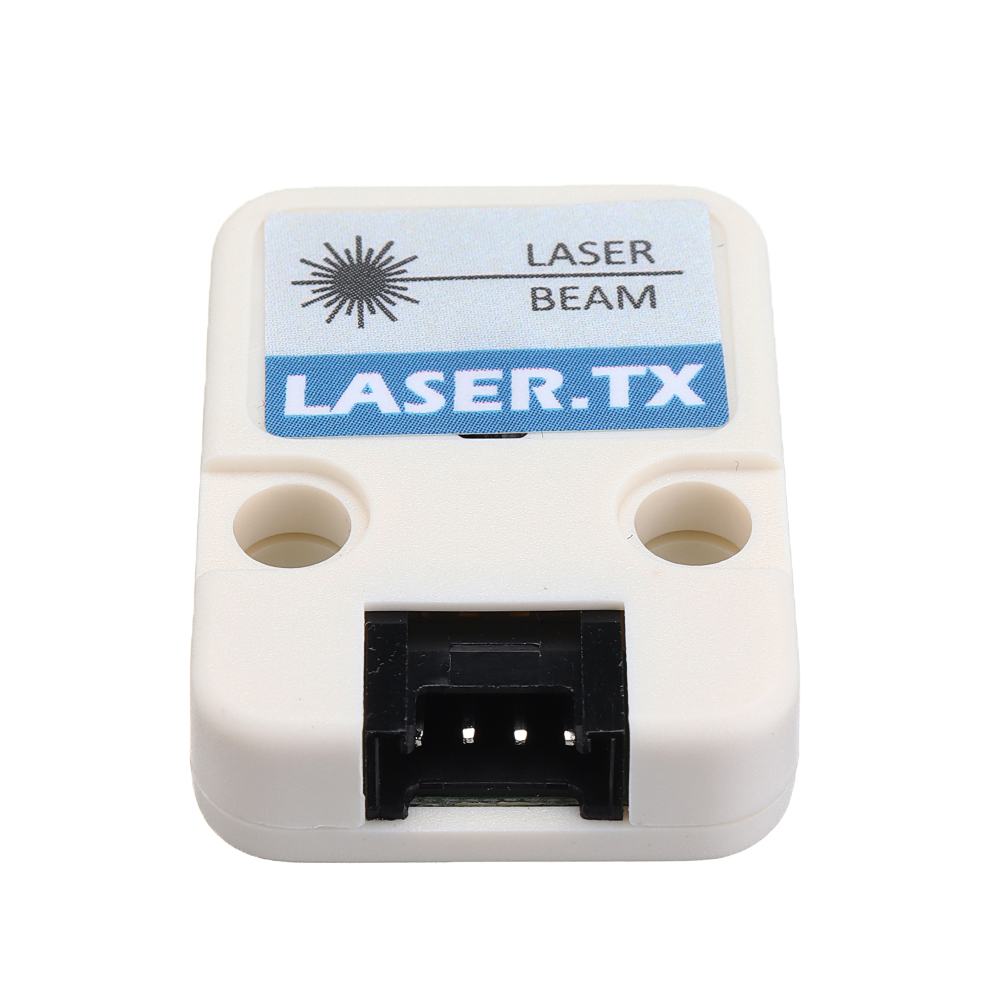
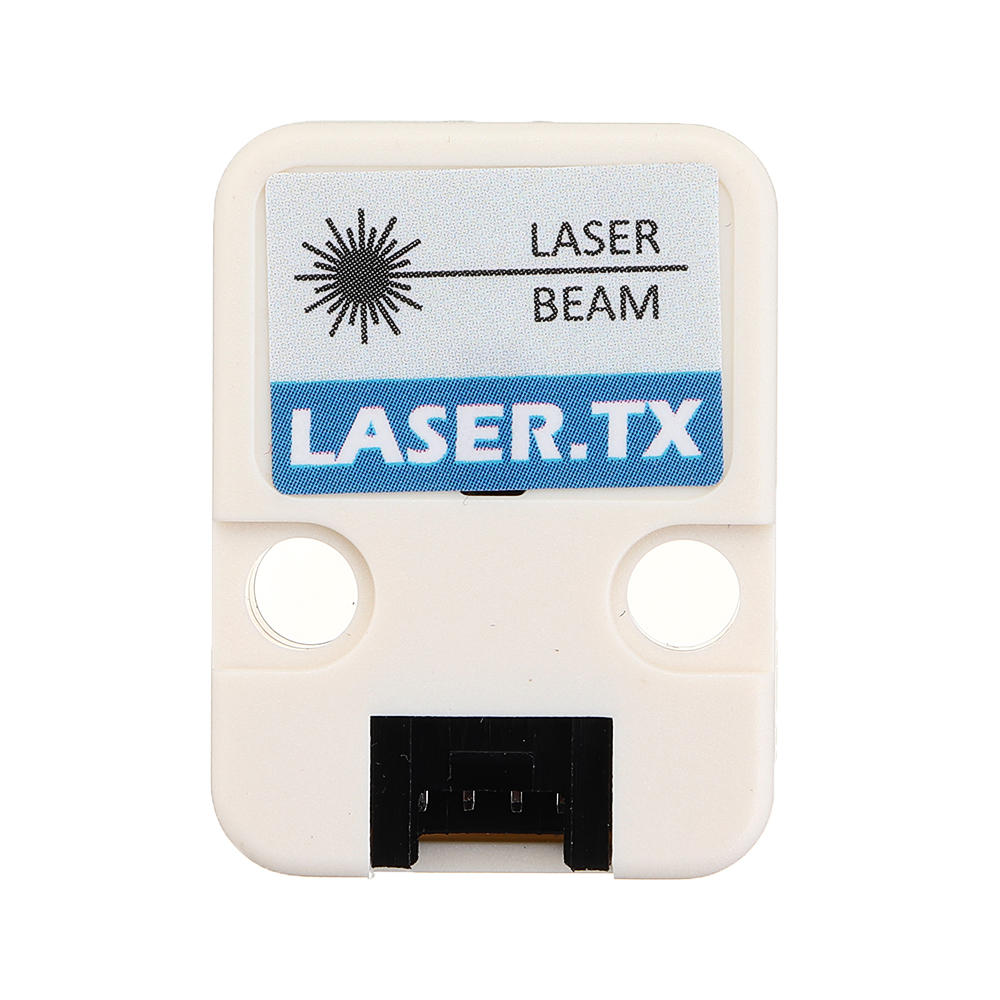
This is one of the communication devices among M5Units, a Laser emitter with adjustable focal length. It is mainly built with a laser diode
Laser communications devices are wireless connections through the atmos phere. They work similarly to fiber-optic links, except the beam is transmitted through free space. While the transmitter and receiver must require line-of-sight conditions, they have the be nefit of eliminating the need for broadcast rights and buried cables. Laser communications systems can be easily deployed since they are inexpensive, small, low power and do not require any radio interference studies. Two parallel beams are needed, one for transmission and one for reception. Therefore we have a LASER.RX parallelly.
Port type of this unit is PORTB.
warning!!! laser is dangerous for human being, Don’t aim a laser pointer towards a person’s head. This is to prevent the beam from getting in their eyes, possibly causing eye damage. Remember that people can move unexpectedly, so keeping away from their heads is a good idea

1.EasyLoader is a simple and fast program burner. Every product page in EasyLoader provides a product-related case program. It can be burned to the mas ter through simple steps, and a series of function verification can be performed.
2.After downloading the software, double-click to run the application, connect the M5 device to the computer through the data cable, select the port parameters, click "Burn" to start burning. (For M5StickC burning, please Set the baud rate to 750000 or 115200)
3. Currently EasyLoader is only suitable for Windows operating system, compatible with M5 system adopts ESP32 as the control core host. Before installing for M5Core, you need to install CP210X driver (you do not need to install with M5StickC as controller)Click here to view the driver installation tutorial: https://docs.m5stack.com/#/en/related_documents/M5Burner?id=install-usb-driverCode:
1. for IDE
To get complete code, please click here: https://github.com/m5stack/M5Stack/tree/master/examples/Unit/LASER.
Pin Map:
M5 PORTB GPIO36 GPIO26 5V GND LASER_TX / TX 5V GND Video:
Demo: https://img.elecbee.com/eb/download/video/LASER-TX-RX.mp4
Shipping | Delivery Period | For in-stock parts, orders are estimated to ship out in 3 days. Elecbee ships orders once a day at about 5pm except Sunday. Once shipped, estimated delivery time depends on the below carriers you chose. DHL Express: 3-7 business days DHLeCommerce: 12-22 business days FedEx International Priority: 3-7 business days EMS: 10-15 business days Registered Air Mail: 15-30 business days | |
| Shipping Rates | Shipping rates for your order can be found in the shopping cart. | ||
| Shipping Options | Shipping rates for your order can be found in the shopping cart. | ||
| Shipping Tracking | We will notify you by email with tracking number once order is shipped. You can track your order using the “Track My Order” feature. | ||
| Returning/Warranty | Returning | Returns are normally accepted when completed within 30 days from date of shipment, please contact customer service for a return authorization. Parts should be unused and in original packaging. Customer has to take charge for the shipping | |
| Warranty | All Elecbee purchases come with a 30-day money-back return policy, plus 1-year Elecbee warranty against any manufacturing defects. | ||
| This warranty shall not apply to any item where defects have been caused by improper customer assembly failure by customer to follow instructions, product modification, negligent or improper operation | |||
| Ordering | How to Buy | Elecbee accepts online orders. | |
| Add to cart > Check out > Submit order > Complete payment > Delivery | |||
| Payment | PayPal, Credit Card includes Visa, Master, American Express, Bank transfer. | ||