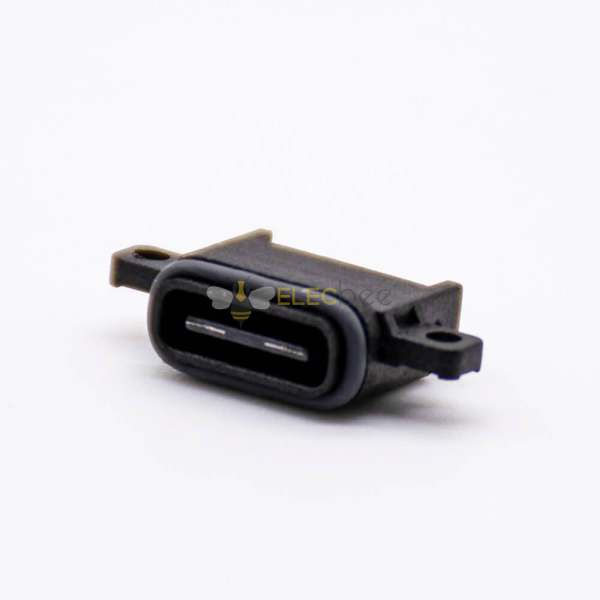


USB connectors, short for Universal Serial Bus, are essential components for connecting computers and peripheral devices. Since their development in the 1990s, USB connectors have evolved significantly, offering higher speeds, improved compatibility, and universal convenience. This guide will help you understand USB connector types, versions, compatibility, and provide practical tips for choosing the right cable.
1.What Is a USB Connector? Overview and History
The USB connector was introduced to simplify connections between computers and peripherals like printers, cameras, and external drives. Originally designed by the USB Implementers Forum (USB-IF), it aimed to provide a universal solution compatible with multiple platforms. Over the years, USB has become a standard in homes, offices, and industrial applications due to its low cost and high efficiency.

2.USB Connector Types: A, B, C, and Beyond
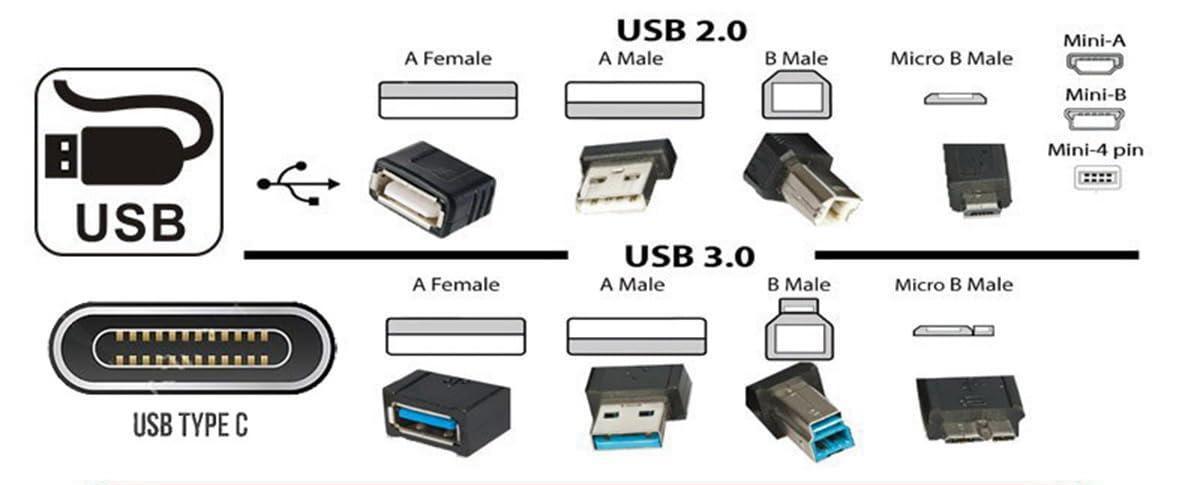
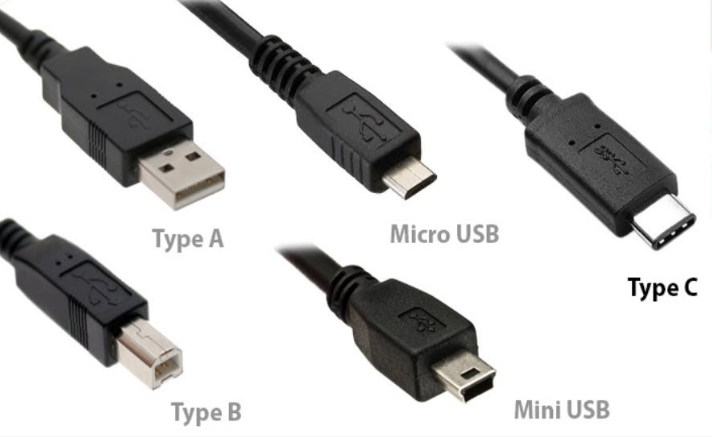
USB connectors are mainly divided into three types:
• USB Type A: The flat, rectangular connector most commonly used on computers and hubs. Supports USB 1.1, 2.0, 3.0, and newer versions.
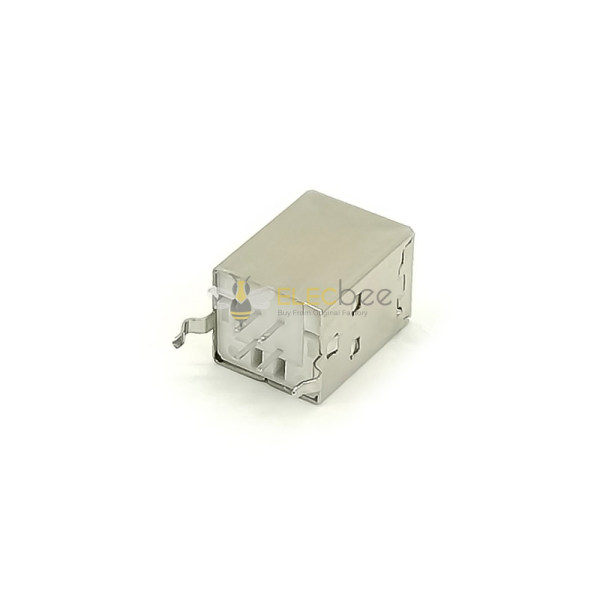
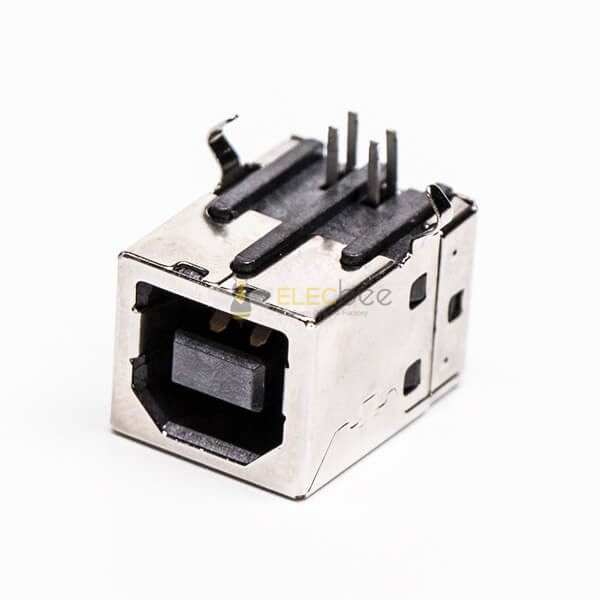
• USB Type B: Typically found on peripheral devices like printers or external drives. Square-shaped with slight bevels.
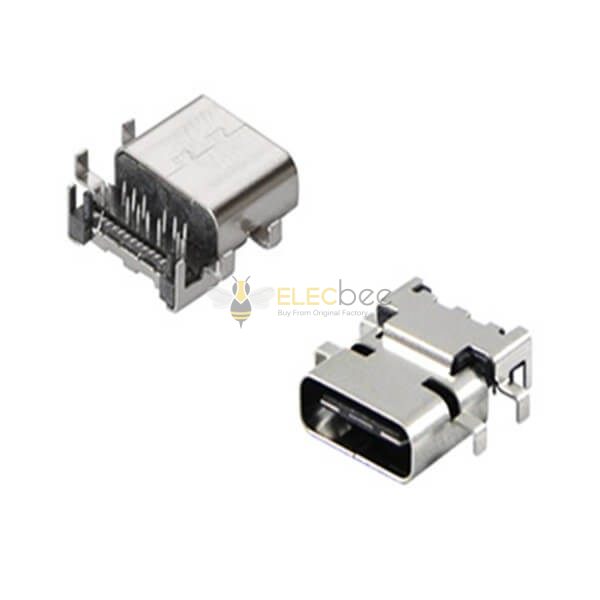
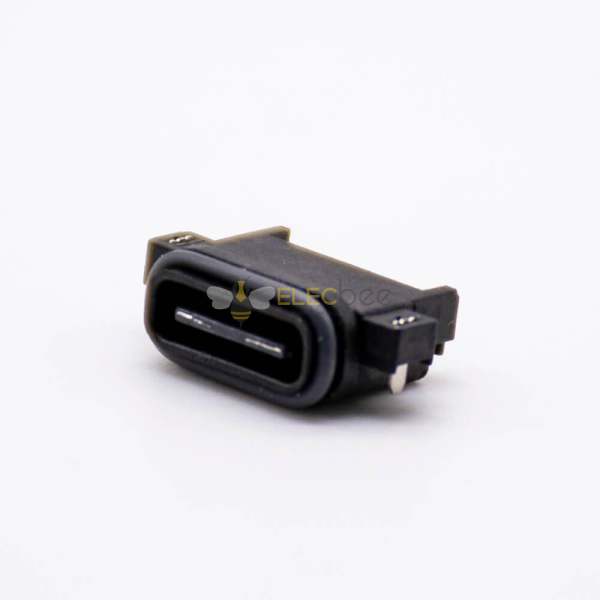
• USB Type C: A reversible connector that supports USB 2.0, 3.0, 3.1, and USB 4. USB-C can handle higher data transfer rates and power delivery, making it ideal for modern smartphones, laptops, and peripherals.
3.Comparison Table: USB Connector Types
|
Type |
Shape |
Supported Versions |
Typical Use |
|
A |
Rectangular |
USB 1.1 → USB 4 |
PCs, hubs |
|
B |
Square |
USB 1.1 → 3.1 |
Printers, scanners |
|
C |
Oval/Reversible |
USB 2.0 → USB 4 |
Smartphones, laptops, modern devices |
4.USB Versions and Compatibility: USB 2.0, 3.0, 3.1, USB4
USB standards have evolved to provide faster data transfer and more power:
• USB 2.0: Up to 480 Mbps
• USB 3.0: Up to 5 Gbps
• USB 3.1: Up to 10 Gbps
• USB 4: Up to 40 Gbps, compatible with Thunderbolt 3/4
Always check device specifications to ensure the chosen cable supports required speed and power.
5.How to Choose the Right USB Connector for Your Device
• Identify the device port type.
• Consider data transfer speed and power requirements.
• Check backward compatibility if using older devices.
• Prefer USB-C for modern devices for its versatility and reversibility.
6.USB Connector Applications: Computers, Smartphones, and Peripherals
USB connectors are widely used in:
• Desktop and laptop computers
• Smartphones and tablets
• External storage and printers
• Audio, video, and networking peripherals
7.Frequently Asked Questions About USB Connectors
Q1: Can I use a USB-C cable for a USB-A port?
A: Only with an appropriate adapter; direct connection is not possible.
Q2: Does USB 3.1 cable work with USB 2.0 devices?
A: Yes, USB 3.1 is backward compatible but will run at USB 2.0 speeds.
Q3: Which USB connector is best for fast charging?
A: USB-C with Power Delivery (PD) is recommended for high-speed charging.

Related Products:
• USB Connectors
• USB Cables
• USB Hubs
• USB, DVI, HDMI, DP Connector Adapters